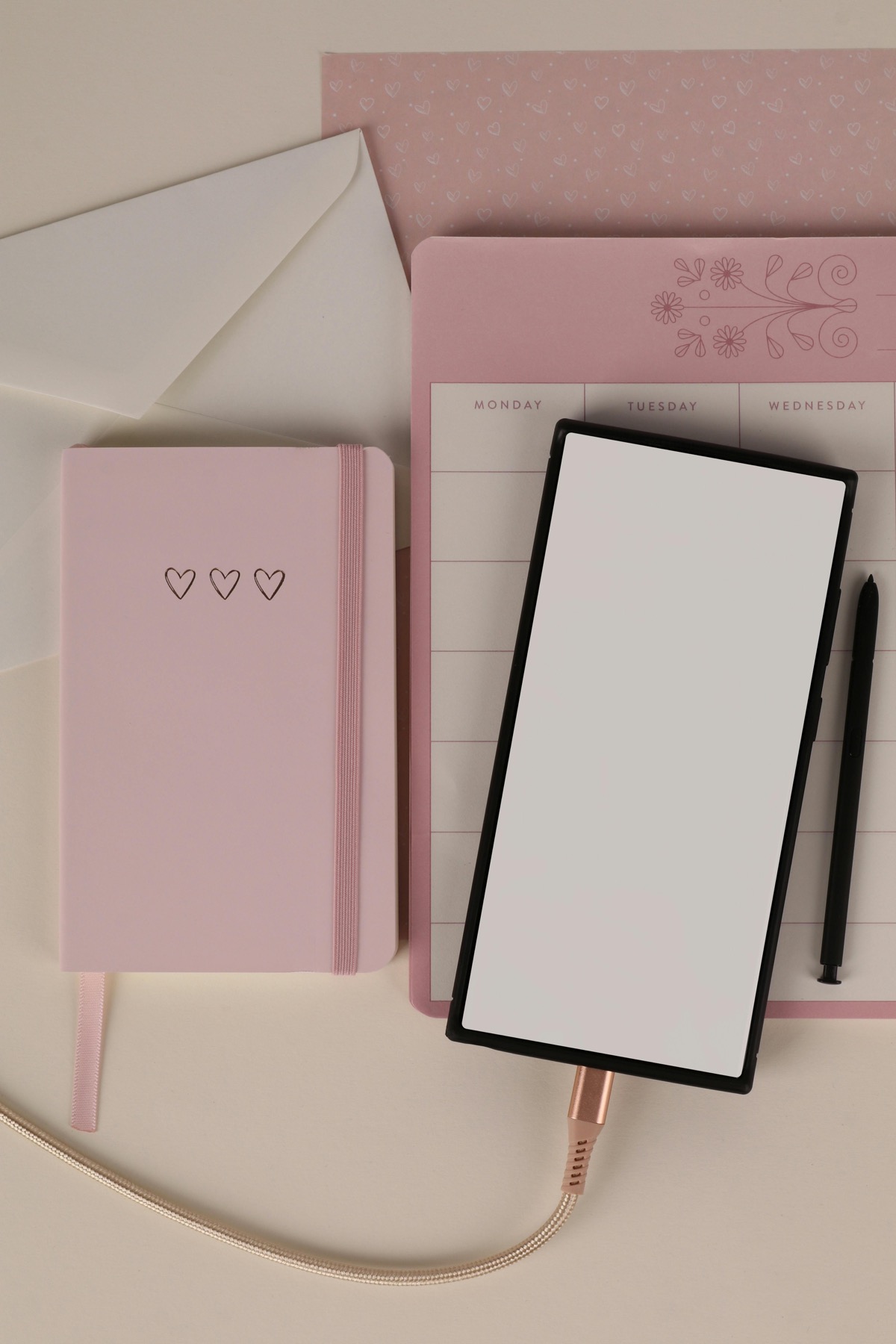
The best digital planner layout is not the one with the most pages. It is the one that makes next actions, priorities, and reviews feel obvious.
The layout should remove decisions, not create new ones
A beautiful digital planner can still fail if every spread asks you to decide what belongs where. When the layout is unclear, your planning session becomes admin work. When the layout is obvious, your brain relaxes and starts making real decisions.
That is why the best-selling planner pages often look deceptively simple. They create visual calm, consistent placement, and enough structure to guide action without making you feel boxed in.
What busy routines usually need most
For work, family, or business planning, the most useful pages are a dashboard, a monthly view, a weekly spread, and a clean daily page. These layouts help you zoom out, then zoom in without losing context.
If you run a small business or manage multiple projects, project hubs and status trackers become more valuable than endless journaling pages. If you study, assignment trackers and reading logs matter more than decorative inserts.
- arrow_right_altA dashboard page for current priorities.
- arrow_right_altA weekly page for commitments and time blocks.
- arrow_right_altA daily page for focused action and quick capture.
- arrow_right_altA tracker page for habits, energy, or progress reviews.
What makes a planner more ADHD-friendly
ADHD-friendly planning is less about adding motivation quotes and more about reducing cognitive load. A planner should make it easy to dump tasks fast, see today clearly, and reset without shame when the week goes sideways.
That usually means fewer decorative elements, strong section labels, predictable page placement, short prompts, and room for visible wins. Soft color palettes can help, but clarity is what really lowers friction.
How PlannerPier designs pages that sell and stay useful
PlannerPier products focus on layouts customers can keep using after the honeymoon week. That means readable typography, intuitive spacing, practical trackers, and pages that support real routines instead of just looking cute on social media.
When you choose a digital planner with thoughtful structure, you are not only buying templates. You are buying a calmer decision-making environment for the next month, semester, or quarter.
Frequently asked questions
What is the best digital planner layout for beginners?
A beginner usually does best with a dashboard, weekly spread, daily page, and one simple tracker rather than a huge all-in-one system.
What should an ADHD-friendly digital planner include?
It should include clear labels, quick task capture, low visual clutter, and a forgiving weekly review structure that is easy to restart.
Do I need separate planners for work and personal life?
Not always. Many people do better with one core planner and a few dedicated project or category pages rather than maintaining two full systems.
Choose pages that help you follow through
Our planner and tracker collection is built for gentle structure, visible progress, and routines that can survive busy weeks.