Digital planning articles that help you choose with confidence.
App comparisons, setup guides, layout advice, and calmer weekly planning routines that make a digital planner worth opening.
Start with tool guides
High-intent articles for PlannerPier freebies and browser tools that convert curiosity into action fast.
Beginner Guide
What Is a Digital Planner? A Beginner Guide for iPad, GoodNotes, and Better Weekly Planning
GoodNotes
How to Use a Digital Planner in GoodNotes: A Step-by-Step Setup That Actually Sticks
Notability
How to Use a Digital Planner in Notability: A Practical Workflow for Notes, Meetings, and Weekly Planning
ADHD Planning
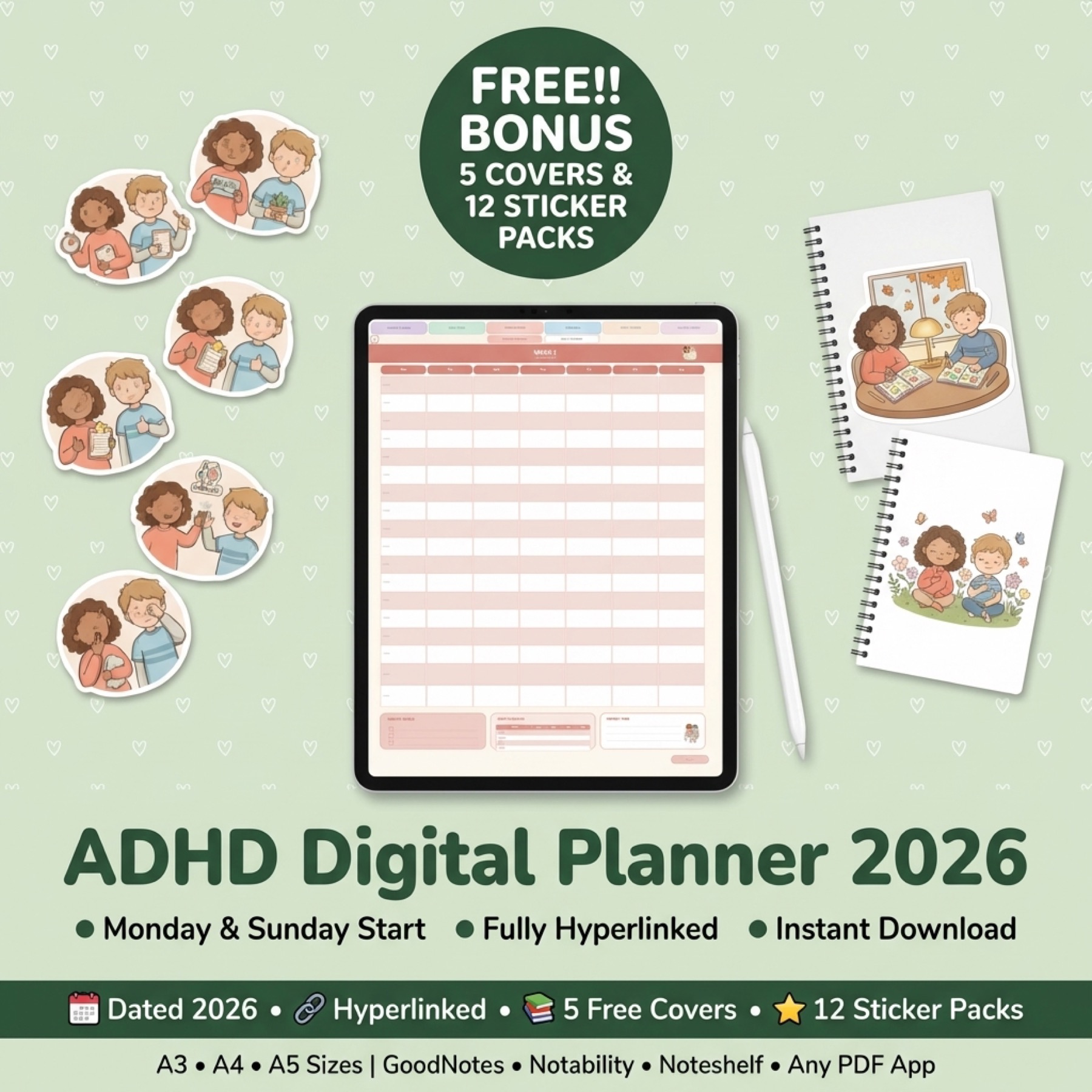
Best Digital Planner for ADHD iPad Users: What Actually Helps With Focus, Follow-Through, and Lower Overwhelm
Shop smarter
Comparison and buying-intent reads that help visitors choose the right planner, app, or workflow before purchase.
Comparison
Digital Planner vs Paper Planner: Which Is Better for Focus, Flexibility, and Actually Keeping Up?
Tool Guide
How to Test a Custom Digital Planner Before You Buy One
Buying Guide
Digital Planner Bundle vs Single Planner: What Should You Buy First?
Buying Guide
Best Undated Digital Planner for Flexible Routines: Who Should Skip Dated Pages?
Build the habit
Beginner and routine-focused articles for readers who need a calmer first system instead of more options.
Beginner Guide
What Is a Digital Planner? A Beginner Guide for iPad, GoodNotes, and Better Weekly Planning
Beginner Guide
How to Use a Digital Planner on iPad: A Beginner Setup That Actually Sticks
Beginner Guide
What Is a Digital Planner? A Beginner-Friendly Guide for iPad and Goodnotes Users
How-To
How to Use Digital Planner Stickers in Goodnotes Without Creating Clutter
139 articles
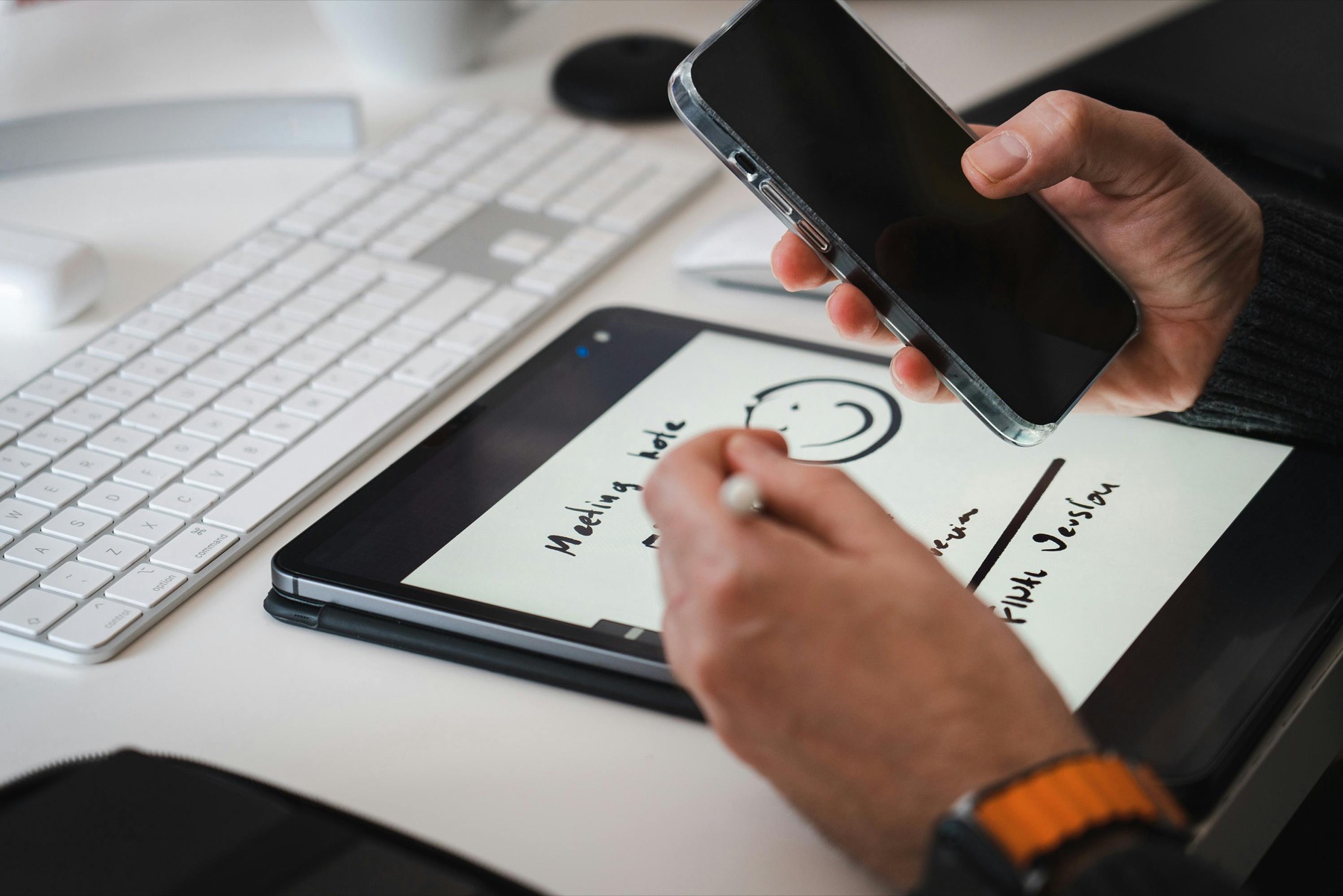
What Is a Digital Planner? A Beginner Guide for iPad, GoodNotes, and Better Weekly Planning
A digital planner is not just a PDF with pretty tabs. Used well, it becomes a faster, cleaner, and more flexible planning system that fits the way you actually move through your week.
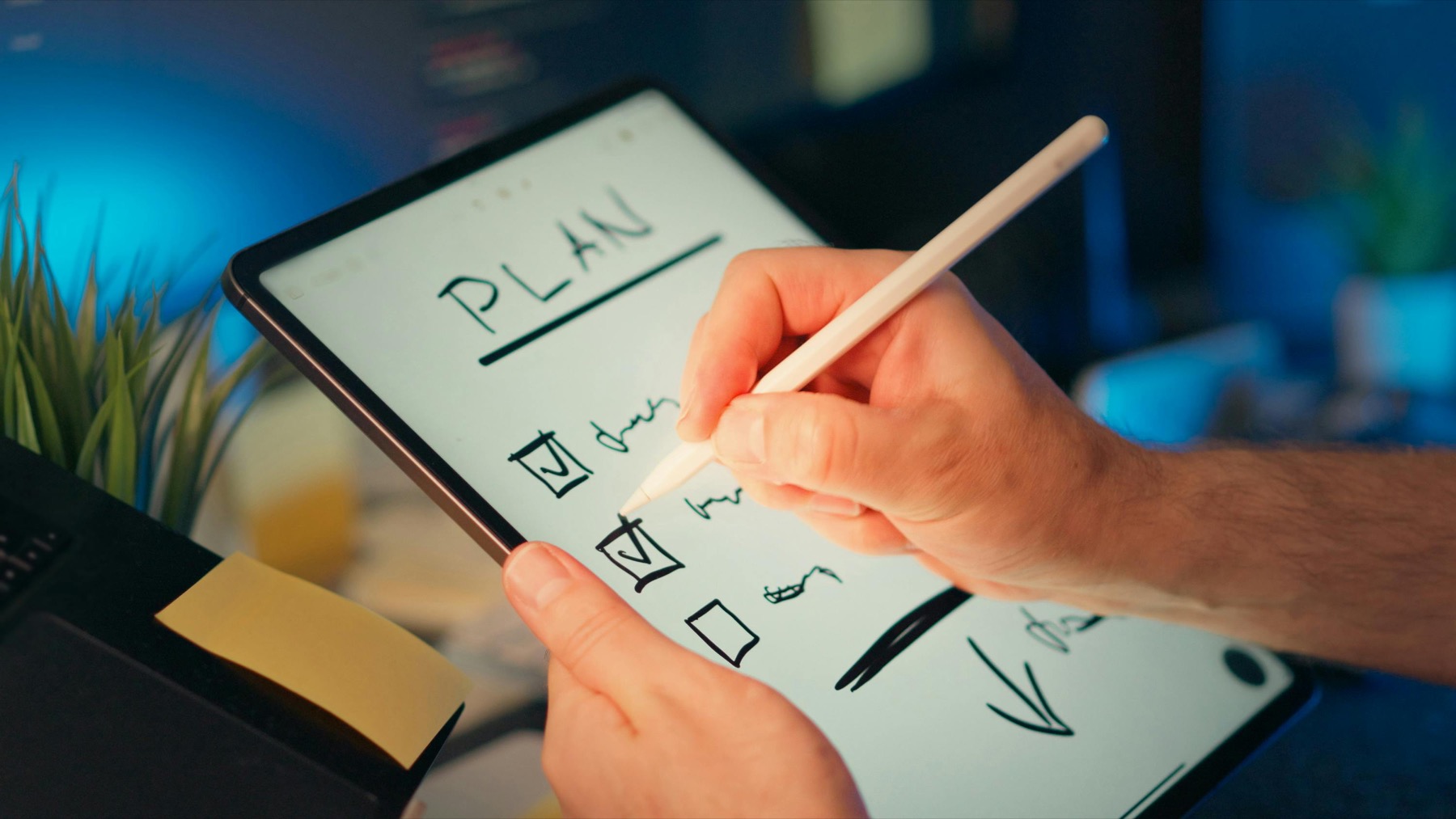
How to Use a Digital Planner in GoodNotes: A Step-by-Step Setup That Actually Sticks
GoodNotes becomes much easier when you stop trying to build the perfect planner setup and start building a repeatable one that helps you open your week with less friction.
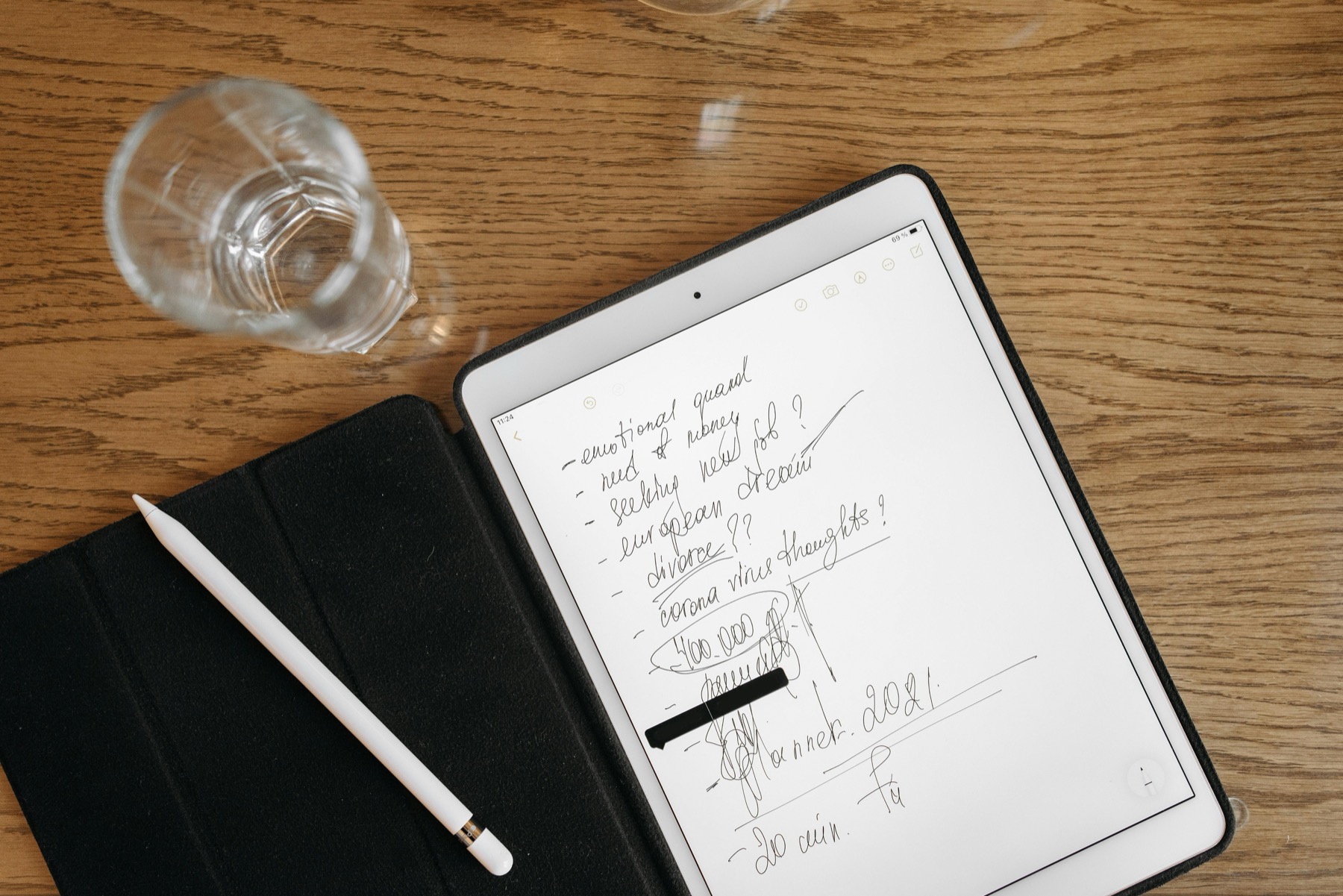
How to Use a Digital Planner in Notability: A Practical Workflow for Notes, Meetings, and Weekly Planning
Notability works especially well when your planning routine lives next to meeting notes, lecture summaries, and handwritten thinking that needs to stay connected to the week ahead.
Best Digital Planner for ADHD iPad Users: What Actually Helps With Focus, Follow-Through, and Lower Overwhelm
An ADHD-friendly digital planner should not ask you to become a different person. It should make re-entry easier, decisions faster, and missed days less punishing.
Digital Planner vs Paper Planner: Which Is Better for Focus, Flexibility, and Actually Keeping Up?
The better planning system is not the one that looks nicest on your desk. It is the one you can return to consistently when life gets busy, messy, and full of moving parts.
How to Choose the Best Digital Planner Layout: Daily, Weekly, Undated, or All-in-One?
The best digital planner layout is not the one with the most sections. It is the one that makes your next planning decision feel easier every time you open it.
How to Use an Undated Digital Planner Without Feeling Like You Have to Start Over
An undated digital planner works best when it removes the guilt of missed weeks and gives you a structure you can re-enter quickly instead of constantly rebuilding from scratch.
Notability Digital Planner Setup for Beginners: How to Keep Notes and Planning Together
Notability becomes a strong digital planner app when you stop expecting it to behave exactly like Goodnotes and start using it for what it does best: keeping notes, recordings, and weekly decisions close together.
Digital Planner for Exam Season in Goodnotes: A Study Planning System That Does Not Add More Stress
A study planner only helps during exam season if it turns vague academic pressure into clear weekly actions. The right digital setup should lower stress, not become another thing to manage.
Sunday Reset With a Digital Planner on iPad: A Weekly Routine That Saves Time All Week
A Sunday reset is useful when it shortens Monday decision-making. The best digital planner routine is not elaborate. It is the one that clears mental clutter and shows what the week actually needs.
How to Test a Custom Digital Planner Before You Buy One
The smartest planner buyers do not start by asking which cover looks nicest. They start by testing what information their week actually needs and whether a planner layout supports it cleanly.
Digital Planner Bundle vs Single Planner: What Should You Buy First?
A bigger bundle is not automatically a better planner purchase. The right first buy is the one that gives you enough structure to keep planning next week without flooding you with options you will never open.
Quarterly Planning in a Digital Planner on iPad: A 90-Day System That Actually Gets Used
Quarterly planning works when it translates big goals into a weekly rhythm you can still see on a tired Tuesday. The iPad planner is only useful if it helps that translation happen faster.
Free Digital Planner Tools to Try Before You Buy: A Smarter Way to Choose on iPad
The easiest way to waste money on digital planners is to buy based on screenshots alone. Free tools reduce that risk by letting you test fit, layout, and workflow before you commit to a full product.
Which Digital Planner Pages Do You Actually Need? A Real-Life Layout Guide for Goodnotes
The best digital planner is rarely the one with the most inserts. It is the one with the smallest set of pages that still makes your week easier to understand and easier to act on.
How to Run Projects in a Digital Planner on iPad Without Creating More Admin
A digital planner should make projects easier to see and easier to move, not become another app you have to maintain. The right setup keeps project context close to the week without duplicating your entire system.
Best Digital Planner for ADHD in Goodnotes: What Actually Reduces Overwhelm?
The best ADHD digital planner is not the one with the most pages. It is the one that makes it easier to start, easier to return, and easier to see what matters next.
How to Use a Digital Planner on iPad: A Beginner Setup That Actually Sticks
A digital planner becomes useful the moment it reduces friction in your week. The goal is not to build a perfect tablet aesthetic. The goal is to make planning easier to repeat.
Best Undated Digital Planner for Flexible Routines: Who Should Skip Dated Pages?
An undated planner is not just a backup choice. For many people, it is the format that finally makes planning feel usable because it leaves room for real life.
Best Digital Planner for Students in Goodnotes or Notability: What to Look For Before You Buy
The best student planner is not the one with the most stickers. It is the one that helps you see deadlines early, break work down, and keep class notes close to your weekly plan.
Digital Planner vs Paper Planner: Which One Actually Helps You Stay Consistent?
Paper feels tangible. Digital feels flexible. The better planner is the one that lowers friction enough for you to keep showing up to it in real life.
Best Digital Teacher Planner for Goodnotes on iPad: What Actually Helps During the School Week
The best digital teacher planner is not the one with the most decorative inserts. It is the one that helps you move from lesson prep to class delivery to admin follow-up without rebuilding your week every evening.
Dated vs Undated Digital Planner for Goodnotes: Which One Will You Actually Stick With?
The best planner format is not about which one looks more complete at checkout. It is about which one makes it easier for you to begin, pause, restart, and keep planning in real life.
How to Use a Digital Planner for Moms, Family Routines, and Weekly Home Management on iPad
A family planner only works when it makes household life easier to see at a glance. The goal is not to create a perfect Pinterest system. The goal is to reduce last-minute decisions all week.
How to Use a Habit Tracker in Goodnotes Without Turning Your Digital Planner Into Homework
A habit tracker should make your routine easier to notice, not harder to maintain. The best trackers help you see patterns, restart quickly, and keep the planner supportive instead of judgmental.
Monday Start vs Sunday Start Digital Planner in Goodnotes: Which Weekly Layout Feels Better to Use?
Choosing Monday start or Sunday start is not a tiny cosmetic decision. It changes how your week reads, where your reset naturally happens, and whether the planner feels intuitive every time you open it.
Best Digital Planner for Goodnotes in 2026: What to Look for Before You Buy
The best digital planner for Goodnotes is not the one with the biggest template count. It is the one that helps you find the right page fast, think clearly, and keep planning after the first week.
How to Use a Digital Planner on iPad and Android Tablets Without Getting Stuck
Digital planning gets easier when you stop treating it like a hobby setup and start treating it like a weekly decision system built for your tablet.
Digital Planner vs Paper Planner: Which One Saves More Time for Busy People?
The digital planner vs paper planner decision is rarely about nostalgia versus technology. It is usually about which format removes the most friction from your real week.
ADHD Digital Planner Guide: Time Blocking, Habit Tracking, and Low-Pressure Planning
An ADHD digital planner should not ask you to become more disciplined before it becomes useful. It should lower the number of decisions required to start.
Best Digital Planner for College Students in Goodnotes: Notes, Assignments, and Exam Weeks
College students do not just need a calendar. They need a system that can hold deadlines, lecture notes, study blocks, and personal life without becoming impossible to maintain.
Meal Planner Maker for iPad: Create Grocery Lists and Weekly Meal Prep Pages Fast
Meal planning works best when the page removes dinner decisions before the week starts, instead of asking you to invent a perfect kitchen routine from scratch.
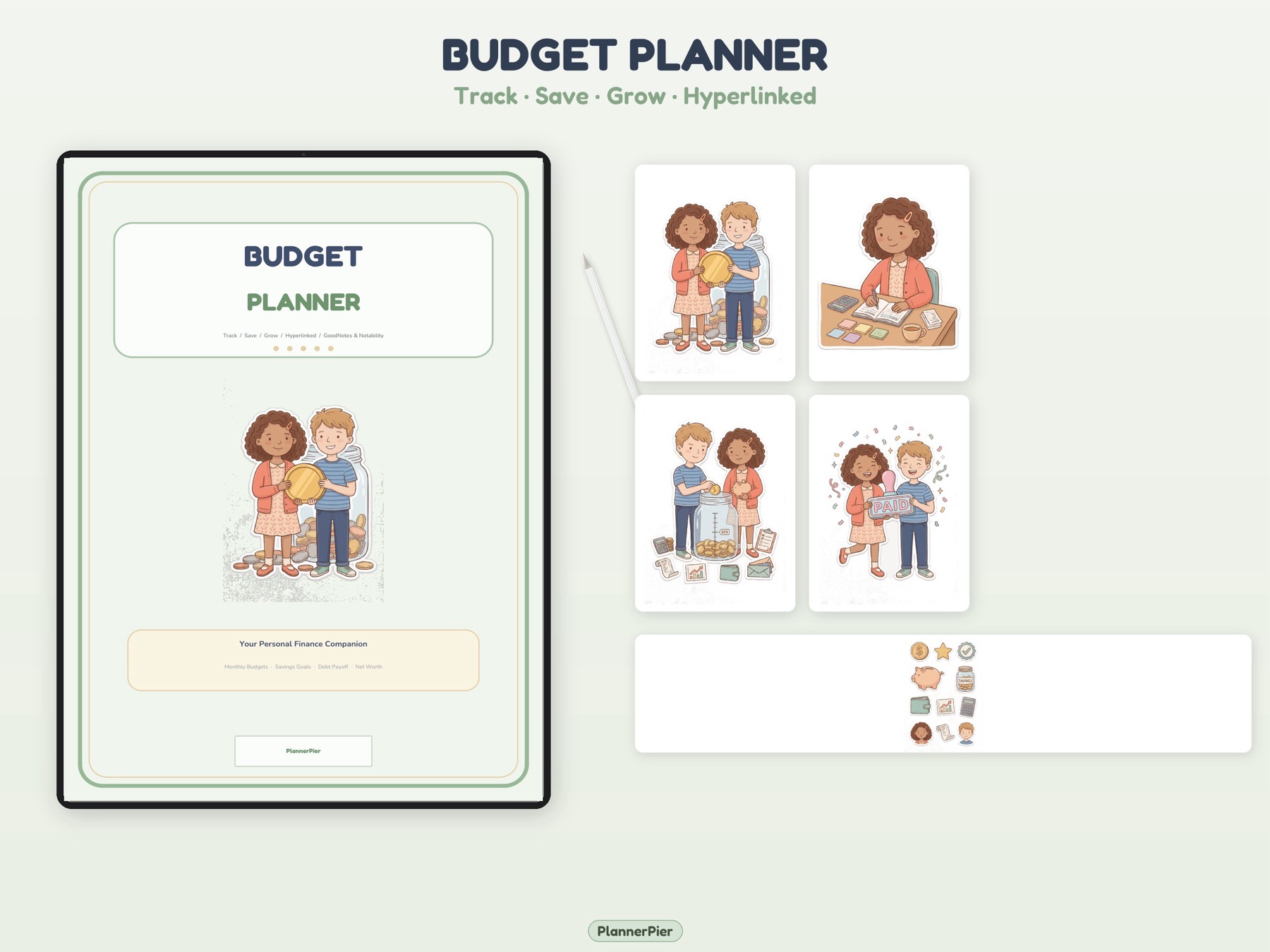
Budget & Finance Planner Tool: Build Monthly Bills, Spending, and Savings Pages Fast
A budget planner becomes useful when it turns vague money stress into visible categories you can review without opening a complex spreadsheet.
Student Planner Tool for Class Schedules, Assignments, and Study Sessions on iPad
Student planning works when classes, assignments, priorities, and study sessions live on one visible page instead of across a syllabus, calendar, and scattered notes.
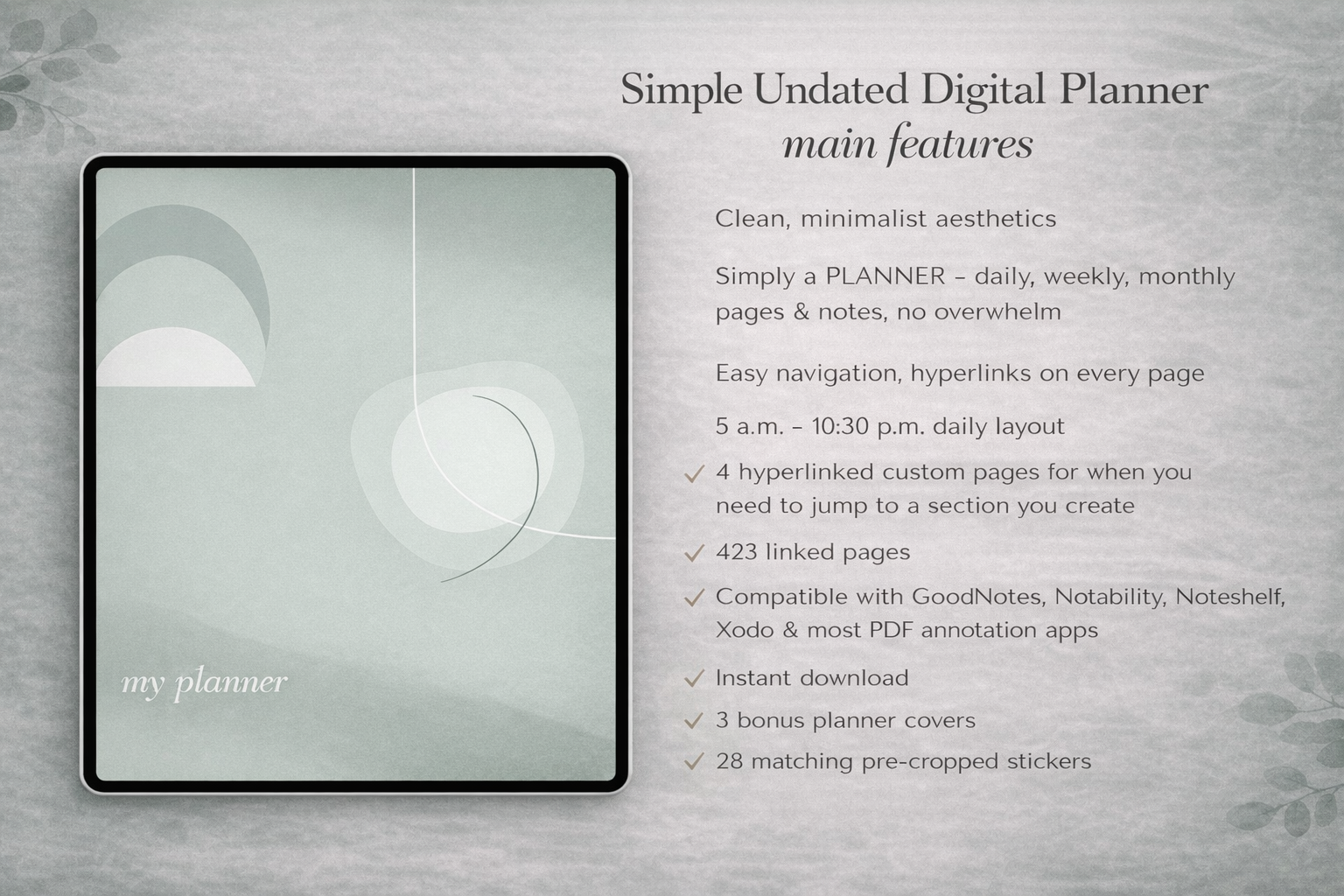
Visual Planner Page Builder: Design Custom GoodNotes Weekly Pages Without Starting From Scratch
A visual planner builder helps users stop hunting for the perfect template and start assembling the specific weekly command-center page their routine needs.
Planner Assembler: Merge GoodNotes PDFs Into One Custom Digital Planner
Planner Assembler is for the moment when separate useful pages stop being enough and you want one organized PDF instead of a folder full of loose exports.
AI Planner Studio: Turn Brain Dumps, Meetings, and Goals Into Weekly Planner Systems
AI planning helps most when it turns messy input into a clearer next action system, not when it generates another long list you still have to organize yourself.
Best Digital Planner for Noteshelf on iPad: What Actually Works Best?
The best digital planner for Noteshelf is not the one with the most decorations. It is the one that feels fast to open, easy to navigate, and realistic to keep using on an ordinary week.
How to Plan a Wedding With a Digital Planner on iPad
Wedding planning gets easier when your budget, guest list, vendor notes, and weekly priorities stop living in five scattered places and start working like one system.
Digital Planner for Nurses and Shift Workers on iPad: A Calmer Way to Plan Unpredictable Weeks
Shift work breaks normal planner advice. The best digital planner for nurses is the one that bends around changing schedules without making you feel behind every time the rota changes.
How to Use a Digital Planner for Remote Work and Hybrid Schedules
Remote work rarely fails because you forgot a calendar event. It fails because meetings, deep work, home admin, and loose notes all compete for the same attention without a clear planning surface.
Best Digital Planner for Etsy Sellers and Creative Side Hustles on iPad
Creative side hustles fail less often from lack of ideas than from scattered execution. A digital planner helps when it turns product ideas, admin, content, and money tasks into one usable weekly system.
Xodo and Penly Digital Planner Guide: How Android Tablet Users Can Build a Better Planning Workflow
Android tablet planning works best when you choose a PDF-friendly app, keep the planner file light, and build a simple weekly workflow before adding extras.
Notion vs Digital Planner for iPad Productivity: Which System Should You Use for Real Weekly Planning?
Notion is excellent for databases and structured information, while an iPad digital planner is often better for handwritten weekly decisions and low-friction daily follow-through.
Digital Planner Buying Checklist for GoodNotes and iPad: What to Check Before You Buy in 2026
The best digital planner is not always the biggest bundle or the cheapest Etsy listing. It is the planner that fits your device, app, routine, and review habits.
Digital Planner for Entrepreneurs: How to Manage Client Work, Content, Money, and Weekly Priorities on iPad
Entrepreneurs need a planner that connects client work, money decisions, content tasks, and weekly focus without turning the iPad into another messy inbox.
GoodNotes Digital Planner Backup and File Organization: How to Keep Your Planner Safe, Findable, and Easy to Reuse
A digital planner is only useful if you can find it, back it up, update it, and reuse the right version without rebuilding your whole system.
Best Student Digital Planner for College on iPad: Build a System That Survives the Semester
A student digital planner works only when it connects classes, deadlines, study sessions, and weekly review into one simple semester rhythm.
Digital Meal Planner for iPad: How to Plan Meals, Groceries, and Prep Without Starting Over Every Week
A digital meal planner becomes useful when it turns dinner decisions, grocery lists, pantry checks, and prep notes into one repeatable weekly rhythm.
GoodNotes PDF Checker: What to Test Before You Import or Sell a Digital Planner
A digital planner can look beautiful and still feel broken if the PDF links, page order, margins, or file size create friction inside GoodNotes.
Digital Planner Dashboard Setup: How to Build a GoodNotes Home Page You Actually Use
A digital planner dashboard should act like a calm home base, helping you jump to the pages that matter and decide what needs attention next.
Digital Planner Stickers for Productivity: How to Use GoodNotes Stickers Without Cluttering Your Planner
Digital planner stickers are most useful when they act as signals for decisions, routines, and priorities instead of becoming decoration that slows the page down.
How to Make Your Own Digital Planner for Goodnotes Without Overbuilding It
The best custom digital planner is not the one with the most pages. It is the one that removes enough friction that you open it again tomorrow.
Goodnotes vs Apple Notes for Digital Planning on iPad: Which One Fits Real Life Better?
Goodnotes and Apple Notes can both support planning on iPad, but they solve different problems. One is stronger for planner PDFs. The other is stronger for fast capture and lightweight organization.
Best Digital Planner for Content Creators on iPad: A Workflow for Ideas, Publishing, and Consistency
Content creators do not usually need a prettier planner. They need a system that can hold ideas, deadlines, admin, and energy management without making planning itself feel like another content task.
How to Combine Planner Pages, Trackers, and Covers Into One Custom PDF for Goodnotes
A planning system feels lighter when your weekly pages, trackers, and notes live in one PDF with a clear order instead of scattered across separate files.
How to Turn a Brain Dump Into a Weekly Plan With AI and a Digital Planner
A brain dump helps you empty your head, but it does not automatically tell you what to do next. The real value comes from sorting, narrowing, and turning the right items into a weekly plan you can actually follow.
What Is a Digital Planner? A Beginner-Friendly Guide for iPad and Goodnotes Users
A digital planner is more than a PDF on a tablet. It is a handwriting-friendly planning system that can reduce clutter, save time, and make it easier to return to your routine.
Best iPad for Digital Planning: What Actually Matters Before You Buy
The best iPad for digital planning is rarely the most expensive one. It is the one that makes your planner easy to open, easy to write in, and easy to keep using.
Digital Planner vs Paper Planner: Which One Is Better for Productivity and Real Life?
The better planner is not the one that looks more productive. It is the one that makes it easier to capture, review, and follow through on real life.
How to Use a Digital Planner in Notability: A Simple Setup Guide for Beginners
A digital planner can work very well in Notability if the file is clean, the tab structure is obvious, and your setup stays simple enough to repeat every week.
What Is a Hyperlinked Digital Planner and Is It Worth It?
A hyperlinked planner is still a PDF, but the links change the experience completely by turning a long document into a faster, calmer workspace.
Best Digital Planner for iPad Beginners in 2026: What to Choose First
The best digital planner for beginners is not the most complicated file on Etsy. It is the one that helps you open your iPad, find the right page fast, and plan the week without second-guessing every section.
How to Use Digital Planner Stickers in Goodnotes Without Creating Clutter
Digital planner stickers should support your planning, not bury it. The best sticker workflow makes priorities easier to spot and your iPad pages faster to use.
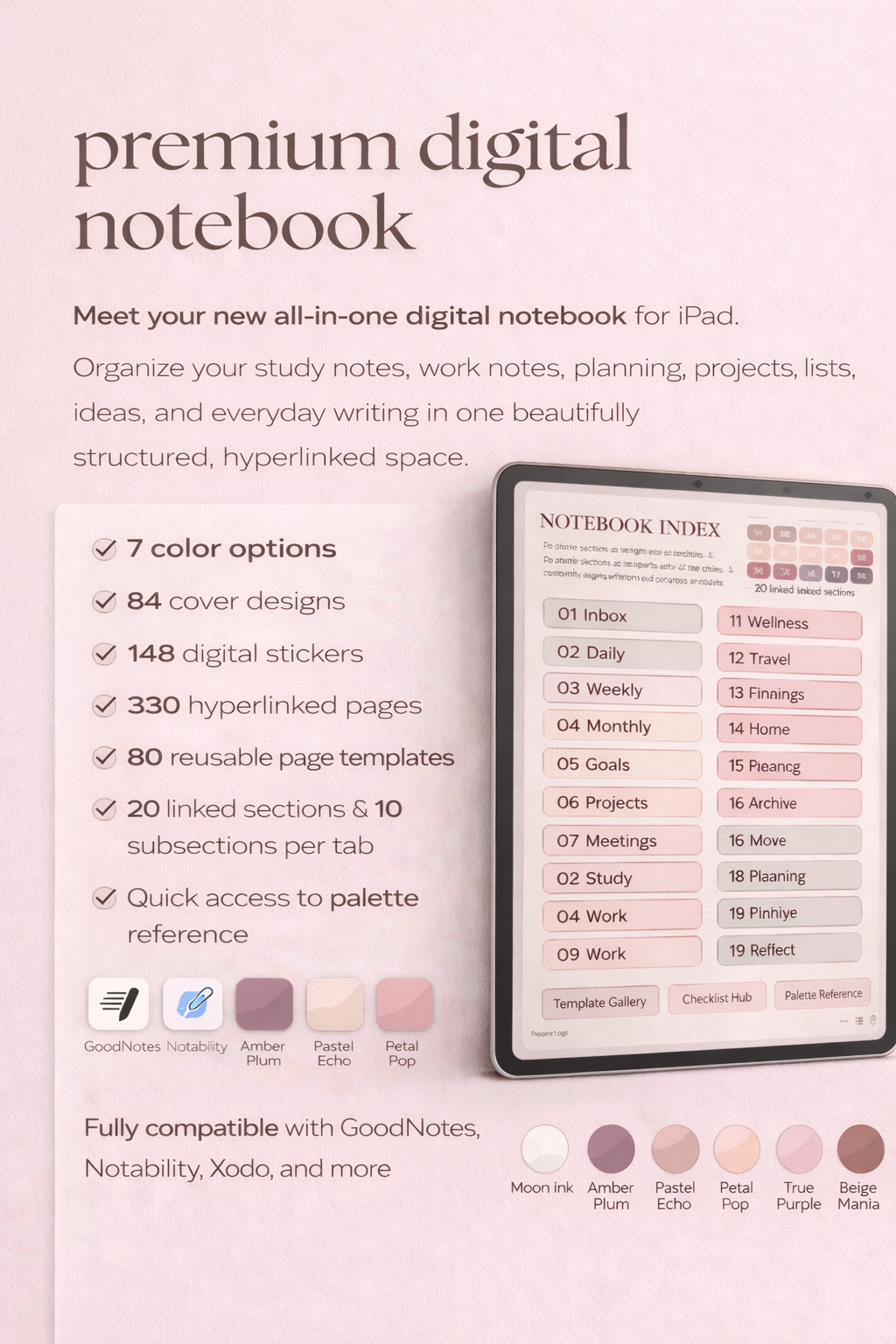
Digital Notebook vs Digital Planner in Goodnotes: Which One Do You Actually Need?
A digital planner gives you direction. A digital notebook gives you space. The smarter choice depends on whether your biggest problem is deciding what to do next or keeping all your thinking organized.
Weekly Reset Routine With a Digital Planner: A Realistic System That Saves Time
A weekly reset is not about creating the perfect next week. It is about cleaning up loose ends, seeing what matters, and making the next seven days easier to enter.
How to Use a Digital Budget Planner on iPad for Bills, Savings, and Everyday Spending
A digital budget planner works best when it turns your money into visible decisions, not when it overwhelms you with categories you will never update again.
Best Digital Planner for Android Tablet Users: What to Look For Before You Buy
Android tablet users do not need an iPad copycat workflow. They need a digital planner that opens cleanly, navigates quickly, and stays readable in the app they already use.
Apple Pencil Digital Planner Tips: How to Plan Faster Without Making Your Pages Messy
The biggest Apple Pencil upgrade is not prettier handwriting. It is the way it removes enough friction for weekly planning to feel almost automatic.
How to Organize Work, Personal Life, and Wellness in One Digital Planner Without the Overwhelm
Most people do not need more planners. They need one digital planner that can hold the real shape of life without becoming chaotic.
Low-Energy Digital Planner Routine: How to Keep Planning During Busy or Burnout-Prone Weeks
The best planning routine for a hard week is not the most ambitious one. It is the one you can still keep when your energy is low.
Digital Planner vs Bullet Journal on iPad: Which System Fits Your Brain Better?
A bullet journal gives you freedom. A digital planner gives you ready-made structure. The better choice depends on which kind of friction stops you from following through.
How to Use an Undated Digital Planner When Your Schedule Keeps Changing
An undated digital planner works best when you treat it like a flexible command center, not a perfect archive of every day you meant to plan.
Digital Planner for Moms and Household Routines on iPad: A Simpler Way to Hold Family Life Together
A family planner works best when it reduces the number of places you have to remember things, not when it asks you to maintain a perfect aesthetic system.
How to Use a Digital Notebook for Project Planning in Goodnotes Without Losing the Big Picture
A digital notebook becomes useful for project planning when it holds context and next actions in a way that is easy to revisit, not when it becomes a dumping ground for every note you have ever written.
30 Day Reset With a Digital Planner on iPad: Rebuild Routines Without Burnout
The best 30 day reset is not the one with the hardest challenge. It is the one that helps you feel steadier, clearer, and more capable by the end of the month.
7 Pages Every Digital Planner for Busy People Should Include
The best digital planner is not the one with the most pages. It is the one with the right pages in the right order for the way busy lives actually move.
Digital Planner vs Google Calendar for Time Management: Which One Helps You Follow Through?
The strongest planning system is rarely digital planner or calendar only. It is the one that gives time a shape and decisions a home you will actually revisit.
How to Fix Hyperlinks Not Working in Goodnotes Digital Planners
When planner tabs stop working, the problem is usually file handling, app mode, or a bad import step, not the idea of digital planning itself.
Monthly Reset With a Digital Planner on iPad: A Calm 30-Minute Routine That Actually Helps
A monthly reset is not about reinventing yourself twelve times a year. It is about noticing what is dragging on your energy and giving the next month a cleaner start.
How to Plan a Semester in Goodnotes With a Digital Planner and Digital Notebook
Semester planning gets easier when deadlines, class notes, and weekly actions stop competing for the same page and start working like one system.
How to Use a Digital Planner for Goal Setting, Habit Tracking, and Quarterly Focus
Good goal planning is not about writing bigger intentions. It is about turning them into repeatable weekly evidence that you are moving.
Free Calendar Maker for iPad and Printable Planning: How to Build Better Calendar Pages Fast
A simple calendar maker is often the fastest way to test whether you need a full planner or just cleaner month-level visibility.
Tracker PDF Generator for Habit, Mood, and Sleep Planning on iPad
Trackers work best when they are fast to generate, light to maintain, and connected to a real planning problem instead of vague self-optimization.
Weekly Planner Maker for iPad and Printable Weekly Pages: Build a Better Week Fast
A weekly page is often the real heart of a planning system, which is why a weekly planner maker can tell users so much about what kind of planner they actually need.
Daily Page Maker for Focus, Time Blocking, and Top Priorities on iPad
Daily pages are most useful when they reduce noise and help users start the day with clearer tradeoffs, not bigger unrealistic to-do lists.
Gratitude Journal Maker for 30-Day Digital Journaling on iPad
A gratitude journal only helps if it feels light enough to return to on ordinary days, not just the days when self-improvement feels exciting.
Custom Planner Builder for Dated Digital Planners: Build Before You Buy
A custom planner builder reduces one of the biggest purchase frictions in digital planning: not knowing whether the structure will actually match your routine.
Goodnotes Tabs Generator for Hyperlinked Notebooks and Digital Planners
Tabs are one of the features that make a digital planner feel premium, which is exactly why a tool that generates them can solve a high-value problem quickly.
Free Planner Sticker of the Week for Goodnotes and iPad Planning
Stickers only improve planning when they add clarity, emphasis, or personality without turning the page into a distraction.
Digital Planning 101 Beginner Guide for iPad Users: Start Without Overwhelm
Beginner digital planning content works when it turns confusion into momentum, not when it overwhelms readers with every possible app, template, and setup trick at once.
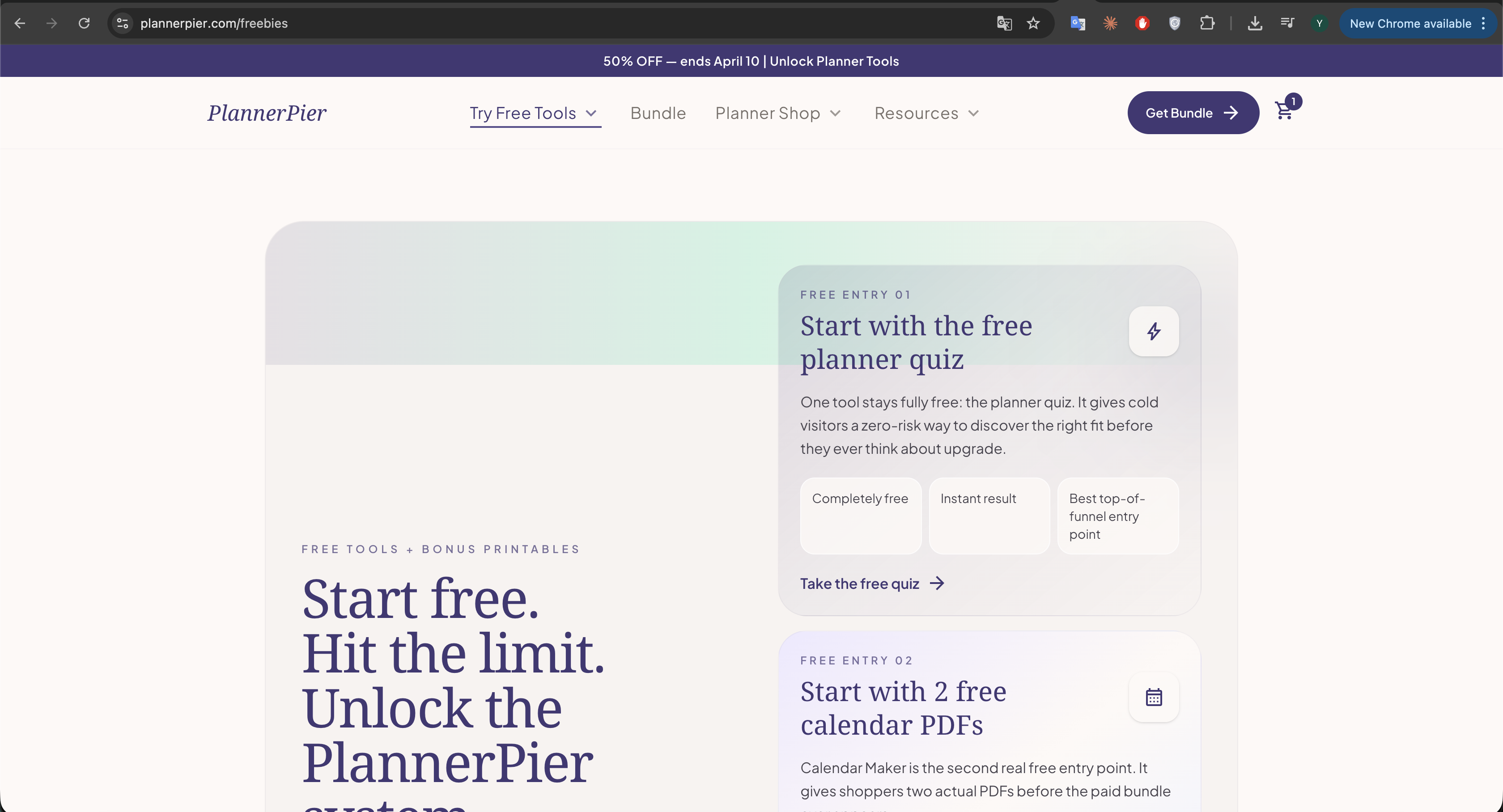
PlannerPier Free Tools Guide: What Every Free Tool Helps You Do Before You Buy
The strongest free tool is not the one with the most features. It is the one that removes one real friction point fast enough to make your next planning decision easier.
How to Check if Your PDF Works in GoodNotes (Free Checker)
If a planner PDF fails inside GoodNotes, the issue is usually visible before import. A quick compatibility check saves you from buying or importing the wrong file.
Which Digital Planner Is Right for You? Free 60-Second Quiz
The fastest way to choose a digital planner is not scrolling through dozens of pretty listings. It is matching your weekly routine to the layout you will actually open again.
Digital Planner vs Paper Planner: Which One Is Better for Busy People?
The best planner is not the one with the prettiest pages. It is the one you can return to easily when life gets busy, messy, or interrupted.
Best Digital Planner for iPad: What to Look For Before You Buy
The best digital planner for iPad is not the one with the longest feature list. It is the one that makes your weekly planning easier to repeat.
How to Use Digital Planner Stickers in Goodnotes Without Creating Clutter
Digital planner stickers work best when they support planning decisions, not when they turn every page into decoration you have to manage.
How to Combine a Digital Notebook and Planner on iPad for a Cleaner Workflow
The strongest iPad workflow often uses a planner for decisions and a notebook for depth, but only when each one has a clear job.
ADHD Digital Planner Guide: How to Plan With Less Overwhelm and More Follow-Through
An ADHD-friendly digital planner works when it lowers friction, supports restarts, and keeps planning small enough to do even on messy days.
Best Digital Planner for Teachers on iPad: What Actually Helps During a Busy School Week
A teacher planner only becomes useful when it reduces repeated decisions, keeps class prep visible, and still leaves room for real life after school hours.
How to Use a Digital Planner for Work Meetings, Weekly Priorities, and Project Follow-Through
Work planning becomes easier when your calendar decisions, meeting notes, and project follow-through live in a clear relationship instead of scattered across tools.
How to Build a Morning and Evening Routine With a Digital Planner That You Will Actually Keep
Routine planning works best when the planner supports gentle repetition instead of turning your mornings and evenings into another perfection project.
How to Use a Digital Planner for Household Admin, Bills, and Family Scheduling Without Feeling Buried
Household planning gets lighter when bills, appointments, errands, and recurring admin live in one system instead of spreading across paper scraps and mental reminders.
Free Digital Planner PDF for iPad Beginners: How to Test Before You Buy
A free digital planner PDF works best when you use it to learn your planning style, not just to avoid buying a premium planner.
How to Use a Digital Planner in Samsung Notes on an Android Tablet
A digital planner can work well in Samsung Notes when the file structure is simple, the page layout is readable, and your weekly routine does not depend on complicated setup.
Dated vs Undated Digital Planner: Which One Fits Your Routine Better?
The better planner is not automatically the more complete one. It is the format that keeps you planning consistently after an interrupted week, a busy month, or a complete routine reset.
How to Use a Digital Notebook for Work and Study Without Losing Track of Anything
A digital notebook becomes powerful when it stops being a random pile of pages and starts working like a calm operating system for the information you need every week.
How to Use a Digital Planner for Meal Planning and Weekly Reset on iPad
Meal planning works better when it lives inside your weekly routine, not as a separate aspirational system you have to remember every Sunday night.
How to Track Wellness, Sleep, and Migraine Patterns in a Digital Planner
Wellness tracking becomes useful when it helps you notice patterns and make gentler decisions, not when it pressures you to monitor everything all at once.
How to Do a Weekly Review in Goodnotes With a Digital Planner That You Will Actually Keep
A weekly review only works when it feels light enough to repeat. In Goodnotes, the right planner layout can turn that review into a realistic habit instead of another abandoned productivity ritual.
How to Use a Digital Budget Planner on iPad for Monthly Bills, Savings Goals, and Better Money Habits
A digital budget planner works best when it gives your money a clear monthly home. On iPad, the right layout can help you check bills, spending, and savings goals in minutes instead of avoiding them for weeks.
Best Free Digital Planner for Goodnotes Beginners: What to Look For Before You Upgrade
A free digital planner is not just a freebie. It is one of the smartest ways to test your planning style before you spend money on a larger system you may never fully use.
Digital Planner for Freelancers and Small Business Owners: A Better Way to Manage Client Work, Admin, and Content
Freelancers do not usually need more hustle systems. They need one place to see client work, business admin, and personal capacity without rebuilding the week from scratch every morning.
How to Use Digital Stickers in Goodnotes Without Making Your Planner Harder to Read
Digital stickers are most useful when they communicate meaning fast. In Goodnotes, the right sticker workflow can make your planner easier to read instead of turning every page into decoration.
Best Digital Planner for Notability: What to Look For Before You Buy
The best digital planner for Notability is not the one with the loudest mockups. It is the one that supports a weekly routine where notes, meetings, classes, and follow-through stay connected.
How to Use Digital Stickers in Goodnotes and Notability Without Making Your Planner Messy
Digital stickers can make a planner more functional, but only if they serve the workflow. The goal is better visibility and faster planning, not decorative overload.
Best ADHD Digital Planner Routine for iPad Users Who Need Less Overwhelm
An ADHD-friendly planner routine should not expect perfect consistency. It should make it easier to restart, reorient, and see the next action when the week gets messy.
Digital Notebook vs Digital Planner: Which One Do You Actually Need?
A digital notebook and a digital planner solve different problems. One gives structure to time, the other gives structure to information. Many people only need one to start, not both.
How to Time Block in Goodnotes With a Digital Planner That You Will Actually Keep Using
Time blocking works in Goodnotes when the blocks reflect energy, context, and real constraints instead of a fantasy schedule. The planner should clarify the day, not turn it into a stricter source of guilt.
Best Digital Planner for Students in Goodnotes: What Actually Helps During Busy Semesters
Students do not need a planner with the most pages. They need one that helps them see deadlines early, connect class notes to action, and recover quickly when the semester speeds up.
Weekly Reset Routine With a Digital Planner: A Simple System to Reduce Overwhelm
A weekly reset is often the difference between using a digital planner for a few days and actually turning it into a dependable routine that reduces chaos.
7 Digital Planner Mistakes Beginners Make in Goodnotes or Notability
Most digital planner frustration does not come from the app. It comes from small beginner mistakes that make a good planner feel harder to use than it really is.
How to Use Time Blocking in a Digital Planner for Better Focus in Goodnotes
Time blocking only works when the planner helps you see capacity clearly. Otherwise it becomes another optimistic schedule you abandon by lunchtime.
Notability Study Workflow: How to Combine Class Notes and a Digital Planner Without the Chaos
Notability becomes much more powerful for students when the planner is not separate from the notes that create the work in the first place.
Best Digital Planner for Goodnotes: What to Look for Before You Buy
The best digital planner for Goodnotes is not the one with the most pages. It is the one that helps you find the right page fast and stay consistent after the first week.
How to Use Notability With a Digital Planner for Notes, Study, and Weekly Planning
Notability works best as a planning system when your planner, your notes, and the context behind your tasks all stay close together.
Digital Planner for Beginners: A Step-by-Step Guide to Getting Started on iPad
The easiest way to start digital planning is to use fewer pages, make fewer decisions, and trust one simple weekly rhythm before you customize anything.
Digital Planner vs Digital Notebook: Which One Helps You Stay Organized?
A digital planner helps you decide what to do next. A digital notebook helps you keep what you know. Most people work better when they understand the difference.
How to Use a Habit Tracker in a Digital Planner Without Making It Feel Like Homework
The best habit tracker is not the one with the most boxes. It is the one that helps you notice patterns, celebrate small wins, and adjust your routine without guilt.
What Is a Digital Planner and How Does It Work in Goodnotes or Notability?
A digital planner is not just a prettier PDF. It is a reusable planning system that combines paper-style writing with faster navigation, flexible layouts, and a much easier weekly reset.
Best Digital Planner for Goodnotes: What to Look For Before You Buy
The best digital planner for Goodnotes is rarely the one with the most pages. It is the one that helps you navigate quickly, think clearly, and keep coming back after the novelty wears off.
How to Use a Digital Planner in Notability for Classes, Meetings, and Life Admin
Notability becomes a much better planner app when you use it as a context system, not only as a place to write tasks. That is where the app starts to shine.
Digital Planner vs Paper Planner: Which One Actually Helps With Time Management?
The right planning system is not the one that looks most disciplined. It is the one you can return to quickly when life gets busy, messy, or interrupted.
Time Blocking With a Digital Planner on iPad: A Simple Routine for Busy Weeks
Time blocking works best when your planner helps you make decisions faster, not when it turns your whole day into a fragile spreadsheet.
Goodnotes vs Notability for Digital Planners: Which Workflow Fits You Best?
If you are choosing between Goodnotes and Notability for your next digital planner, start with the workflow you want to repeat every week, not just the prettiest interface.
How to Start Digital Planning in Goodnotes Without Feeling Overwhelmed
Digital planning in Goodnotes becomes easy when you stop trying to set up everything at once and focus on one calm weekly rhythm.
How to Import a Hyperlinked Digital Planner Into Goodnotes or Notability
Most digital planner setup problems are not about the planner itself. They come from file handling, app mode, or skipping a clean first import.
Best Digital Planner Layouts for Busy Routines, ADHD Brains, and Study Weeks
The best digital planner layout is not the one with the most pages. It is the one that makes next actions, priorities, and reviews feel obvious.
A Notability Workflow for Digital Planners That Keeps Notes, Meetings, and Weekly Reviews Together
Notability becomes much more useful for digital planning when you stop treating it like a planner-only app and use it as your planning plus context system.
What readers will find here
Goodnotes and Notability comparisons shoppers actually search for.
Import and setup guidance that helps customers use their planner fast.
Layout advice tied to real routines, not trend-driven fluff.
Ready to turn inspiration into a planner you will use?
Browse PlannerPier templates built for Goodnotes, Notability, and calm weekly routines that feel easy to revisit.