Free tool guides that show what to use, when to upgrade, and why.
Every PlannerPier free tool now has its own guide article. Read the guide, open the tool, and move into Premium only when the workflow genuinely fits.
The PlannerPier tool path
Tool screenshot
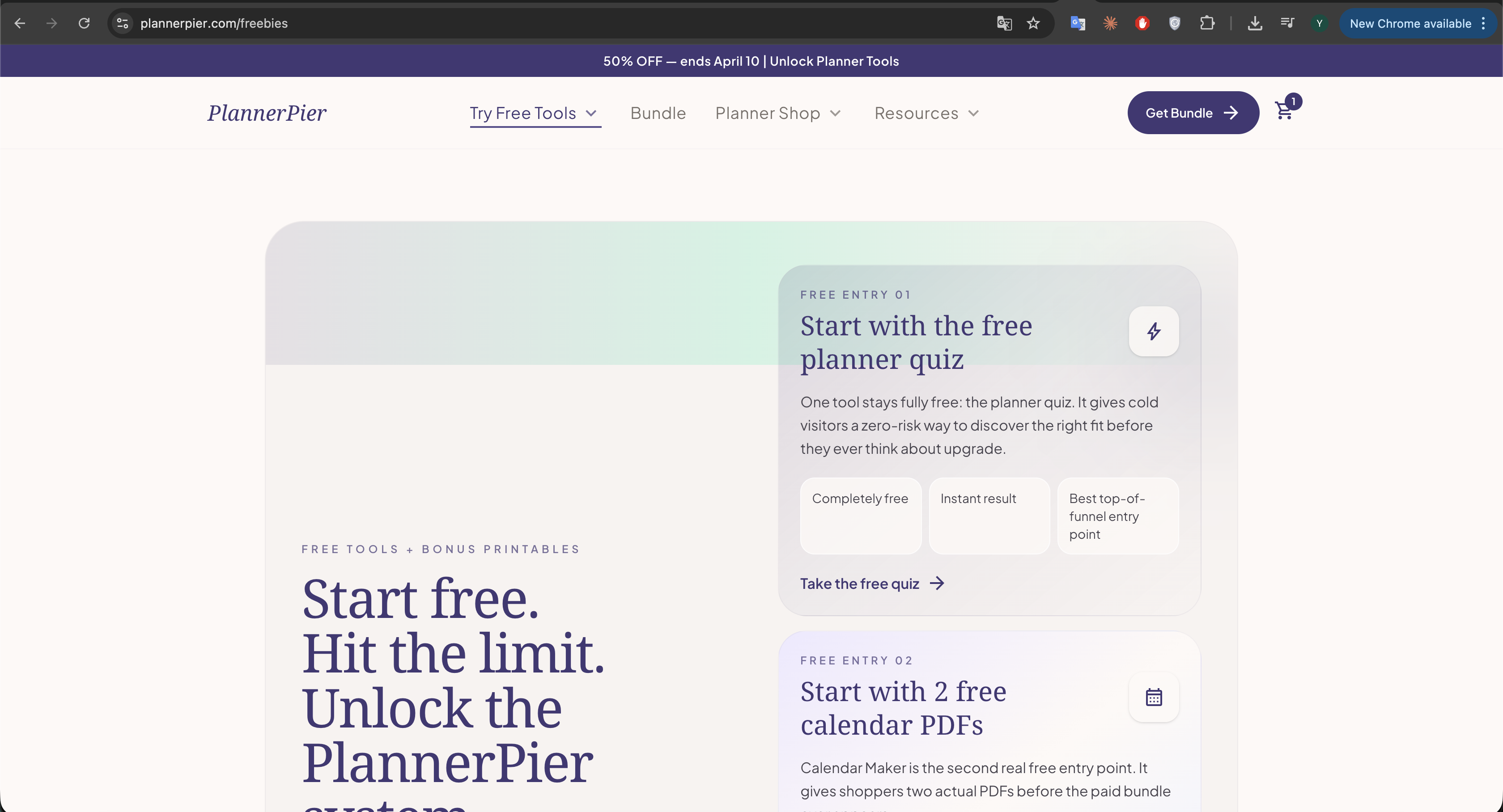
See the free tool hub in action
This is the live entry point where visitors start free, hit the limit, and then see Premium as the clean next step.
Premium CTA
Want every free tool to keep working after the demo limit?
Premium is the paid step after the guides and demos: one subscription keeps the limits gone and unlocks the full PlannerPier planning system.
See Premium plansarrow_forwardStart with these core free tool guides
The highest-leverage paths for new visitors: fit, setup, and first practical wins.
Free entry guide
Which Digital Planner Is Right for You? Free 60-Second Quiz
Use the free planner quiz to match visitors with the right workflow before they buy blind.
Validation guide
How to Check if Your PDF Works in GoodNotes (Free Checker)
Check hyperlinks, page count, and file structure before import so setup friction does not kill trust.
Calendar guide
Free Calendar Maker for iPad and Printable Planning: How to Build Better Calendar Pages Fast
Generate monthly or year-at-a-glance PDFs fast, then decide whether you need a fuller planner.
Guide screenshot
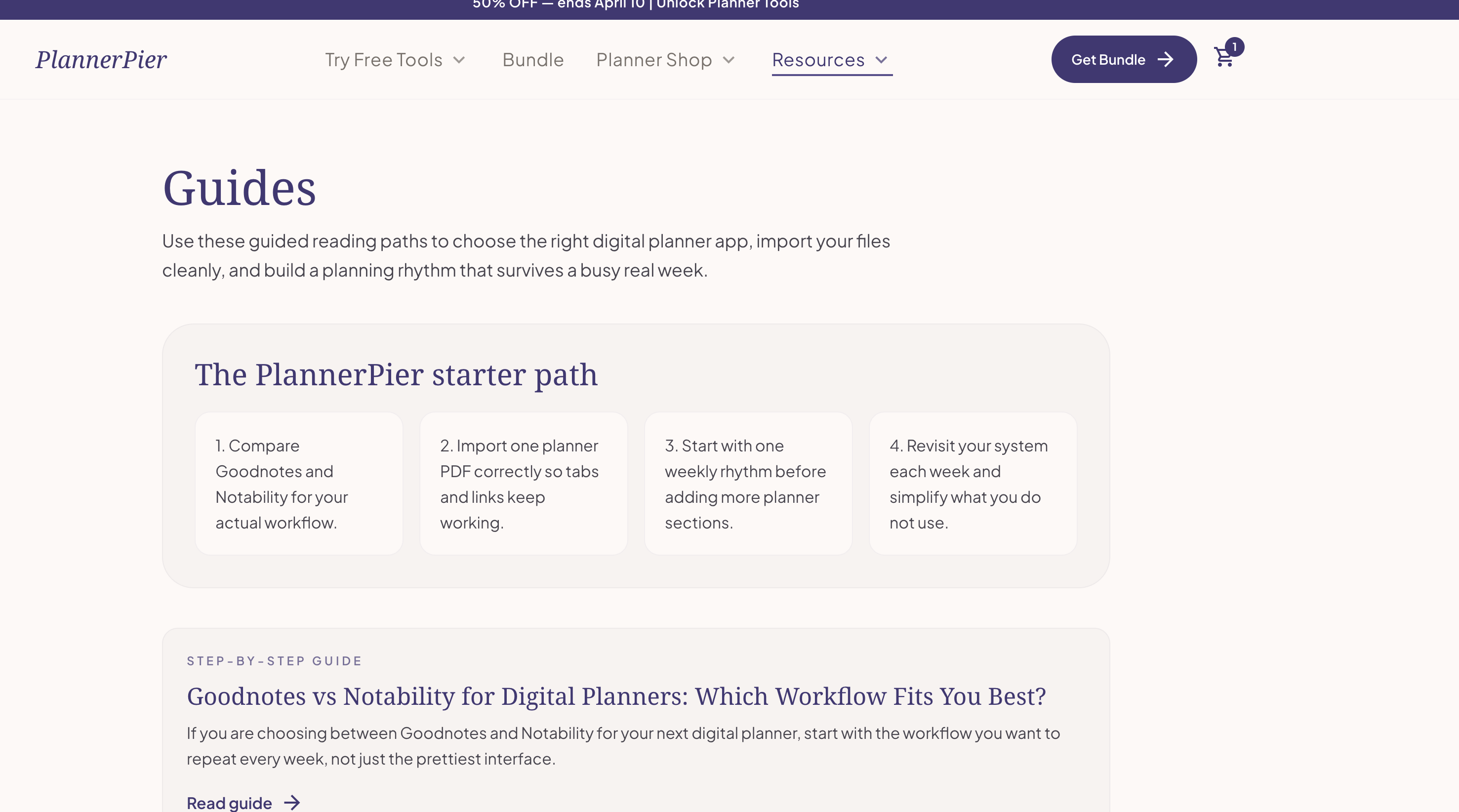
The guides page is now built around free tools, not just general reading paths.
Each guide now does three jobs clearly: it explains what the tool is for, links directly to the live tool, and gives a soft next step into Premium when the demo has already proven the value.
Every free tool guide
Tool-by-tool reading paths with direct links into the live free experience and a Premium CTA where it makes sense.
Tracker guide
Tracker GeneratorTracker PDF Generator for Habit, Mood, and Sleep Planning on iPad
Create habit, mood, or sleep tracking pages that support a real planning problem instead of generic self-optimization.
Trackers work best when they are fast to generate, light to maintain, and connected to a real planning problem instead of vague self-optimization.
Weekly guide
Weekly Planner MakerWeekly Planner Maker for iPad and Printable Weekly Pages: Build a Better Week Fast
Test the weekly spread that fits your life before committing to a larger planner system.
A weekly page is often the real heart of a planning system, which is why a weekly planner maker can tell users so much about what kind of planner they actually need.
Daily guide
Daily Page MakerDaily Page Maker for Focus, Time Blocking, and Top Priorities on iPad
Build cleaner daily focus pages for time blocking, priorities, and calmer execution.
Daily pages are most useful when they reduce noise and help users start the day with clearer tradeoffs, not bigger unrealistic to-do lists.
Wellness guide
Gratitude Journal MakerGratitude Journal Maker for 30-Day Digital Journaling on iPad
Create a 30-day gratitude journal that feels light enough to keep and soft enough to revisit.
A gratitude journal only helps if it feels light enough to return to on ordinary days, not just the days when self-improvement feels exciting.
Builder guide
Custom Planner BuilderCustom Planner Builder for Dated Digital Planners: Build Before You Buy
Validate dated planner structure before you commit to a premium yearly planning setup.
A custom planner builder reduces one of the biggest purchase frictions in digital planning: not knowing whether the structure will actually match your routine.
Navigation guide
GoodNotes Tabs GeneratorGoodnotes Tabs Generator for Hyperlinked Notebooks and Digital Planners
Generate linked sidebar navigation so notebooks and planners feel faster and more premium to use.
Tabs are one of the features that make a digital planner feel premium, which is exactly why a tool that generates them can solve a high-value problem quickly.
Sticker guide
Sticker of the WeekFree Planner Sticker of the Week for Goodnotes and iPad Planning
Download a weekly sticker sample and see when stickers improve the page instead of cluttering it.
Stickers only improve planning when they add clarity, emphasis, or personality without turning the page into a distraction.
Beginner guide
Digital Planning 101Digital Planning 101 Beginner Guide for iPad Users: Start Without Overwhelm
Start with the beginner walkthrough so apps, PDFs, and planning logic feel understandable from day one.
Beginner digital planning content works when it turns confusion into momentum, not when it overwhelms readers with every possible app, template, and setup trick at once.
Premium conversion path
Free discovery should end in one clear paid step.
These guides are designed to do the education first. Once the reader understands the tool and the free demo proves the value, the clean next move is Premium instead of a vague browse-the-shop moment.
What Premium changes
Unlimited access after the 2-use tool walls.
One connected PlannerPier system instead of scattered freebies.
Monthly or yearly billing depending on how often you come back.