Best Digital Planner for Content Creators on iPad: A Workflow for Ideas, Publishing, and Consistency
Discover what makes the best digital planner for content creators on iPad, from content calendars and capture pages to sponsor admin, batch planning, and weekly reviews.
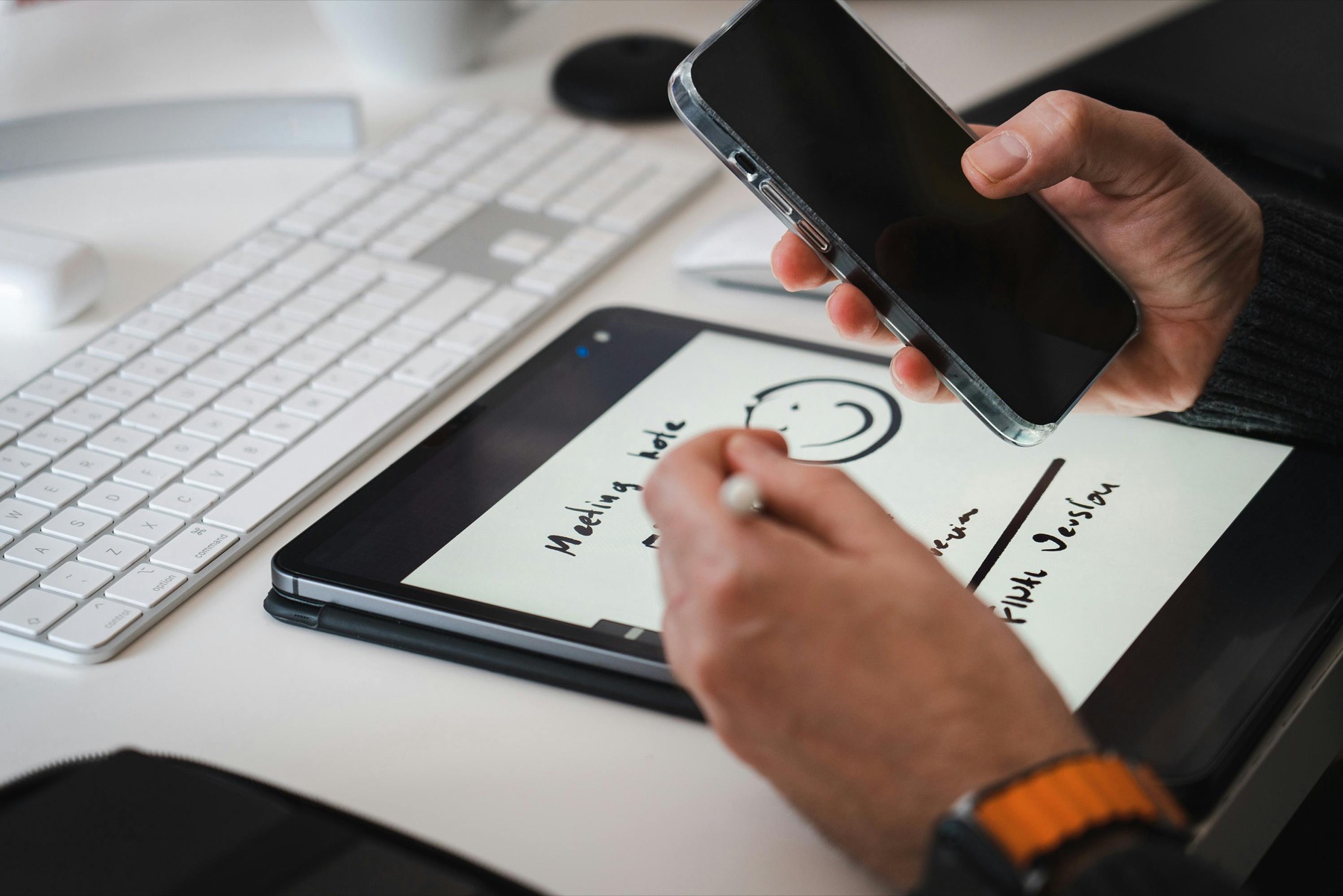
Photo by Jakub Zerdzicki on Pexels.
Content creators do not usually need a prettier planner. They need a system that can hold ideas, deadlines, admin, and energy management without making planning itself feel like another content task.
Plan your publishing week
Build a creator-friendly weekly layout
Use the Weekly Planner Maker to create a calmer content workflow with space for batch tasks, publishing dates, and the business admin that supports your output.
Open Weekly Planner MakerWhy creators need a different kind of planner
A content creator's week is not built only around appointments. It is built around cycles: idea capture, research, outlining, recording, editing, publishing, repurposing, and reviewing what performed. Traditional planners can feel too shallow because they focus on calendar blocks without holding the production logic behind them. At the same time, open-ended notes apps can become idea graveyards. Creators need a system that can hold both momentum and loose material.
That is why the best digital planner for creators is usually not a pure daily planner. It is a layered workflow. You need weekly planning for output, a place to hold raw ideas, a content calendar for timing, and a simple way to see the next production step. Without that structure, content work turns into constant context switching: one app for ideas, one for tasks, one for campaigns, one for notes, and very little clarity about what ships next.
The core pages every content creator should have
Most creators benefit from five core page types. First, an idea capture page so concepts are not lost. Second, a weekly planning spread where production and publishing priorities become visible. Third, a content calendar for launch dates and campaign timing. Fourth, a project page or notebook area where each content piece can hold notes, hooks, links, and revisions. Fifth, a review page for what worked, what stalled, and what should be repeated.
These pages matter because they solve different jobs. The idea page protects creativity. The weekly spread protects execution. The content calendar protects timing. The project page protects context. The review page protects learning. When creators try to collapse all of that into one page type, the system gets messy fast. A good planner separates those jobs just enough to keep your brain clear.
- arrow_right_altUse idea pages for capture, not for final scheduling.
- arrow_right_altUse weekly pages for committed outputs and visible priorities.
- arrow_right_altUse notebook or project pages for drafts, scripts, hooks, and references.
Product spotlight
A creator-friendly notebook that holds the work behind the post
PlannerPier's Digital Notebook for iPad & GoodNotes gives creators room for scripts, hooks, sponsor notes, production checklists, and reference material without overcomplicating the planning layer.
- check_circleUseful for content systems that mix ideas, admin, and publishing
- check_circleKeeps context close to the weekly plan instead of scattered across apps
- check_circleWorks well with PlannerPier planning tools for a modular creator workflow
Why a creator workflow usually needs both a planner and a notebook
Creators often buy a planner expecting it to solve everything, then realize that the real weight of content work lives in the support material. Scripts, references, campaign notes, sponsor details, visual ideas, and repurposing plans need a place to live. That is why a digital notebook often becomes just as important as the planner. The planner tells you what to do next. The notebook holds why it matters and what you need to execute it well.
PlannerPier's Digital Notebook for iPad & GoodNotes is especially useful here because it gives creators a more organized place for content ecosystems, not just isolated tasks. Pairing that with a weekly planning structure creates a workflow that feels closer to a lightweight studio than a basic to-do list.
How to plan batch days without burning out
Batching is one of the best reasons to use a digital planner as a creator. Instead of planning by platform every day, you can assign themed blocks such as ideation, scripting, filming, editing, admin, and scheduling. This reduces decision fatigue because the week has a rhythm. You stop waking up asking what kind of work today is for. The planner answers that before the day starts.
The key is to batch lightly, not rigidly. Leave margin for review, unexpected revisions, and low-energy days. If your planner is so detailed that one missed recording block destroys the whole week, it is not helping. A creator-friendly planner should support momentum, not perfection. Flexible weekly spreads and reusable project pages work better than aggressively packed time-blocking grids for most creator schedules.
Do not forget admin, sponsors, and revenue tasks
Many creator planners fail because they are built only for content output and ignore the business behind the content. Sponsor follow-ups, invoice reminders, affiliate checks, analytics review, email replies, and campaign prep all compete with the visible creative work. If those tasks stay outside the system, they become stressful background noise that drains the energy needed for actual publishing.
This is where a calm all-in-one workflow is valuable. A creator can keep weekly publishing priorities on one spread, store sponsor and project notes in a notebook section, and use a finance or admin page to protect the business side. Products such as the Budget Planner can also support creators who want money visibility without opening yet another tool every day.
What the best creator planner feels like in daily use
A great creator planner does not feel impressive. It feels obvious. You open it and instantly know what is publishing, what needs production time, what can wait, and where your supporting notes live. There is very little hunting. The system feels calm enough that you can keep using it during busy seasons, not only during a fresh-start week.
That is one reason minimalist or softly structured layouts often outperform decorative planners for creators. Creative work already carries a lot of visual and cognitive input. Your planning system should lower that load. A planner that feels visually peaceful and logically organized is more valuable than one packed with pages you rarely use.
A practical PlannerPier setup for creators
A strong PlannerPier setup for creators could look like this: use the Weekly Planner Maker for a weekly production layout, keep raw and project-specific thinking inside the Digital Notebook for iPad & GoodNotes, and add a focused planner or bundle only if you want a deeper all-in-one system. This keeps the workflow modular without making it fragmented.
If your biggest problem is inconsistency, start smaller than you think. One weekly spread, one content project page format, and one short review habit are enough to transform the way content moves through your week. Planning does not need to become another full-time role inside your business.
Frequently asked questions
What is the best digital planner for content creators on iPad?
The best one combines a weekly planning system, content calendar visibility, and a notebook area for scripts, ideas, and campaign notes rather than relying on one generic planner page type.
Should content creators use a planner or a digital notebook?
Most creators need both. The planner handles deadlines and priorities, while the notebook stores raw ideas, research, and project context.
Is Goodnotes good for content planning?
Yes. Goodnotes works well for content planning when you use a structured planner for execution and a notebook section for longer-form creative material.
Which PlannerPier product is best for creators?
The Digital Notebook for iPad & GoodNotes is a strong fit because creators usually need project context and idea storage alongside the weekly plan.
Make your planner support the business behind the content
Browse PlannerPier notebooks, planners, and weekly planning tools if you want an iPad workflow that helps content ship more consistently without turning planning into extra busywork.