How to Use a Digital Planner for Remote Work and Hybrid Schedules
Learn how remote workers and hybrid teams can use a digital planner on iPad for focus blocks, meetings, task triage, home admin, and project notes without living in a dozen tabs.
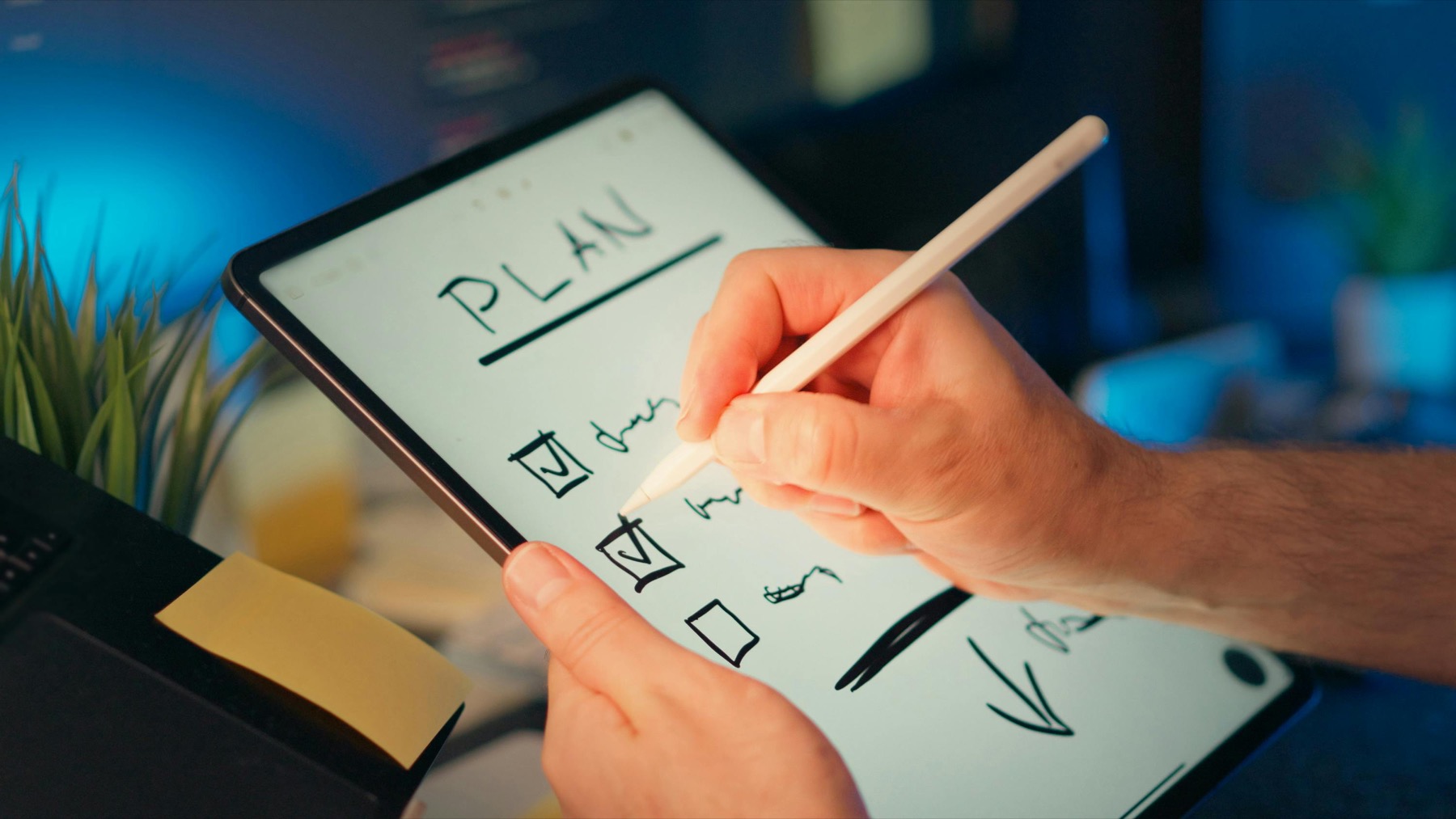
Photo by Jakub Zerdzicki on Pexels.
Remote work rarely fails because you forgot a calendar event. It fails because meetings, deep work, home admin, and loose notes all compete for the same attention without a clear planning surface.
Build your week around real work modes
Create a remote-work weekly layout in minutes
Use PlannerPier's Weekly Planner Maker to design a page for meetings, deep work, office days, home days, and personal admin that actually fits your week.
Open Weekly Planner MakerWhy remote work feels messy even when your calendar looks full
Remote work creates a strange kind of overload. You can have a fully booked calendar and still end the day feeling like nothing important moved. That happens because the week is not made only of meetings. It also includes deep work, message cleanup, admin, asynchronous collaboration, follow-ups, house logistics, and the mental cost of switching contexts inside the same physical space.
A digital planner helps when it becomes a decision layer on top of those inputs. Instead of letting Slack, email, meetings, and browser tabs dictate your attention, you use the planner to choose what this day and week can realistically hold. The iPad becomes a control surface rather than another inbox. That shift is what makes digital planning valuable for remote workers.
The core planning problem is not time, it is mode switching
Remote and hybrid workers rarely struggle only with scheduling. They struggle with mode switching. One hour you are in meetings. The next hour you need quiet concentration. Then you need to review project notes, answer messages, deal with a delivery, and remember a personal appointment before the day disappears. If the planner does not reflect these different work modes, it becomes another generic task list that tells you very little.
A useful remote-work planner should make room for at least four things: fixed meetings, focus blocks, operational tasks, and personal admin that affects the day. This is not about romanticizing productivity. It is about preventing your workday from flattening into one endless stream of low-priority interruption.
- arrow_right_altMark meetings first so your real time windows are visible.
- arrow_right_altReserve explicit focus blocks for meaningful work before messages expand.
- arrow_right_altGive home admin its own small place so it stops interrupting at random.
Product spotlight
A notebook layer for project context and meeting notes
PlannerPier's Digital Notebook gives remote workers a structured place for project notes, agendas, research, and follow-up context beside the active weekly planner.
- check_circleUseful for meeting notes, project maps, and ongoing reference pages
- check_circleHelps keep the weekly planner lighter and easier to scan
- check_circleStrong fit for hybrid schedules with changing work modes
Why a planner and notebook pair works so well for hybrid schedules
Hybrid work adds another layer of complexity because not every day has the same purpose. Office days might be better for collaboration, meetings, and relationship work. Home days may be better for writing, design, analysis, or strategic thinking. Travel days and partial days need lighter expectations. If all of that context sits on one weekly page without support, the planner starts to feel crowded fast.
The stronger setup is to use a planner for weekly execution and a notebook for project context. The PlannerPier Digital Notebook for iPad & GoodNotes is useful here because it can hold meeting notes, project maps, research, and running reference pages. Then the planner can stay focused on decisions, time, and the few priorities that truly matter this week.
Build a weekly page that reflects where you work, not just what you do
For hybrid work, location is often a planning variable. Which days are office days, home days, travel days, or flexible days? Once you mark that, the rest of the week becomes easier to shape. Office days might hold collaboration-heavy tasks, one-to-ones, and errands near the office. Home days might hold focus blocks, writing, strategy, or detail work that benefits from fewer interruptions.
This is why generic weekly spreads often feel incomplete. They show time, but not context. PlannerPier's Weekly Planner Maker can help because it lets you test a layout that reflects your actual workflow rather than a generic office template. Sometimes all you need is a location marker, a meeting lane, a focus lane, and a short home-admin box to make the week feel intelligible.
Use a daily page to reduce noise, not to create more of it
Remote workers often overuse daily planners by rewriting the entire week's task list every morning. That creates the appearance of control without much clarity. A better daily page narrows the field. It should show your meeting windows, one or two focus outcomes, a short admin cluster, and maybe one personal reminder that affects the day. Anything more and the page starts recreating the very overload it was meant to solve.
If your work includes constant idea capture or shifting priorities, a digital planner still works. It just needs a strong capture habit outside the active daily page. Put raw ideas, notes, and supporting material in a notebook or separate section. Move only the most useful actions onto today's page. That way the planner remains a tool for reduction.
How PlannerPier fits remote and hybrid work planning
PlannerPier is especially useful for remote work because it combines tools and products instead of forcing one static file to solve every problem. You can use the Weekly Planner Maker for your active work week, the Daily Page Maker for lighter execution pages, the Digital Notebook for reference material, and the Planner Assembler when you want to combine only the sections you actually use.
That modular approach is more honest than buying a giant all-in-one productivity bundle and hoping it matches your actual rhythm. If your week changes between office collaboration and home focus, your planner should be able to change with it. PlannerPier helps you build that kind of flexible system without making the workflow feel disposable.
Use a weekly review to reconnect scattered work
Remote work creates a lot of loose ends because so much activity lives across apps. A weekly review helps reconnect that scattered work. Look at your calendar, notebook, open tasks, and message follow-ups in one sitting. Then decide what carries into next week, what belongs in project notes, and what should be removed entirely. Without this step, digital work expands faster than your planner can clarify it.
This is also where a planner starts saving real time. Instead of reopening the week in a fog on Monday, you begin with a shaped picture of what matters. A short weekly review is often the difference between using a digital planner as a decorative ritual and using it as an actual control surface for remote work.
Plan office-day logistics and asynchronous follow-up separately
Hybrid workers often underestimate the planning cost of office days. Commuting, packed schedules, casual conversations, and context switching can make office days look productive while leaving little space for deep follow-up. That is why it helps to separate office-day logistics from asynchronous tasks. Use office days for collaboration-heavy work, then create a short follow-up block on the next home day for decisions, notes, and actions that came out of those interactions.
When this split is visible in your planner, office days stop swallowing the rest of the week. You can enjoy the benefits of in-person work without pretending those days will also hold the same amount of focused execution. A remote-work planner becomes more honest and much more useful when it respects this difference.
The best remote-work planner is the one that protects attention
Remote work planning is not about squeezing more into the day. It is about protecting attention long enough for important work to happen. A planner does that when it clarifies what matters, what fits, what needs a notebook instead of a task list, and what should wait. If the planner simply mirrors your digital chaos, it is not helping.
Daha organize bir remote-work sistemi icin PlannerPier'i ziyaret et: https://www.plannerpier.com/. The right digital planner for remote and hybrid work should save time, reduce context switching, and help you finish the day with more clarity than you started it.
Frequently asked questions
What should a digital planner for remote work include?
A useful remote-work planner should include meeting visibility, focus blocks, operational tasks, personal admin space, and a clear way to separate project notes from daily execution.
Why do remote workers need a notebook as well as a planner?
Because project notes, meeting context, and reference material can quickly overcrowd the planner. A notebook keeps that deeper context accessible without making the weekly page messy.
Is a daily page useful for hybrid work?
Yes, but only when it reduces the day to a few real priorities, meeting windows, and admin essentials rather than becoming a second copy of the full weekly list.
Which PlannerPier products fit remote workers best?
The Digital Notebook, Weekly Planner Maker, Daily Page Maker, and Planner Assembler work particularly well for remote and hybrid planning systems.
Make remote work feel less fragmented
Explore https://www.plannerpier.com/ if you want a digital planner workflow that protects focus, organizes notes, and makes hybrid weeks easier to run.