Best Digital Planner for iPad Beginners in 2026: What to Choose First
Looking for the best digital planner for iPad beginners in 2026? Learn what features matter first, how to avoid overwhelm, and which Goodnotes-friendly layouts are easiest to keep using.
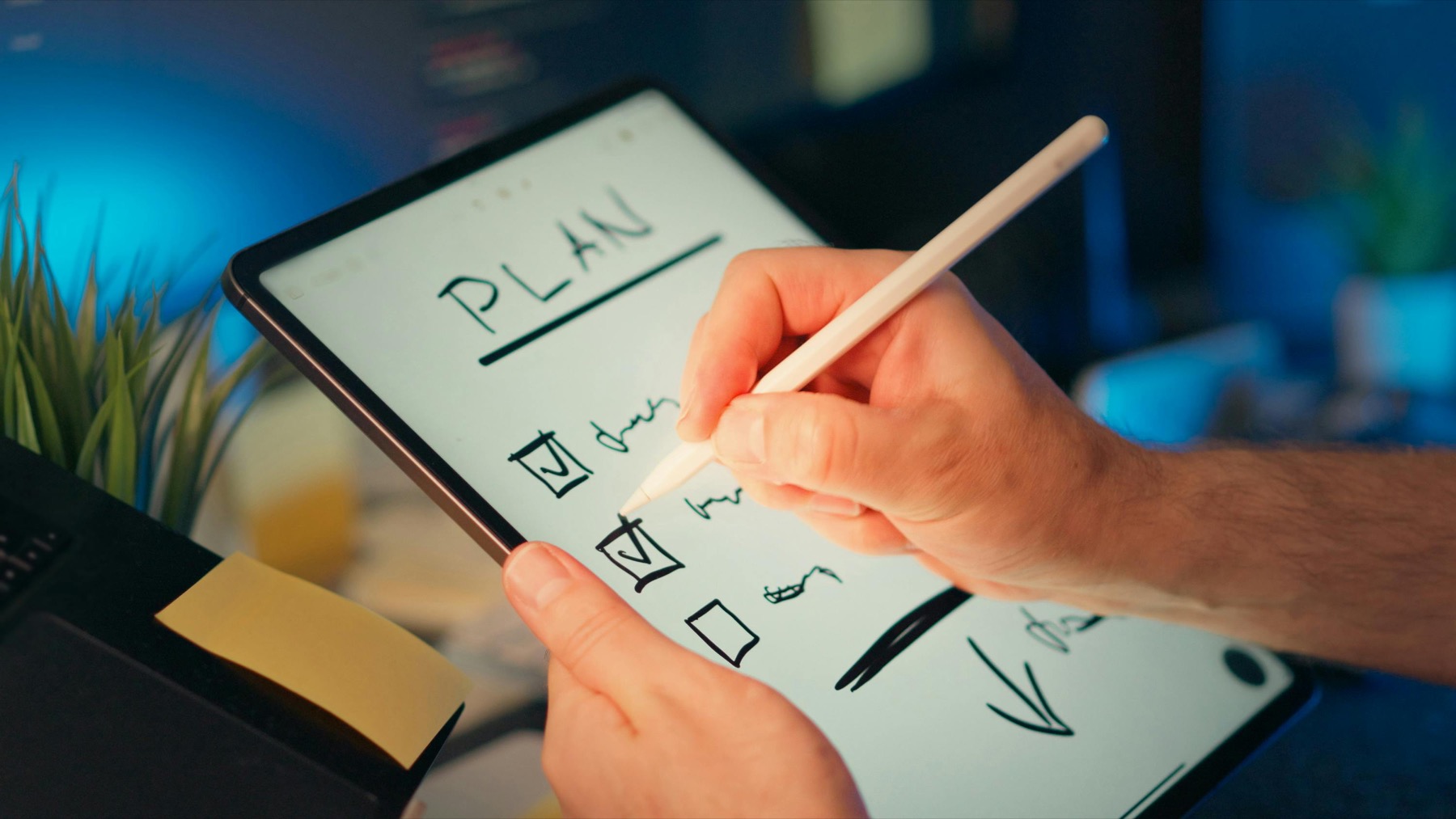
Photo by Jakub Zerdzicki on Pexels.
The best digital planner for beginners is not the most complicated file on Etsy. It is the one that helps you open your iPad, find the right page fast, and plan the week without second-guessing every section.
Why beginners often choose the wrong planner first
Most new digital planner buyers shop with their eyes before they shop with their routine. They see decorative covers, huge page counts, and pastel mockups, then assume more pages must mean more value. In practice, beginners usually need the opposite. They need a file that answers simple questions quickly: where do I write today, where do I see the week, and how do I get back to this page tomorrow without scrolling forever.
That is why the best digital planner for iPad beginners is usually the clearest one, not the fanciest one. If navigation is obvious and the weekly spread reduces decision fatigue, the planner starts doing its real job. It saves time, creates structure, and makes it easier to return after a busy day. That is what turns a digital download into a useful habit.
Start with the core features that matter most
For a first planner, only a few features truly matter. Hyperlinks should move you between the main sections in seconds. Weekly pages should have enough structure for priorities, appointments, and task lists without becoming visually crowded. Daily pages should feel optional but available. Notes space should exist, but not take over the file. These are the practical details that decide whether a planner feels effortless or annoying after the first weekend.
Compatibility matters too. A beginner-friendly planner should work smoothly in Goodnotes, Notability, and other common PDF annotation apps. It should also be readable on an iPad screen without forcing constant zooming. If a planner looks cute but requires too much pinching, scrolling, and searching, it creates friction from day one. Beginners do not need more features. They need fewer blockers.
- arrow_right_altChoose strong hyperlink navigation over decorative extras.
- arrow_right_altLook for weekly pages that show priorities and appointments clearly.
- arrow_right_altMake sure the file works well in Goodnotes before you buy.
- arrow_right_altPrefer layouts that leave room for real handwriting instead of tiny boxes.
Product spotlight
A first planner that feels easy to trust
The PlannerPier Simple Undated Digital Planner is built for beginners who want calm weekly structure, practical daily pages, and a hyperlinked layout that makes planning feel less intimidating.
- check_circle423 linked pages in each planner version
- check_circleMonday-start and Sunday-start files included
- check_circleBonus covers and matching stickers included
Why undated planners are often the smartest first buy
A dated planner can feel motivating, but it also adds pressure. If you buy a dated 2026 planner in April and then skip two weeks, the empty pages can create guilt fast. That is one reason so many beginners stall. An undated planner lowers that emotional cost. You open the next blank spread and continue. There is no sense that you already ruined the product before the habit had time to settle.
This is why the Simple Undated Digital Planner for iPad is such a strong beginner option. It gives new users a clean hyperlinked system, weekly and daily structure, and an easier restart path. You still get the digital planner experience, but without the pressure of trying to match a preprinted calendar before your routine is ready for it.
Goodnotes vs Notability for a first planner setup
Most beginners have the smoothest first experience in Goodnotes because the app feels especially natural for tab-based PDF planners. Goodnotes users tend to appreciate notebook-style organization, direct handwriting, and easy movement between imported documents. If your main goal is to learn digital planning without extra complexity, that simplicity matters.
Notability can still be a great choice, especially if you want your planner to live beside lecture notes, coaching notes, or meeting notes. But for a first setup, Goodnotes usually makes the planner side easier to understand. That means the buying decision should focus on layout clarity rather than trying to solve every possible workflow on day one.
Which page types help beginners stay consistent
Beginners usually stay consistent when they use fewer sections well. A dashboard helps you orient yourself. A monthly page gives a big-picture view. A weekly page turns that view into commitments. A daily page helps you focus when life gets busy. One notes section catches loose ideas before they become mental clutter. That is enough for most people to build a real planning habit.
The mistake is buying a planner that tries to manage every part of life immediately. Habit trackers, journaling prompts, budgeting pages, wellness sections, reading logs, and project dashboards can all be useful, but not all at once. The most effective beginner setup is a minimum viable planner that feels easy to maintain on an ordinary Tuesday, not just exciting on purchase day.
- arrow_right_altUse one dashboard, one monthly section, and one weekly section first.
- arrow_right_altAdd daily pages only when you need more focus support.
- arrow_right_altKeep one notes area for capture so your schedule pages stay calm.
- arrow_right_altExpand into extra trackers later, once the weekly habit feels stable.
Where PlannerPier fits into a beginner workflow
PlannerPier works especially well for first-time users because the shop focuses on practical structure and low visual friction. Instead of relying on clutter to create value, the products are built around clearer navigation, calmer page flow, and layouts that help people save time. That makes them easier to trust as actual planning tools instead of novelty files you forget after a few days.
If you want more than one option, the Ultimate Planner Bundle gives beginners a useful entry point because it combines a planner, stickers, and browser-based PlannerPier access in one starter setup. That kind of bundle can reduce decision fatigue, especially when you know you want a digital planning system but do not want to assemble every piece separately.
Beginners who want a lighter commitment can also look at the free offers and lower-complexity products first, then step into a fuller planning system later. That path matters because buying confidence grows with use. Once you experience how much time a well-linked planner can save on an iPad, it becomes much easier to recognize which extras you truly want and which ones were only attractive in a listing image.
Conclusion: choose the planner you can keep, not the one that impresses you
The best digital planner for iPad beginners in 2026 is the one that helps you save time, stay organized, and come back after a messy week without friction. Clear tabs, calm weekly pages, and realistic daily support matter much more than flashy extras. If a planner makes next actions obvious and feels pleasant to reopen, it is doing its job.
That is the standard beginners should use before buying. Not which product has the most inserts. Not which listing has the best mockups. The right question is whether the planner will still feel helpful once the novelty fades. If the answer is yes, you have found a planner worth keeping.
Frequently asked questions
What is the best digital planner for iPad beginners?
A beginner usually does best with a hyperlinked planner that has a clear dashboard, readable weekly pages, and enough daily structure to guide action without feeling crowded.
Should a beginner choose a dated or undated digital planner?
An undated planner is often the easier first choice because it removes date pressure and makes it simpler to restart after missed days.
Is Goodnotes or Notability better for a first digital planner?
Goodnotes is often the smoother first experience for tab-based planners, while Notability becomes stronger when planning needs to live beside audio notes or class materials.
Where should I start on PlannerPier if I am new?
The Simple Undated Digital Planner and the Ultimate Planner Bundle are strong starting points for beginners who want a clean first setup.
Start digital planning with less friction and more clarity
If you want a beginner-friendly planner that saves time and supports a more organized life, visit https://www.plannerpier.com/ and explore the PlannerPier collection.