What Is a Digital Planner and How Does It Work in Goodnotes or Notability?
Learn what a digital planner is, how hyperlinked PDF planners work in Goodnotes or Notability, and how to choose a layout that actually fits your routine.
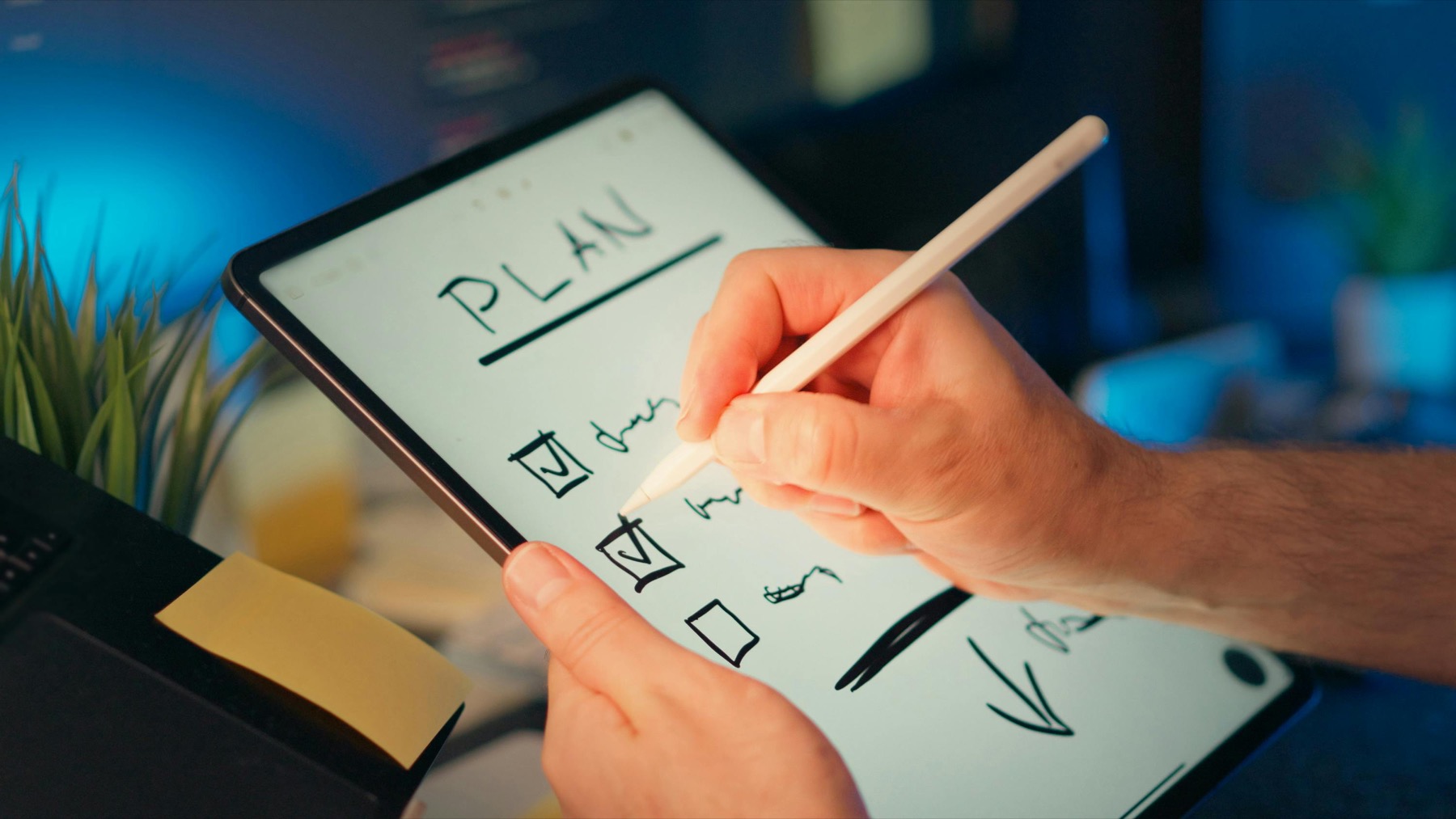
Photo by Jakub Zerdzicki on Pexels.
A digital planner is not just a prettier PDF. It is a reusable planning system that combines paper-style writing with faster navigation, flexible layouts, and a much easier weekly reset.
What a digital planner actually is
A digital planner is usually a PDF-based planner designed for note-taking apps such as Goodnotes, Notability, Noteshelf, or other annotation tools that support handwriting on a tablet. It looks familiar because it borrows the structure of a paper planner: yearly pages, monthly calendars, weekly spreads, daily pages, notes sections, trackers, and tabs. The difference is that the file is interactive. Instead of physically flipping through pages, you tap hyperlinks to move between sections, duplicate templates when you need more space, and keep everything inside one device.
That makes digital planning appealing to people who love the feeling of writing things down but want fewer physical notebooks, less desk clutter, and faster access to information. Your plans, notes, trackers, and reference pages can stay in one place. If you are planning work, home life, school, and personal goals at the same time, that convenience matters more than it first appears.
How a digital planner works in Goodnotes or Notability
Most digital planners are delivered as downloadable PDF files. After purchase, you import the file into Goodnotes or Notability and begin using it like a reusable notebook. The tabs inside the planner are linked to key sections such as monthly calendars, weekly planning pages, notes hubs, and trackers. When those links are clear and well designed, the planner stops feeling like a long document and starts feeling like a dashboard for your life.
Goodnotes is often the easier first app for tab-heavy planners because hyperlinked navigation feels straightforward and planner users tend to like its notebook-style library. Notability is still a solid option, especially if your planner needs to live beside lecture notes, coaching notes, or meeting records. In both apps, the planner works best when you use the file actively instead of endlessly experimenting with layout tweaks. Import the file, test the tabs, choose a weekly routine, and start planning.
- arrow_right_altImport the planner PDF into your preferred note-taking app.
- arrow_right_altTest the yearly, monthly, and weekly tabs before customizing anything.
- arrow_right_altWrite directly on the pages with Apple Pencil or another stylus.
- arrow_right_altDuplicate notes or blank planning pages when you need extra space.
Product spotlight
A beginner-friendly planner with room to grow
The PlannerPier 2026 Kawaii Cat Digital Planner gives new users a clear dashboard, strong hyperlinks, daily and weekly pages, themed templates, and bonus stickers without making the file feel confusing.
- check_circle533 linked pages for yearly, monthly, weekly, daily, and notes planning
- check_circleMonday and Sunday start options for different routines
- check_circleBonus covers and sticker pack included for a more playful setup
Why so many people switch from paper to digital planning
The biggest reason is not aesthetics. It is flexibility. Paper planners can feel satisfying, but once a page is filled, misplaced, or skipped, you have to work around it. A digital planner is easier to recover with. If your week gets messy, you duplicate a clean page. If you need a second project list, you add one. If you want yearly goals, budget pages, meal planning, and wellness tracking in one place, you do not need three separate notebooks.
Digital planning also saves time when your routine has many moving parts. Hyperlinks reduce scrolling. Searchable app libraries make archiving easier. Reusable templates lower the friction of starting again. That restart factor matters because most people do not need a planner that works only on perfect weeks. They need one that still feels usable after missed days, schedule changes, and sudden work or family pressure.
What beginners should look for before buying a planner
The first thing to check is whether the planner matches your actual planning style. If you live week to week, buy a planner with strong weekly spreads. If you need more structure, look for daily pages, habits, and routines. If you mostly want one place to collect work notes and monthly goals, an overloaded planner may create more friction than clarity.
The second thing to check is the design logic. Good digital planners should have clear tabs, readable spacing, and pages that answer the question of what belongs where. Decorative extras can be fun, but they should not get in the way of planning. This is where many generic planners fall short. They look polished in listing images but become tiring once you try to use them on a real Monday morning.
- arrow_right_altLook for clear hyperlinks and a visible dashboard.
- arrow_right_altChoose page types that match your real routine, not your ideal fantasy routine.
- arrow_right_altMake sure the planner is compatible with Goodnotes, Notability, or your chosen app.
- arrow_right_altPrioritize readability, low clutter, and layouts that make decisions easier.
A simple way to start using one this week
Open the planner and choose only three anchors: your monthly overview, your current weekly spread, and one daily page or notes page. Put your fixed appointments into the week first. Then list your top priorities, personal commitments, and anything you need to review later. Do not try to fill every section on the first day. The goal is not to create a perfect planner setup. The goal is to create a rhythm you will actually revisit.
After one week, you will know whether you need more structure, more free space, or more support pages such as mood tracking, sleep tracking, budgeting, or project notes. That feedback is useful. Good planning systems evolve around your behavior. They do not ask you to become a completely different person just to keep up.
Frequently asked questions
What is the difference between a digital planner and a digital notebook?
A digital planner has built-in planning structure such as calendars, weekly pages, dashboards, and trackers, while a digital notebook is usually more open-ended and less guided.
Do I need Goodnotes or Notability to use a digital planner?
You need a PDF annotation app, and Goodnotes or Notability are two of the most common options because they support handwriting and imported planner files well.
Is a digital planner good for beginners?
Yes, as long as you start with a simple layout and a realistic weekly routine instead of trying to use every feature at once.
Start digital planning with a layout that feels intuitive
PlannerPier digital planners are built for calm navigation, practical page flow, and routines that feel easy to restart in Goodnotes or Notability.