Best Digital Planner for iPad: What to Look For Before You Buy
Find the best digital planner for iPad by comparing layout, hyperlinks, writing space, app compatibility, and real workflow needs before you buy.
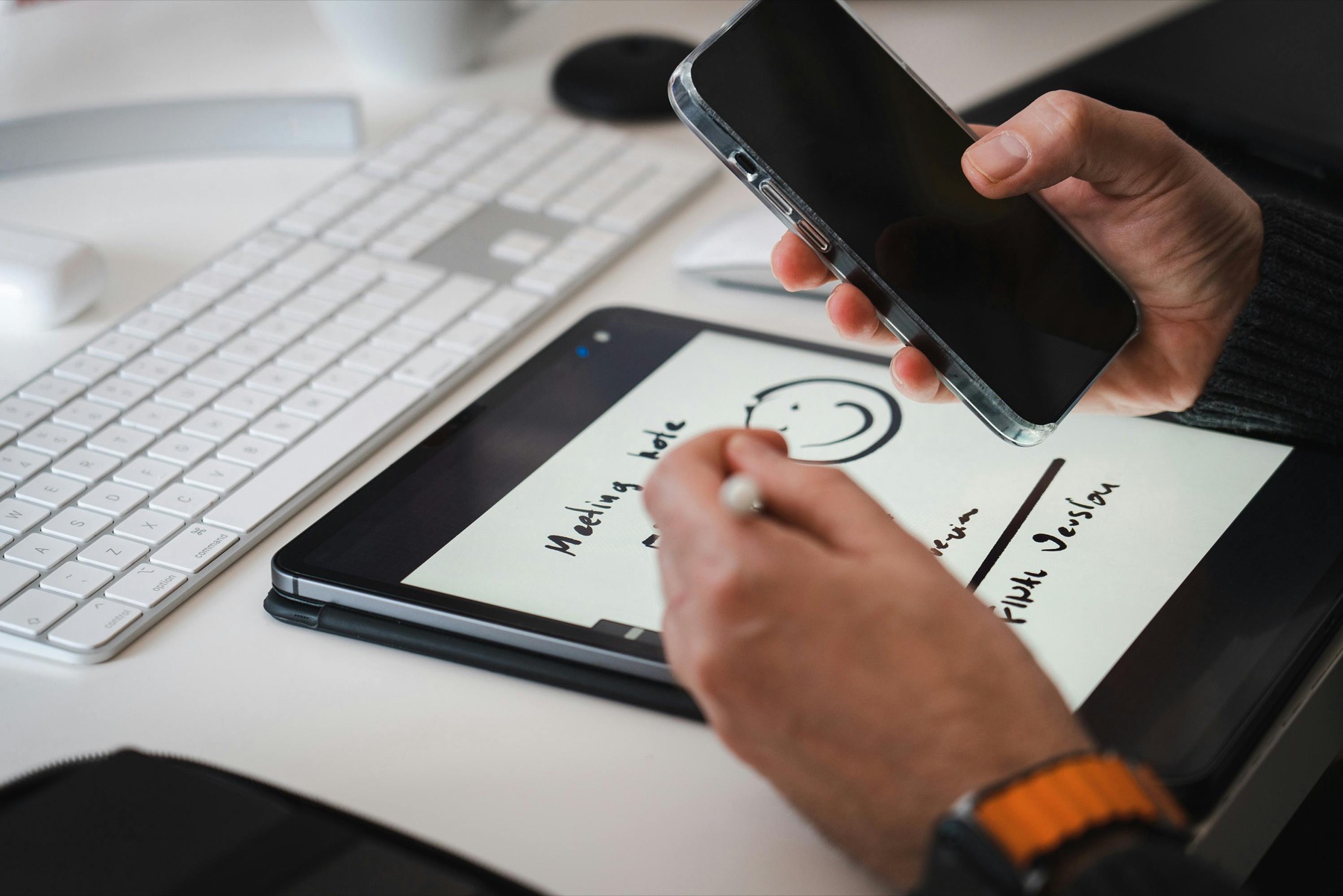
Photo by Jakub Zerdzicki on Pexels.
The best digital planner for iPad is not the one with the longest feature list. It is the one that makes your weekly planning easier to repeat.
Why choosing the right planner matters more on iPad
Buying a digital planner feels easy because the download is instant, but choosing the right one matters more than many people expect. On iPad, your planner competes with everything else on the device. If the tabs are confusing, the pages feel cramped, or the layout asks too much of you, the planner becomes another icon you stop opening.
That is why the best digital planner for iPad is usually the one with the clearest repeatable workflow. You should be able to open it quickly, find the right page without friction, write naturally, and review the week without getting lost inside too many extras.
Look at navigation before you look at decoration
Beautiful covers and sticker bundles can be fun, but navigation is what makes a digital planner usable. A strong iPad planner needs clean hyperlinks between year, month, week, day, and notes sections so your planning system feels fast instead of tedious. If the navigation is weak, even a gorgeous planner becomes tiring to maintain.
This is why so many buyers start by searching for Goodnotes or Notability compatibility. They know the app matters, but the PDF structure matters just as much. Clear tabs, logical sections, and visible page hierarchy are the features that actually save time each day.
- arrow_right_altCheck whether monthly and weekly sections are linked clearly
- arrow_right_altMake sure the planner does not rely on endless scrolling
- arrow_right_altChoose layouts where the dashboard and index feel intuitive
- arrow_right_altPrioritize page flow over decorative complexity
Product spotlight
An iPad planner collection built around real routines
PlannerPier planners focus on clarity, useful page flow, and layouts that help you save time and stay organized instead of overwhelming you with filler pages.
- check_circleAvailable in dated and undated formats
- check_circleDesigned for Goodnotes, Notability, and similar apps
- check_circleUseful for weekly planning, goals, notes, and focused routines
Choose the level of structure your life can realistically use
Some people need a light weekly planner with room for tasks and appointments. Others need stronger guidance, habit support, journaling prompts, or goal pages. The mistake is assuming more structure is always better. In reality, too many sections often create abandonment because the planner starts asking for more attention than your schedule can give.
A cleaner planner can save more time than a maximal one because it focuses you on the pages that actually drive action. If your week is already busy, a simple layout may help you stay organized far more effectively than a planner packed with pages you never revisit.
The best iPad planners solve a specific problem
Think about the real problem behind your search. Do you need a planner that helps you hold routines? One that makes monthly review easier? One that supports ADHD-friendly planning? One that combines notebook-style notes with scheduling? When you know the job, you can pick the right planner instead of the most hyped one.
For example, the PlannerPier ADHD Digital Planner 2026 is built for people who want more guidance, weekly resets, and lower-overwhelm planning. The PlannerPier Kawaii Cat Digital Planner 2026 works well for shoppers who want a dated full-year planner with strong navigation and a more expressive aesthetic. If flexibility matters most, the PlannerPier Simple Undated Digital Planner lets you start any time without wasted dated pages.
How to test a planner before committing to your workflow
Open the planner and test one realistic week. Add fixed appointments first, then your top priorities, then a few routine tasks. If the page still feels breathable and easy to understand, that is a good sign. If the planner already feels crowded or confusing, the friction will only grow once life gets busy.
It also helps to test how easily you can recover from interruption. Miss a day, then reopen the planner. If it still feels inviting and clear, you have likely found a stronger long-term fit. The best digital planners do not punish you for inconsistency. They make it easier to return.
Conclusion: buy the planner that supports the habit, not the fantasy
The best digital planner for iPad is the one that fits your real weekly rhythm. It should feel fast to navigate, comfortable to write in, and supportive enough to reduce mental clutter rather than add more of it.
If you choose based on actual workflow instead of impulse, your planner becomes more than a download. It becomes a system that helps you save time, stay organized, and follow through more consistently.
Frequently asked questions
What is the best digital planner for iPad?
The best one is the planner that matches your routine, has clear hyperlinks, works smoothly in your note app, and gives you enough structure without creating extra friction.
What should I look for in a digital planner for Goodnotes?
Look for obvious navigation, readable weekly layouts, enough writing space, and a planner structure that supports how you already plan your days and weeks.
Should I choose a dated or undated iPad planner?
Choose dated if you want a ready-made yearly structure. Choose undated if you want flexibility and do not want to waste pages when life gets inconsistent.
Choose an iPad planner that makes weekly planning easier to repeat
PlannerPier digital planner collection helps you stay organized with clear layouts, useful structure, and tablet-friendly planning tools. Browse the collection at https://plannerpier.com/.