PlannerPier Free Tools Guide: What Every Free Tool Helps You Do Before You Buy
Explore every PlannerPier free tool, understand the benefit of each workflow, and see which digital planning tool solves your problem before you move into the full bundle.
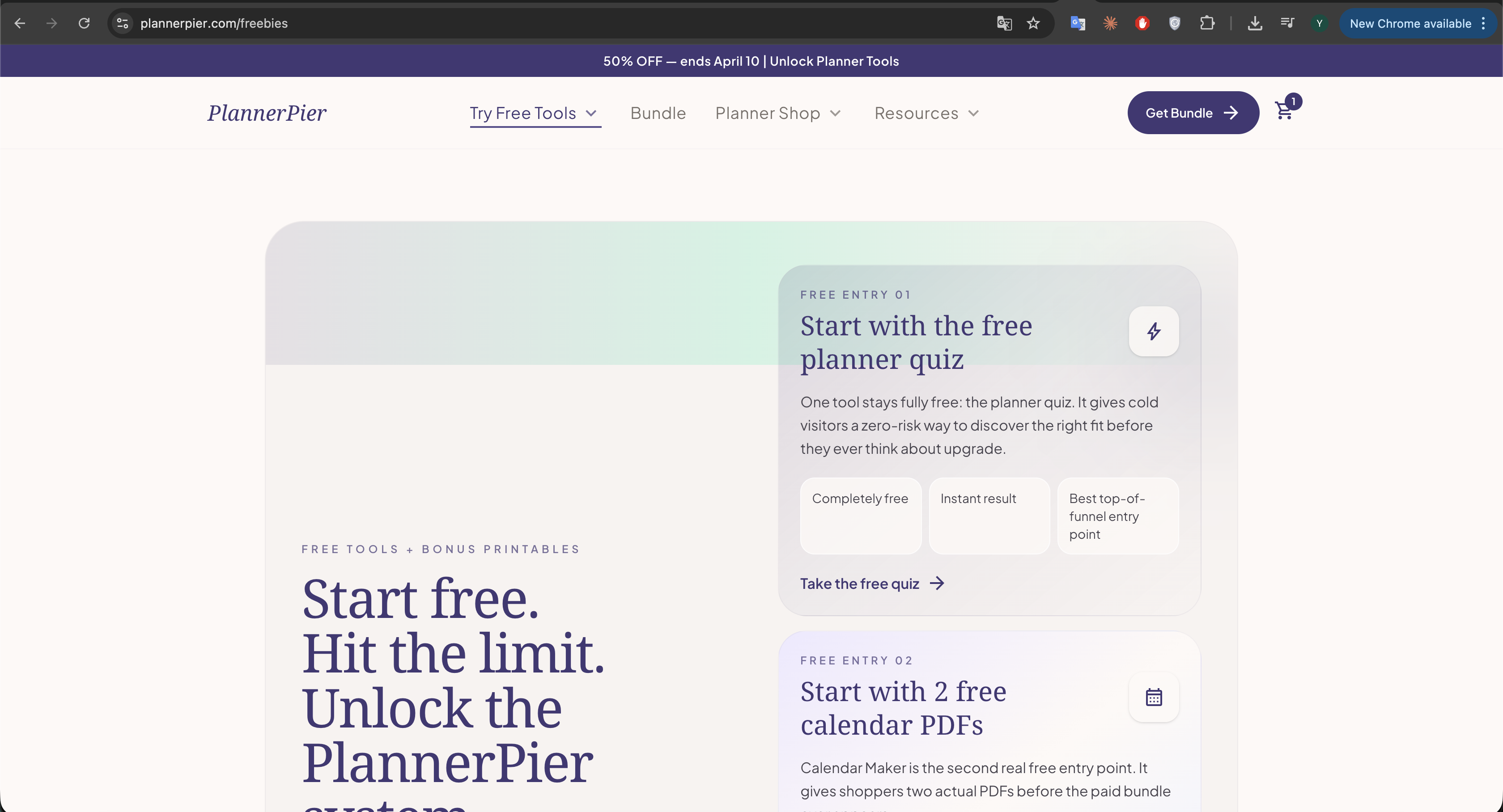
Photo by PlannerPier on PlannerPier.
The strongest free tool is not the one with the most features. It is the one that removes one real friction point fast enough to make your next planning decision easier.
Open the library
Browse every PlannerPier free tool in one place
Start with the tool that solves your current friction first, then move toward the bundle only when the workflow already feels worth keeping.
Open all free toolsWhy PlannerPier free tools are more useful than a random free printable roundup
Most free planner roundups on the internet create one more problem instead of solving one. They dump dozens of PDFs, styles, and downloads in front of the reader and make the shopper choose before they even know what kind of planning support they actually need. PlannerPier's free tools work differently. Each tool is tied to one specific friction point, which means the user can test a real workflow before committing to a paid product.
That matters for SEO and conversion at the same time. Searchers who land on a tool page usually have a precise job to do: make a calendar, test a weekly layout, check a PDF, create a tracker, or find the right planner fit. When the page solves that job quickly, trust grows naturally. That is why the PlannerPier free tools library is stronger than a scattered freebies page. It gives visitors a structured route from curiosity to confidence.
- arrow_right_altUse the free tools to test one planning need before you buy a bigger planner.
- arrow_right_altUse the hub when you want a clear path instead of clicking across unrelated freebies.
- arrow_right_altUse the bundle only after one of the tools already proves the workflow feels right.
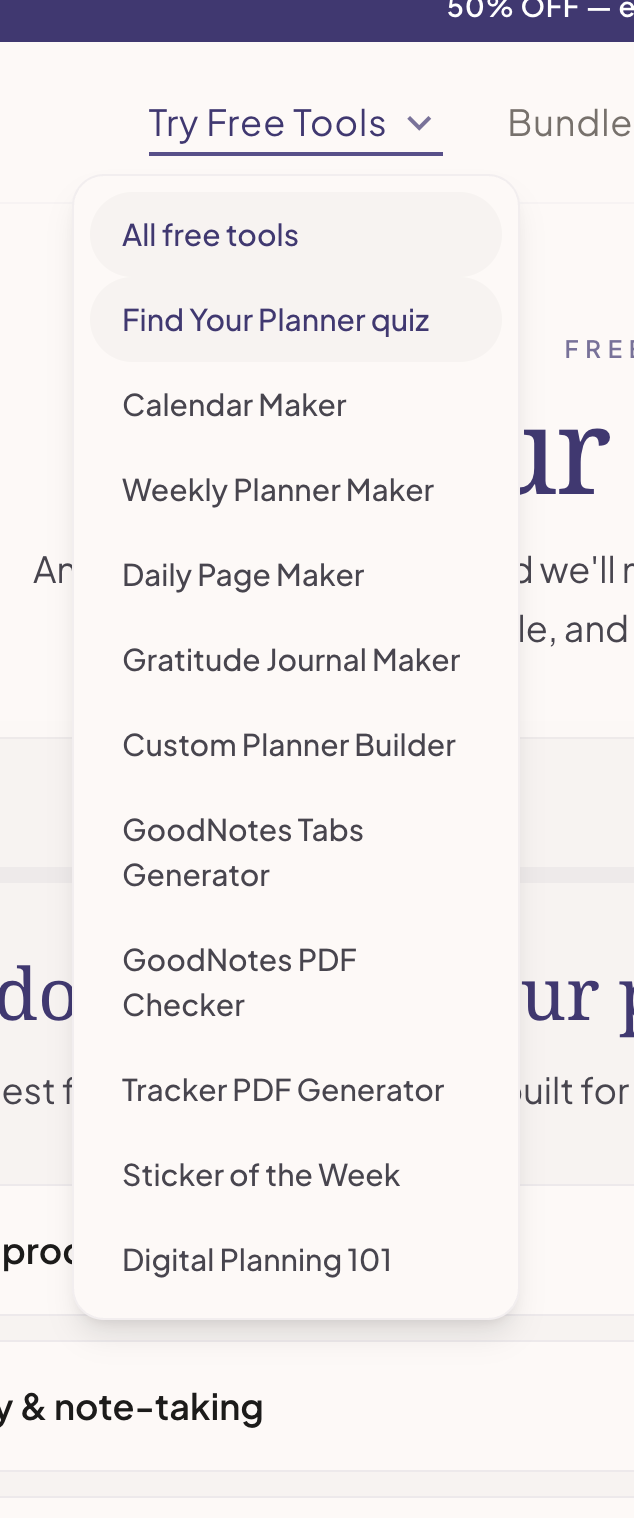
Find Your Planner quiz: reduce decision fatigue before you open the shop
The Find Your Planner quiz is the best starting point for people who know they want a digital planner but do not yet know which style fits their life. This matters more than most sellers admit. A lot of shoppers bounce because they are not comparing two planners. They are trying to compare ten possible identities: student, freelancer, ADHD support, minimal planning, cute planning, wellness planning, or all of them at once.
A good quiz removes that mental load. Instead of making the visitor browse every product page, it narrows the next step. For PlannerPier, that makes the quiz one of the strongest top-of-funnel tools because it reduces browsing fatigue and makes the product recommendation feel earned rather than pushed.
- arrow_right_altBest for shoppers who feel overwhelmed by too many planner choices.
- arrow_right_altUseful when you want a recommended next step instead of browsing the whole catalog.
- arrow_right_altStrong first tool for cold traffic because it asks for less commitment than a product page.
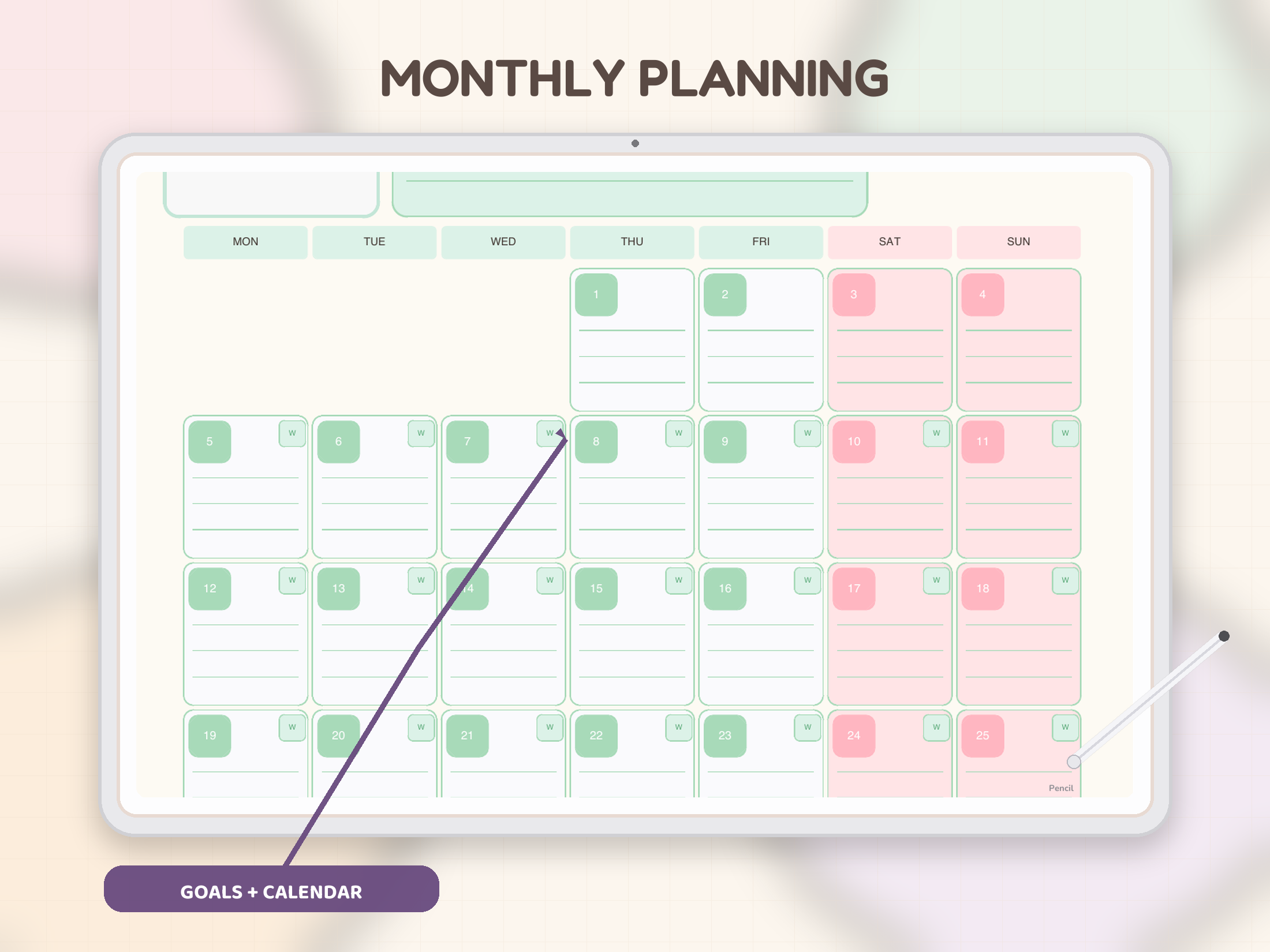
Calendar Maker: test month-first planning with almost no risk
The Calendar Maker works because month visibility is one of the easiest planning wins to understand. A visitor does not need to learn a new productivity method to see whether a clean calendar helps. They just need a good-looking, usable PDF that gives them more control over deadlines, family dates, launches, or school milestones.
Calendar Maker is also commercially smart because it reveals a user's real planning depth. If a month view is enough, great. If it is not enough, the shopper learns that they need weekly or daily support too. That insight makes the later bundle pitch much cleaner because the tool already showed the gap between calendar-only planning and a fuller system.
- arrow_right_altBest for appointments, launches, school dates, and family planning.
- arrow_right_altUseful as a first browser-based tool because the benefit is instantly visible.
- arrow_right_altCreates a natural path into the bundle once the user wants weekly and daily follow-through too.
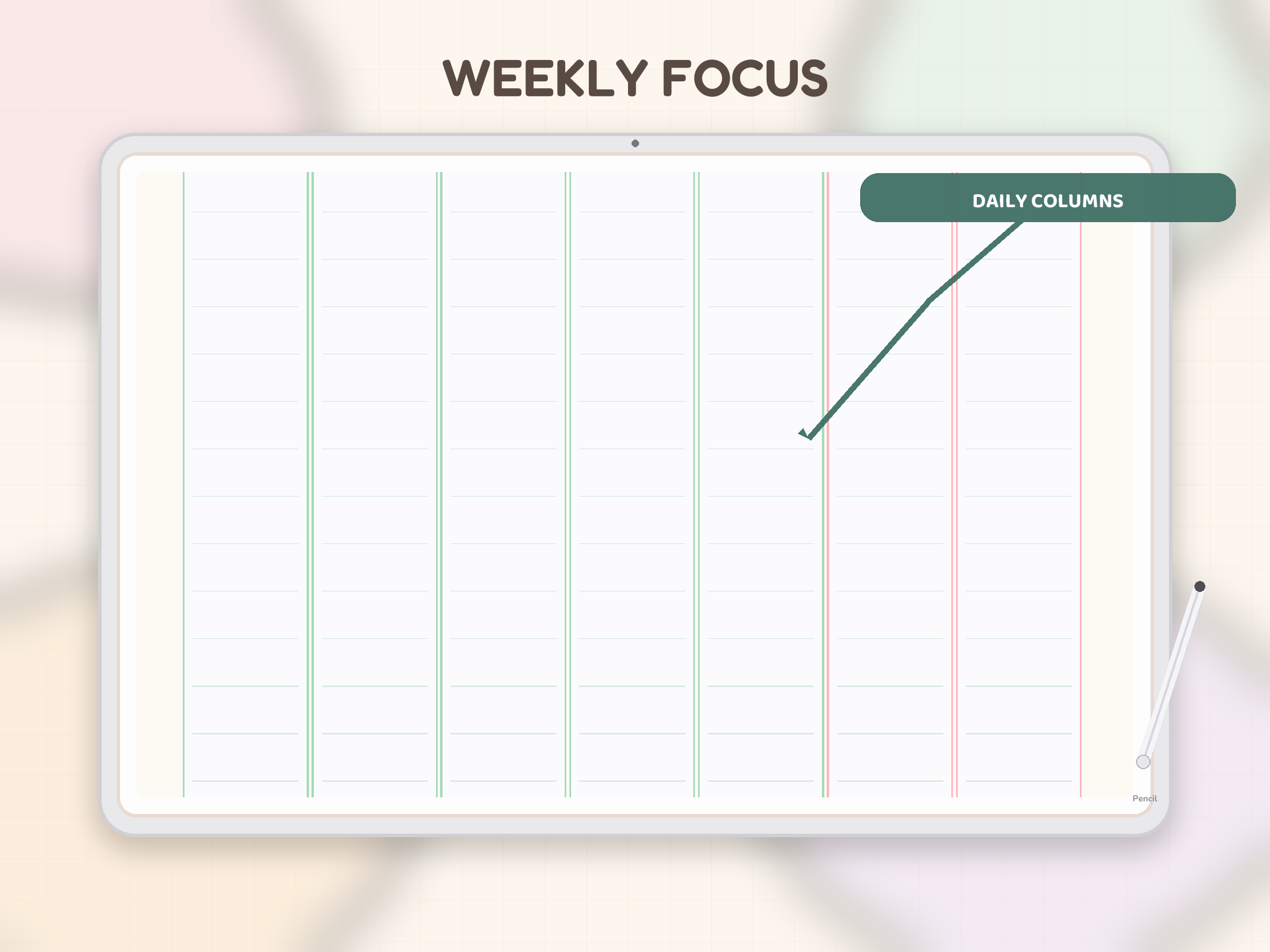
Weekly Planner Maker: see whether your real week needs more structure
The Weekly Planner Maker solves the most repeated planning question most users have: what does a manageable week look like? Weekly spreads are where planner satisfaction usually lives or dies. If the weekly page feels cramped, overly busy, or too vague, the whole planner starts collecting dust.
That is why this tool has strong benefit-based positioning. It helps the shopper test how much structure they actually want before buying a larger product. Some people only need a clean weekly spread. Others discover very quickly that they also want monthly context, daily detail, and notes. Either result makes the next decision easier.
- arrow_right_altBest for people who plan in seven-day cycles and want clearer weekly tradeoffs.
- arrow_right_altUseful when a monthly calendar feels too broad but a daily page feels too detailed.
- arrow_right_altHelps users buy a better planner later because they already know what a usable week looks like.
Daily Page Maker: turn a messy day into one realistic plan
The Daily Page Maker speaks to a different kind of urgency. Visitors coming here usually are not casually browsing. They want a page that helps them focus today. That is why daily-page keywords convert well: the user already feels the pain of overload, distraction, or unclear priorities.
PlannerPier's daily page concept is useful because it is benefit-led. It is not trying to impress the visitor with a fantasy productivity system. It is trying to help them identify a few priorities, place them into a day, and keep the page calm enough to revisit tomorrow. When that works, the next step into a fuller planner becomes much easier to justify.
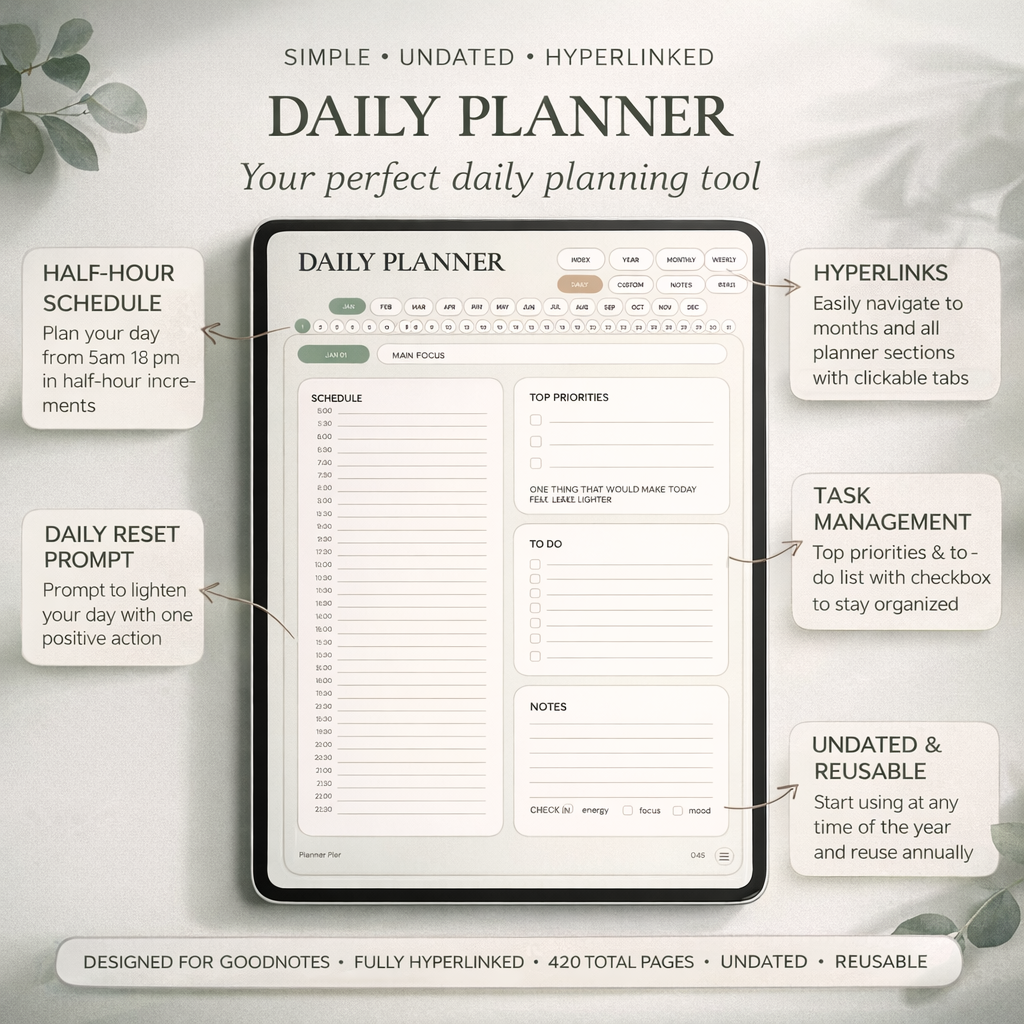
- arrow_right_altBest for time blocking, top priorities, and calmer execution.
- arrow_right_altUseful for users who want one focused day page before committing to a full planner.
- arrow_right_altSupports conversion because the benefit is immediate and personal.
Tracker PDF Generator: make progress visible without designing pages from scratch
The Tracker PDF Generator is one of PlannerPier's most practical free tools because it targets repeatable behaviors. Visitors who want habit, mood, or sleep tracking are not looking for abstract inspiration. They want a page that helps them notice patterns fast. That makes tracker tools a strong source of high-intent traffic.
What makes this tool commercially valuable is that it often reveals a broader routine need. Once someone starts caring about sleep, habits, or mood, they usually also need a weekly review or a planner context around the data. That is where the tracker tool becomes a natural bridge into the wider PlannerPier system rather than a dead-end freebie.
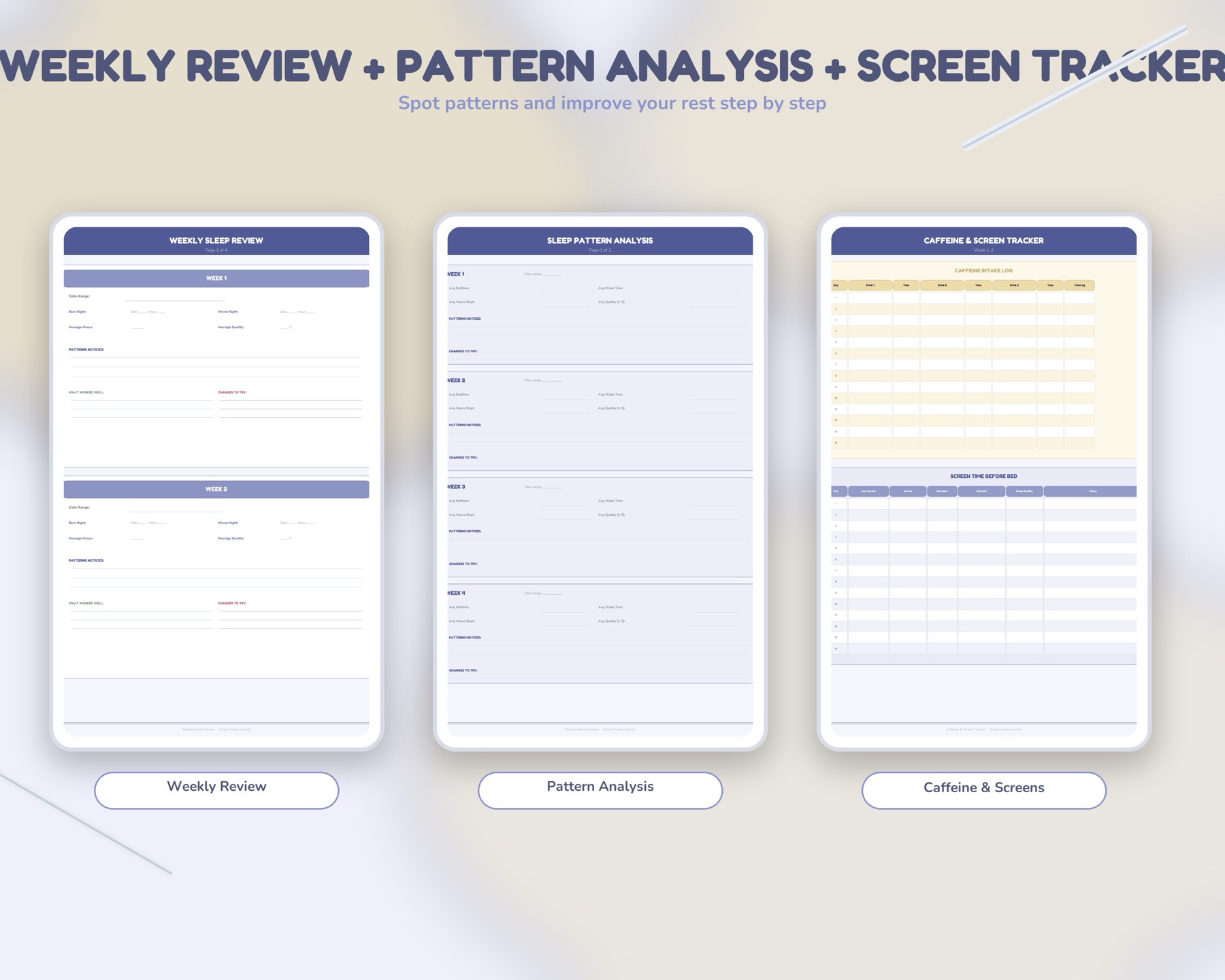
- arrow_right_altBest for habit, sleep, mood, and consistency-focused planning.
- arrow_right_altUseful when users want a focused page rather than a giant wellness planner immediately.
- arrow_right_altCreates a natural next step into specialized journals or the full bundle.
Gratitude Journal Maker: give reflection a repeatable place in the routine
The Gratitude Journal Maker adds a softer benefit to the free tools ecosystem. Not every visitor is trying to optimize output. Some want calmer routines, more reflection, or a daily practice that feels supportive instead of demanding. Gratitude tools do well when they are simple enough to keep, not so elaborate that the user drops them after three days.
For PlannerPier, this tool is especially helpful because it broadens the emotional range of the brand. It shows that the ecosystem is not only about time blocking and productivity. It is also about supporting routines that feel lighter, more reflective, and easier to continue.
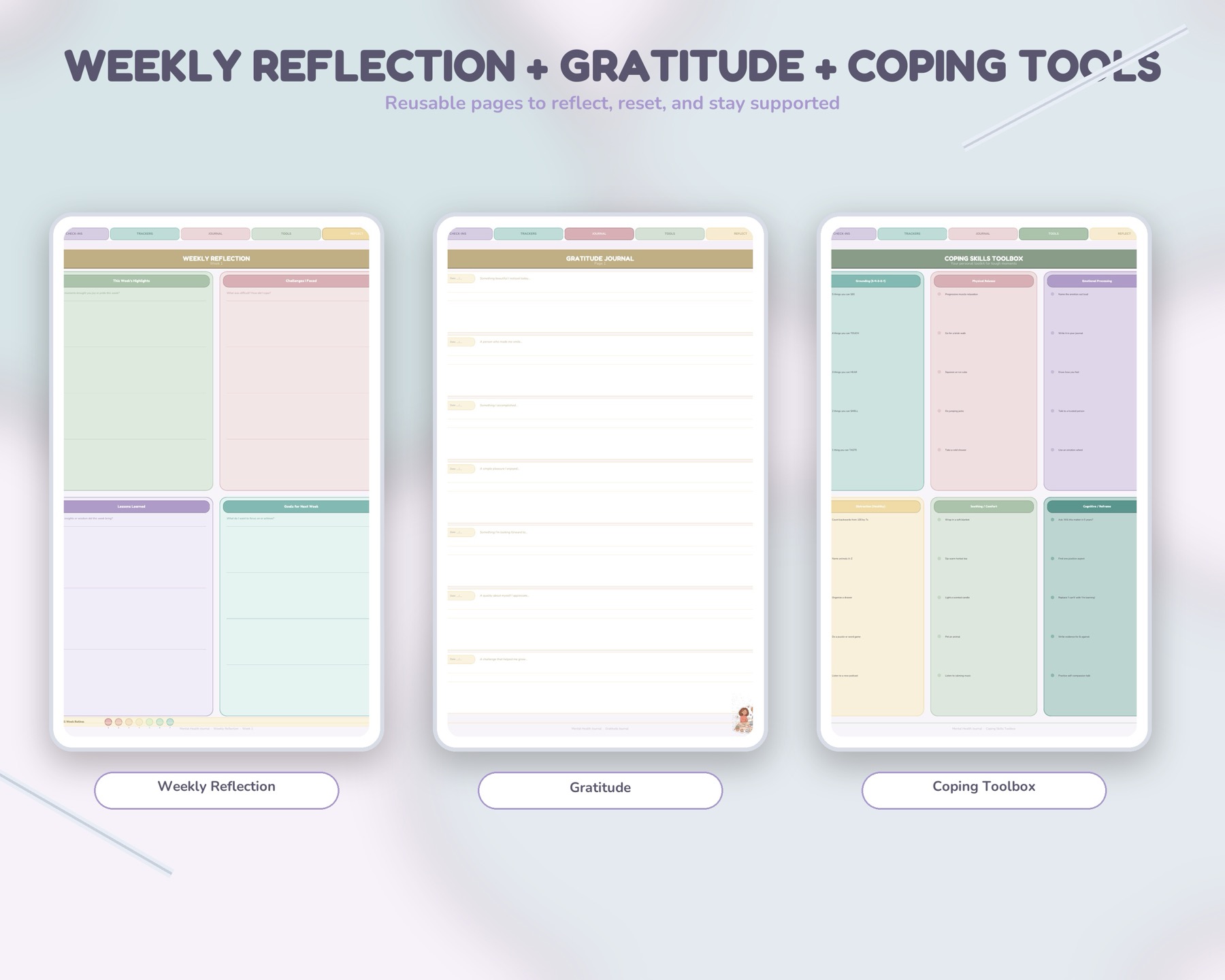
- arrow_right_altBest for daily reflection, emotional reset, and low-pressure journaling.
- arrow_right_altUseful for visitors who want a wellness-oriented entry point instead of a classic planner first.
- arrow_right_altPairs naturally with reset, wellness, and habit-focused products later.
Custom Planner Builder: validate planner structure before paying for it
The Custom Planner Builder removes one of the biggest objections in digital planner shopping: what if the structure does not fit? That uncertainty keeps a lot of shoppers stuck. They may like a product's look, but they still do not know whether the year, start month, week start, or included sections will actually work for them.
Builder-style tools convert well because they make those questions practical. The user gets closer to the exact planner shape they want, which means the later paid recommendation feels safer and more relevant. For PlannerPier, this is one of the strongest discovery-to-purchase bridges in the whole free tools set.
- arrow_right_altBest for users deciding on dates, structure, and included sections.
- arrow_right_altUseful when the user wants more control before choosing a premium planner.
- arrow_right_altReduces purchase hesitation by making fit feel concrete instead of theoretical.
GoodNotes Tabs Generator: make navigation feel premium before you buy the full file
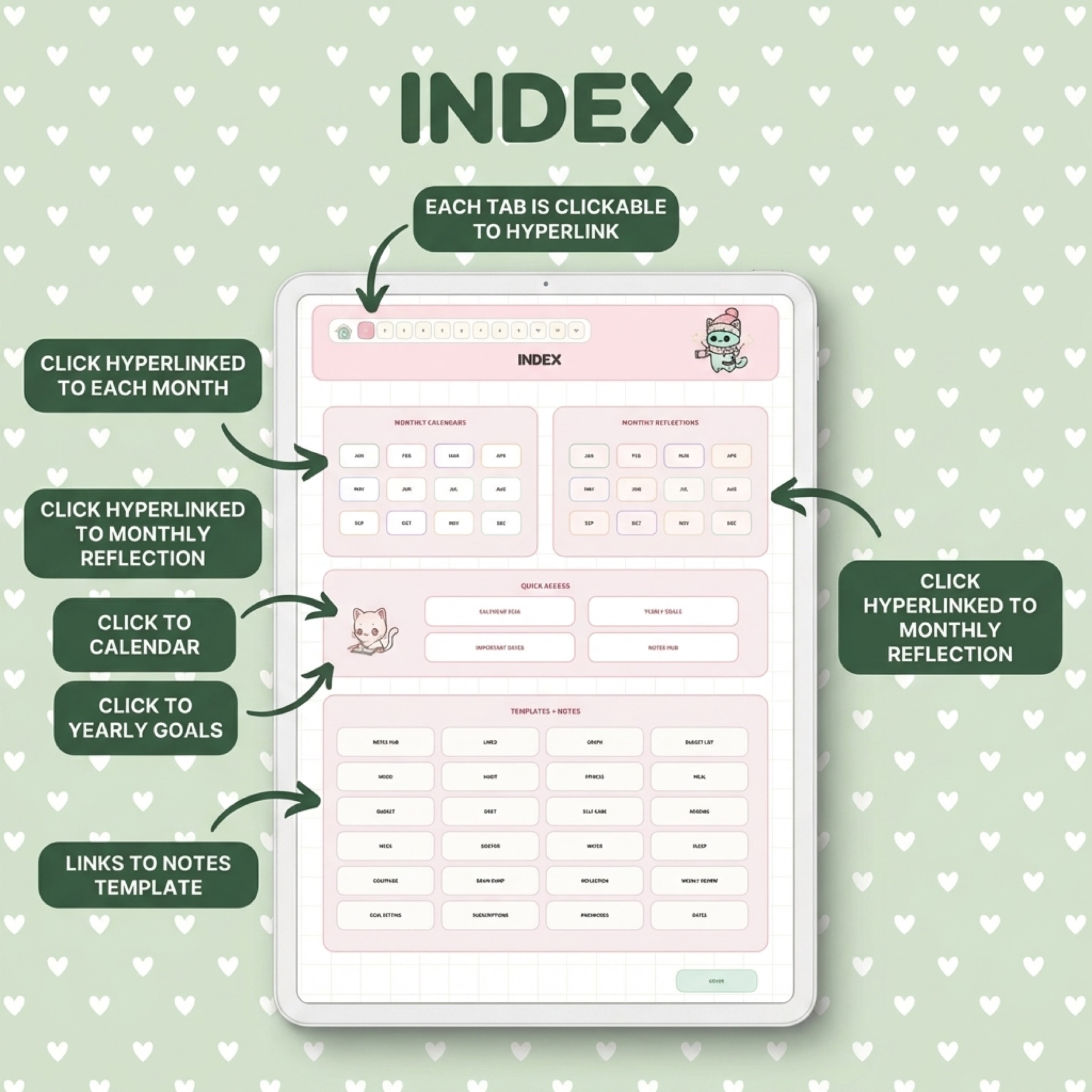
The GoodNotes Tabs Generator is valuable because linked navigation is one of the clearest usability differences between a mediocre digital file and a premium-feeling one. Tabs are not just decorative. They make larger planners and notebooks faster to move through, which means the user feels the benefit every time they open the file.
This tool is also educational. It helps shoppers understand why linked planners and notebooks feel worth paying for. Instead of reading vague copy about hyperlinks, they can see how much faster a file feels when the navigation is obvious. That is exactly the kind of experience that turns curiosity into purchase intent.
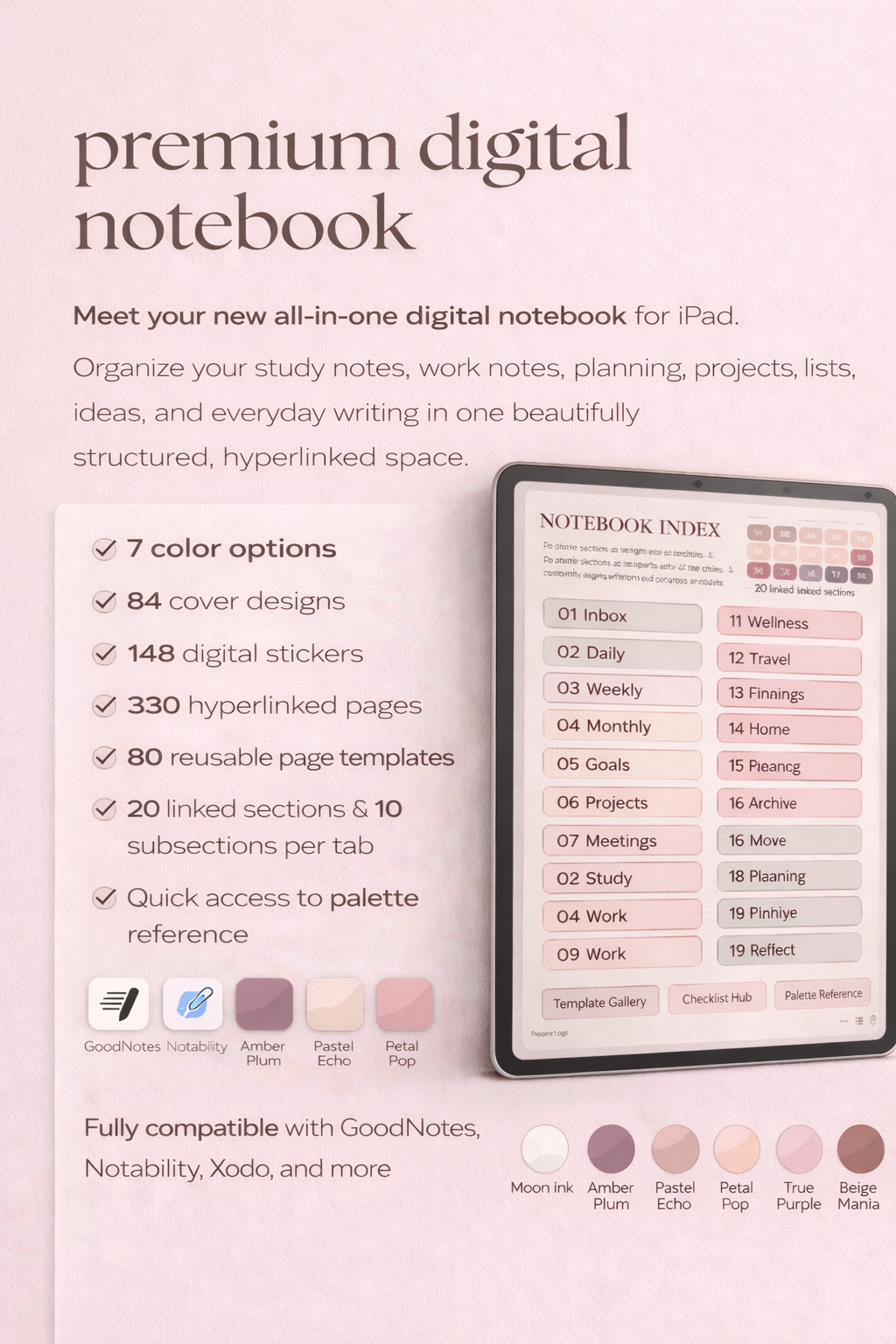
- arrow_right_altBest for shoppers who care about linked navigation and clean file movement.
- arrow_right_altUseful for understanding why hyperlinked notebooks and planners feel more premium.
- arrow_right_altSupports conversion into linked notebooks and bundle access later.
GoodNotes PDF Checker: reduce import friction before it becomes buyer regret
The GoodNotes PDF Checker solves a technical pain point that quietly kills trust. Many buyers do not fear the planner itself. They fear a broken import, missing tabs, dead links, or a setup they cannot fix. When that anxiety is left unaddressed, even interested shoppers hesitate.
That is why this tool is so commercially useful. It removes uncertainty before the transaction. It also supports PlannerPier's credibility because it shows the brand understands how much setup friction matters in digital products. For many visitors, fixing that fear is more important than adding another feature.
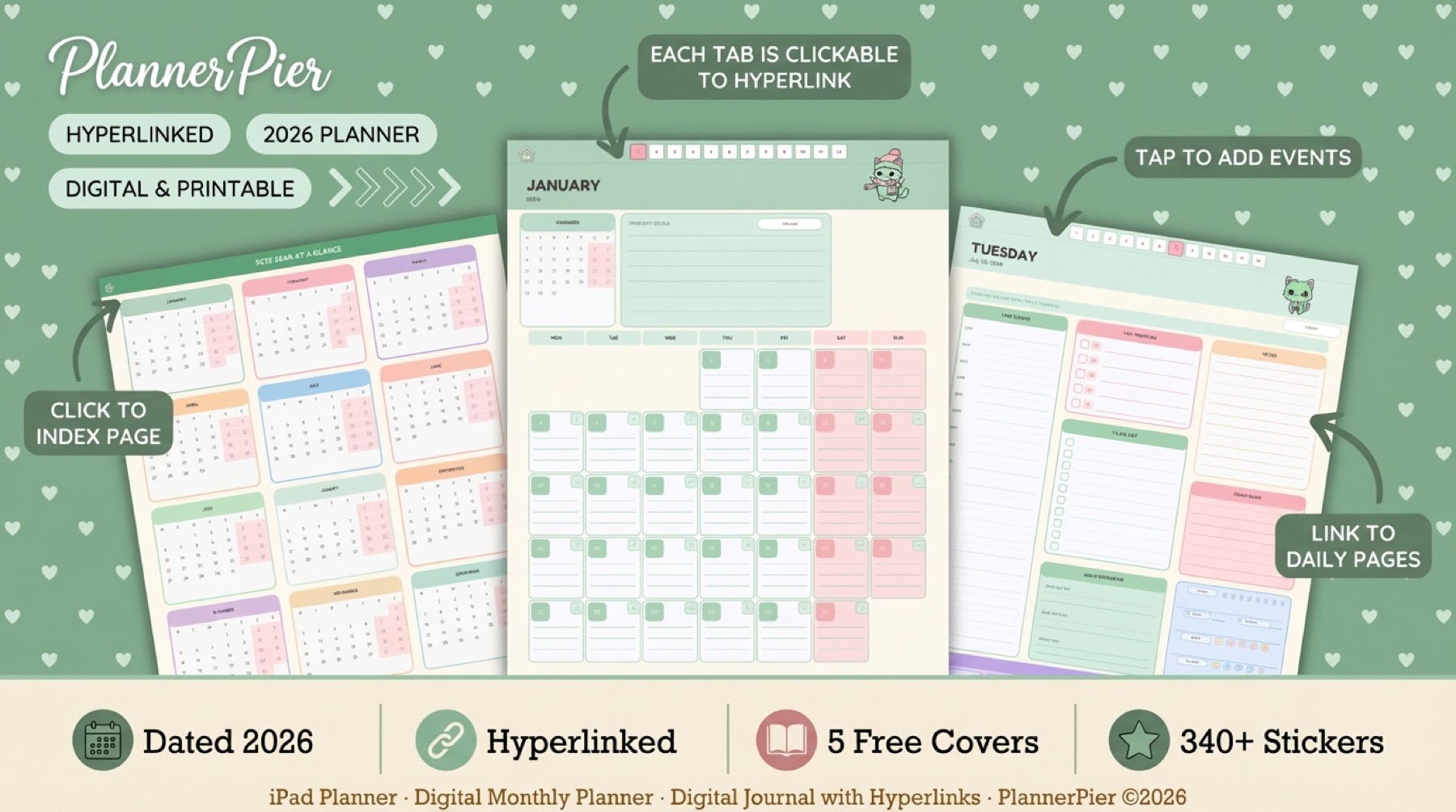
- arrow_right_altBest for visitors worried about compatibility, broken links, or bad imports.
- arrow_right_altUseful before purchase because it lowers technical uncertainty.
- arrow_right_altSupports stronger trust in PlannerPier's GoodNotes-friendly product ecosystem.
Sticker of the Week: let shoppers test personality without cluttering the page
The Sticker of the Week may look lighter than the planning tools, but it solves a real buying question too. A lot of shoppers want their planner to feel more personal, more expressive, or more fun, but they do not yet know whether they will actually use digital stickers repeatedly. A weekly free drop gives them that answer with almost no risk.
This tool also keeps PlannerPier feeling active. Returning visitors have a reason to check in again, and the brand's visual language becomes familiar without forcing a purchase. That makes sticker freebies one of the softer but still powerful conversion assets in the ecosystem.
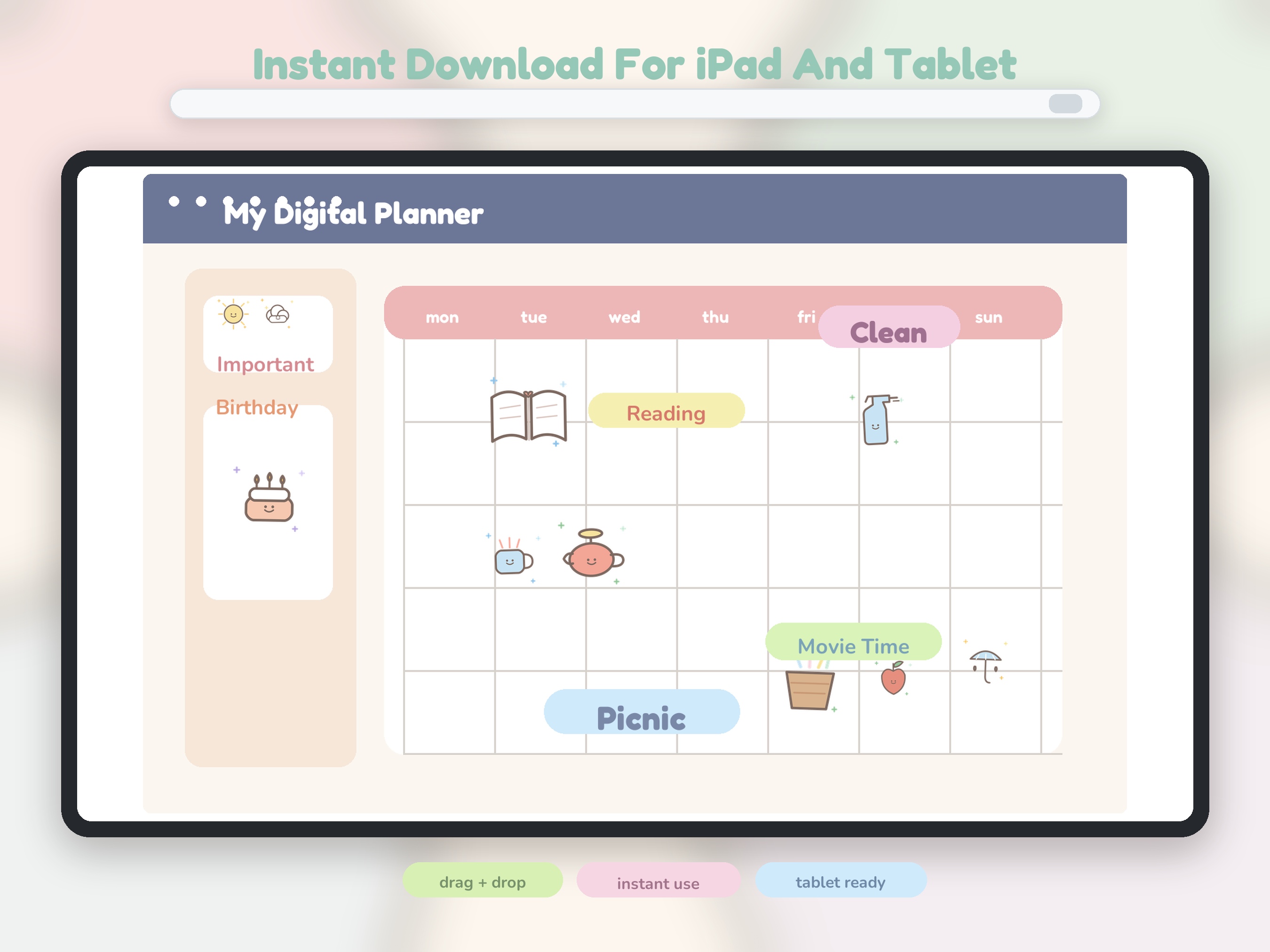
- arrow_right_altBest for testing whether stickers improve clarity, labeling, or motivation.
- arrow_right_altUseful for repeat visits because weekly drops create a reason to come back.
- arrow_right_altCreates a soft path into fuller sticker packs and the bundle.
Digital Planning 101: teach the workflow before asking for the sale
The Digital Planning 101 tool matters because beginners do not need more products first. They need more clarity first. When someone is still confused about how PDFs work, how tabs behave, or what kind of planner they need, a hard sales push usually fails. Education converts better because it reduces the fear behind the hesitation.
For PlannerPier, this beginner lesson plays an important role in the free tool funnel. It sits beside the quiz, the PDF checker, and the makers to help newer users move from confusion into real use. Once that shift happens, paid products feel much more approachable.
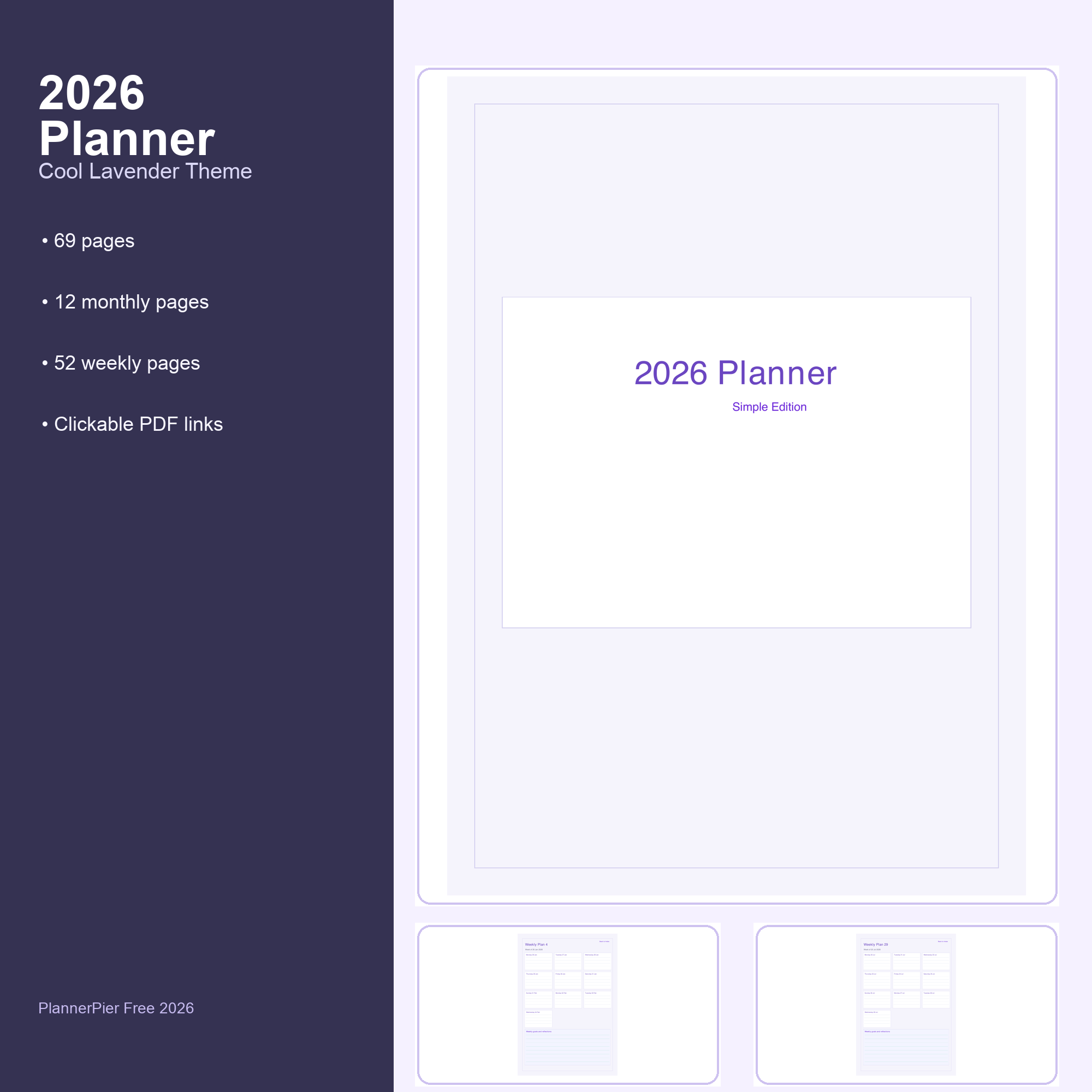
- arrow_right_altBest for beginners who still need the basics explained clearly.
- arrow_right_altUseful when a visitor wants confidence before comparing products.
- arrow_right_altSupports the whole funnel because better-informed users buy with less hesitation.
The best way to use all PlannerPier free tools together
The biggest mistake is trying every tool with no sequence. The stronger path is to start with the smallest uncertainty. If the visitor does not know what they need, begin with the quiz. If they only need month visibility, start with Calendar Maker. If they already know they plan around weekly decisions, start with Weekly Planner Maker. If setup anxiety is the blocker, start with GoodNotes PDF Checker or Digital Planning 101.
From there, the upgrade path should stay simple. Use one or two tools until the limitation becomes obvious, then move into the Ultimate Planner Bundle. That is when the bundle feels valuable rather than pushy. It is no longer a generic upsell. It is the clean next step after the free tool already did its job.
- arrow_right_altStart with the quiz when the real issue is choosing the right planner.
- arrow_right_altStart with Calendar Maker when the visitor wants an immediate printable win.
- arrow_right_altMove into the bundle when the user has already proven they want the broader PlannerPier system.
Frequently asked questions
What is the best PlannerPier free tool to start with?
If you do not know what kind of planner fits you, start with the Planner Quiz. If you want a quick practical win, start with Calendar Maker or Weekly Planner Maker.
Are PlannerPier free tools better than downloading random printable planners?
They are usually more useful because each tool is tied to a specific planning friction point and fits into a broader system instead of acting like an isolated freebie.
Which free tool is best for GoodNotes users?
GoodNotes users usually get the most value from GoodNotes Tabs Generator, GoodNotes PDF Checker, Calendar Maker, and Digital Planning 101 depending on whether they need navigation, import confidence, planning structure, or beginner help.
When should I buy the Ultimate Planner Bundle after using the free tools?
Buy the bundle once one or two tools already prove the workflow fits you and the remaining friction is the 2-use limit or the need for a more complete planning system.
Use the free tools to find your fit, then upgrade with confidence
PlannerPier free tools help you save time, reduce setup friction, and understand which planning workflow actually fits your life. When you are ready for one connected paid step, visit https://www.plannerpier.com/ and open the full PlannerPier system.