Best Digital Planner for Students in Goodnotes: What Actually Helps During Busy Semesters
Find out what makes the best digital planner for students in Goodnotes, from assignment tracking and weekly planning to lecture notes, exam prep, and low-stress study routines.
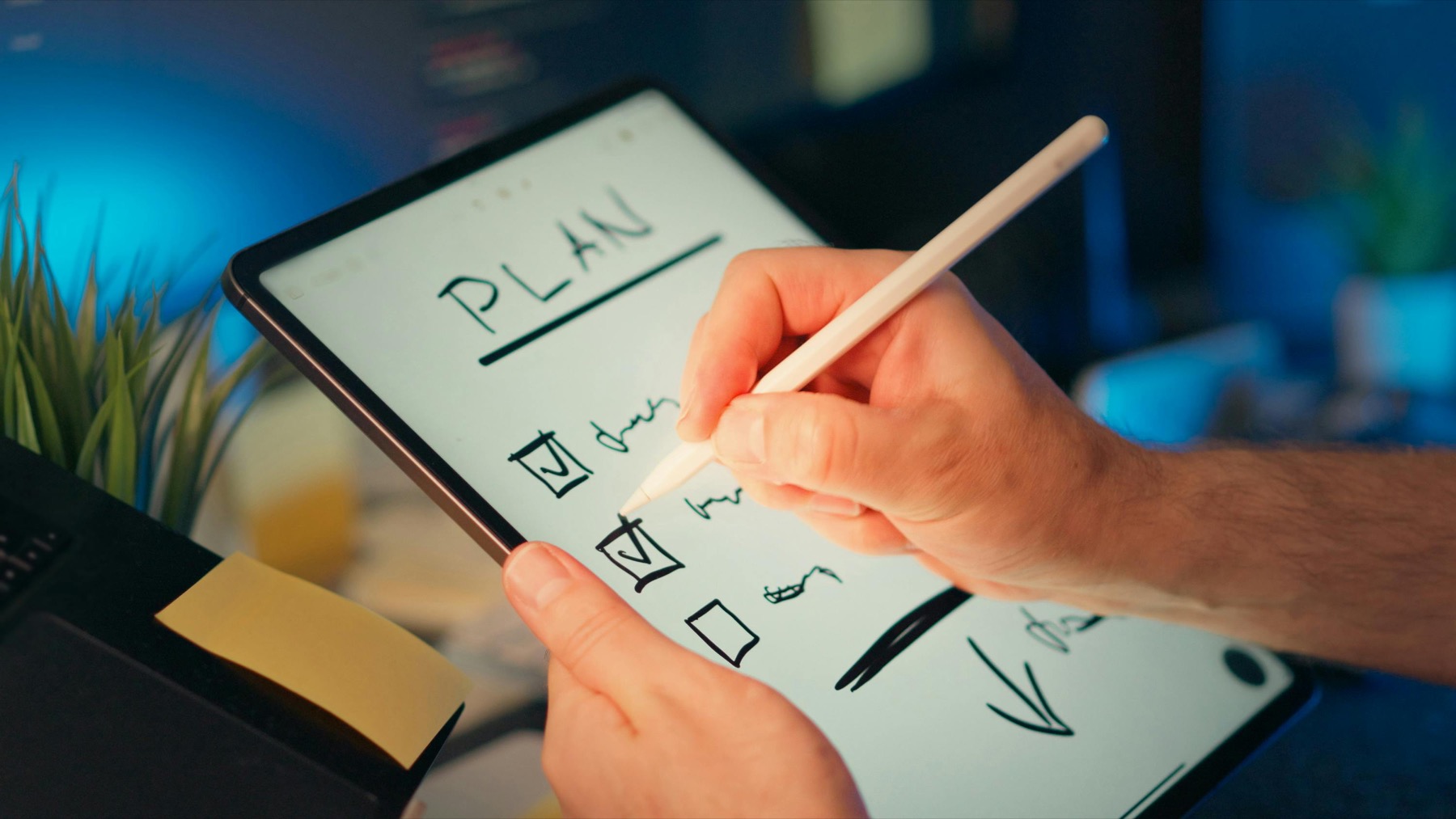
Photo by Jakub Zerdzicki on Pexels.
Students do not need a planner with the most pages. They need one that helps them see deadlines early, connect class notes to action, and recover quickly when the semester speeds up.
Why students need a different kind of digital planner
A student planner has to do more than hold appointments. It needs to bridge classes, assignments, deadlines, reading, revision sessions, personal admin, and usually part-time work or extracurriculars. That is why so many generic planners feel disappointing after the first week. They may look polished, but they do not answer the practical question students face every day: what do I need to finish next, and when will I actually do it?
The strongest digital planner for students in Goodnotes is not built around decoration. It is built around visibility. You need to see your upcoming deadlines before they become urgent, map your week without rewriting your entire life every evening, and keep enough blank space for the unexpected. A planner that supports those three things can reduce a surprising amount of academic stress.
What to look for before buying a student planner for Goodnotes
Start with navigation. Students open planners in a hurry between lectures, on public transport, or during short breaks, so the tabs must feel obvious immediately. Monthly views should help with major deadlines, weekly spreads should support workload planning, and notes sections should be close enough to use without friction. Goodnotes is excellent for this style of navigation when the planner file is structured well.
Then look at page logic. A student planner should include enough structure for assignments, study sessions, project tracking, and review notes, but it should not force you to maintain ten different systems at once. The best layouts feel calm. They tell you where to put coursework, where to capture tasks, and where to reflect without making you feel like you are behind before the semester has even started.
- arrow_right_altChoose planners with strong monthly and weekly layouts before worrying about stickers or extras.
- arrow_right_altLook for note-friendly pages that make it easy to connect class information to action items.
- arrow_right_altPrioritize clean hyperlinks and visible section labels for faster study weeks.
- arrow_right_altAvoid planners that depend on heavy decoration to feel useful.
Product spotlight
A student-friendly planner that reduces weekly overload
The PlannerPier ADHD Digital Planner 2026 gives students clear weekly structure, reusable daily pages, goal planning, and room for routines without turning the semester into a cluttered system.
- check_circleHyperlinked monthly, weekly, and daily pages for class-heavy schedules
- check_circleBuilt-in check-ins and reflection pages for more stable study routines
- check_circleUseful for college, online courses, and multi-project semesters
How Goodnotes fits student workflows better than paper for many people
Paper still works well for some students, but Goodnotes becomes more useful when your semester includes many moving parts. You can keep your planner, class notes, reading notes, and project pages in one library without carrying several notebooks. That alone saves time. When your planner also supports quick hyperlinks and handwriting, it feels less like a tech tool and more like a familiar binder that happens to be more flexible.
There is also a recovery advantage. Students rarely have perfectly linear weeks. A lecture gets moved, a deadline changes, a project expands, or you lose two days to fatigue and catch-up. A digital planner in Goodnotes makes those resets easier. You can duplicate useful pages, rework the week without wasting paper, and reopen the next spread without the emotional drag of abandoned pages.
A realistic school planning routine that actually survives midterms
The best routine is simple. At the start of the week, review your syllabus deadlines, look at what each class requires next, and assign focused study blocks before your calendar fills up. Each evening, do a quick check-in: what was completed, what needs to move, and what has to happen tomorrow even if motivation is low. This kind of routine is far more effective than constantly rewriting aesthetic to-do lists.
You can make this easier with a planner that includes weekly review space and notes pages for loose capture. The PlannerPier ADHD Digital Planner is especially useful for students who want a calmer weekly flow, while the 2026 Kawaii Cat Digital Planner adds more visual personality without losing practical structure. The goal is not to own the prettiest file. The goal is to create a study rhythm you can return to after a difficult week.
Conclusion: the best student planner is the one that keeps you oriented
When students search for the best digital planner for Goodnotes, they often think the answer will be a specific aesthetic or brand. In practice, the better answer is a planner that helps you orient quickly. You should be able to open the file, understand the week, see major deadlines, and decide what matters next in a few minutes. That is what lowers stress and improves follow-through.
If your planner helps you review, recover, and keep moving even during demanding parts of the semester, it is doing its job. That is the kind of structure worth paying for, because it saves time, protects mental energy, and turns your iPad into a more reliable academic support system.
Frequently asked questions
What is the best digital planner for students in Goodnotes?
The best option is usually a planner with strong monthly and weekly pages, clear hyperlinks, and enough notes space to support assignments, deadlines, and review sessions without feeling crowded.
Should students use Goodnotes for planning and notes together?
Many students benefit from doing both in Goodnotes because the planner and class materials stay in one place, which makes it easier to review and act on deadlines quickly.
Do students need daily pages in a digital planner?
Not always, but daily pages help during heavy weeks, exams, or project periods when you need more structure than a simple weekly overview can provide.
Make your study system easier to reopen every day
Explore PlannerPier digital planners if you want a Goodnotes setup that saves time, keeps school life organized, and feels calm enough to maintain during busy semesters.