Best Digital Planner for Students in Goodnotes or Notability: What to Look For Before You Buy
A student-focused guide to choosing the best digital planner for Goodnotes or Notability, including classes, assignments, study blocks, note integration, and burnout prevention.
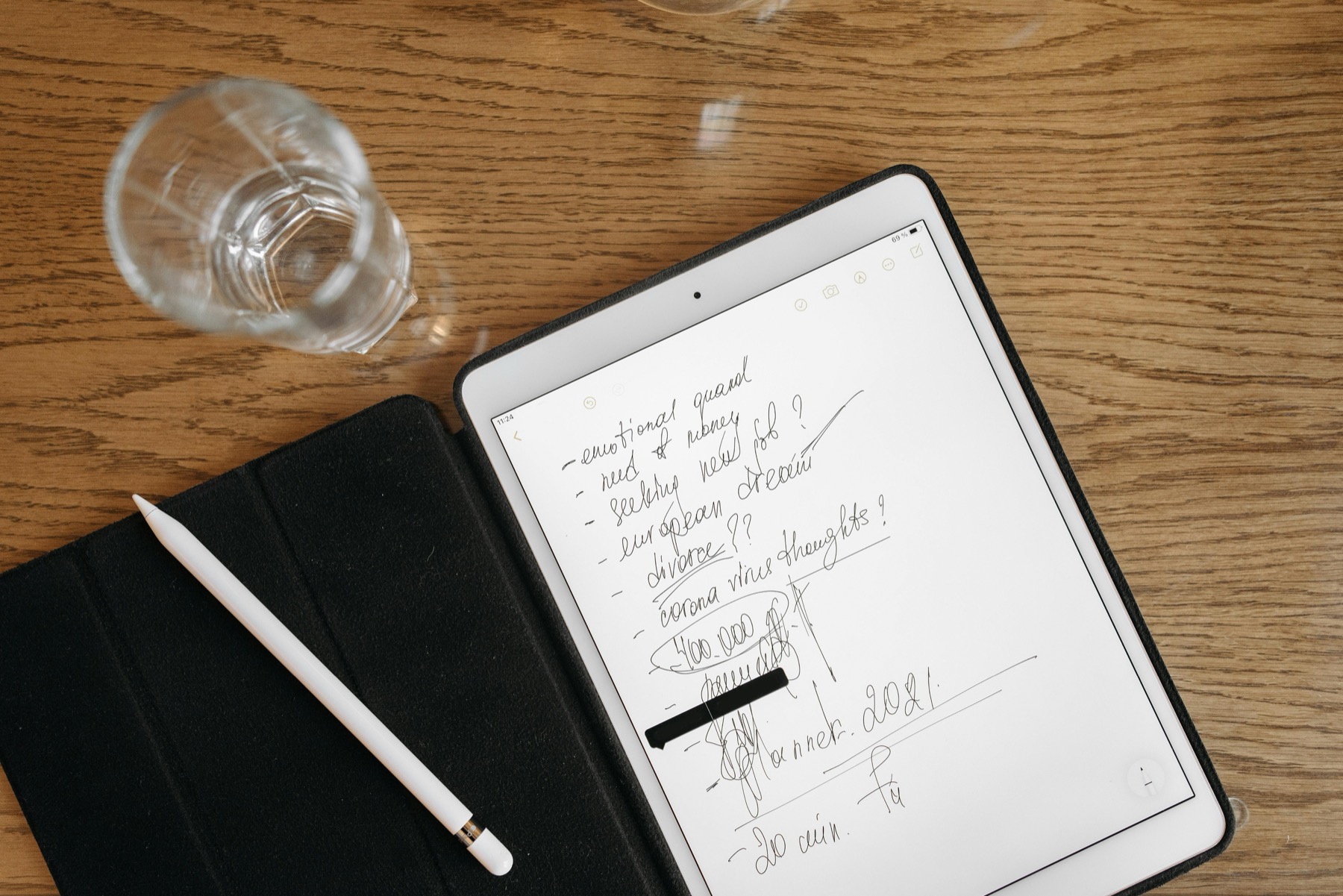
Photo by Pavel Danilyuk on Pexels.
The best student planner is not the one with the most stickers. It is the one that helps you see deadlines early, break work down, and keep class notes close to your weekly plan.
Need a study-friendly weekly layout?
Test a weekly page built around classes and study blocks
PlannerPier's Weekly Planner Maker is a useful low-pressure way to shape your semester workflow before buying a full planner bundle.
Open Weekly Planner MakerWhy students need a different kind of planner advice
Student planning is not just personal productivity with a school theme. It has its own pressures: assignment deadlines, reading loads, shifting class schedules, project milestones, exam prep, and the need to connect plans with actual subject notes. That is why so many generic digital planners feel incomplete for school life. They handle dates, but not academic reality.
A good student planner should help you answer a few practical questions fast. What is due next? What should I study this week? Where are my notes for that class? What can move if I am overloaded? If the planner cannot support those questions, it may still look nice, but it will not reduce semester stress in a meaningful way.
The core pages that matter most for students
The most useful student digital planners combine monthly deadline visibility with weekly study planning and daily focus blocks. Students also benefit from assignment trackers, exam countdowns, class-specific notes hubs, and space for project breakdowns. The planner does not need to include every academic insert imaginable, but it does need to make workload visible before it becomes urgent.
This is where buyers should look past surface-level aesthetics. Cute covers and sticker packs are a bonus, not the core value. The real value lies in seeing your semester clearly enough to avoid last-minute compression. A strong planner lets you distribute effort earlier, which is often the difference between calm progress and panic studying.
- arrow_right_altMonthly overviews for deadlines, exams, and submission dates.
- arrow_right_altWeekly spreads for study blocks, lectures, and task batching.
- arrow_right_altAssignment and project trackers that make progress visible.
- arrow_right_altNotes or notebook integration so class context stays close to plans.
Product spotlight
A notebook companion that makes student planning more usable
PlannerPier's Digital Notebook for iPad & GoodNotes helps students keep class notes, revision material, and project thinking close to their planning workflow.
- check_circleUseful alongside a student planner for subject-specific note organization
- check_circleSupports a calmer study system with less app and tab jumping
- check_circleA strong add-on for Goodnotes-based planning and review routines
Goodnotes vs Notability for student planning
Goodnotes is often the better first choice if your planner relies on hyperlinked tabs and you want a binder-like experience. Students who like fast jumping between semester pages, monthly dashboards, weekly spreads, and notebook sections usually appreciate that structure. Goodnotes support documentation on PDF hyperlinks reinforces why tab-based planners feel so natural in the app.
Notability becomes especially compelling when your classes involve heavy note-taking, recorded lectures, or review sessions where audio context matters. Notability support explains both planner importing and recordings linked to annotations, which means a student can keep a planner near the actual class note trail. For some learners, that note-connected workflow is more valuable than the cleaner planner-first feel of Goodnotes.
How to avoid buying a planner that only works for the first week
Many student planners feel exciting at the start of term because they promise a reset. Then the semester gets real, lectures pile up, and the planner becomes another thing to maintain. The better test is not how inspiring it looks on move-in day. It is whether it still helps during week six when deadlines overlap and motivation is lower.
Choose a planner that makes catch-up possible. That means clear weekly views, realistic daily pages, and enough note space to manage shifting priorities. It also means not overloading the workflow with decorative rituals that take energy away from actual study. A student planner should protect attention, not consume it.

Where PlannerPier fits for student buyers
PlannerPier's opportunity with students is not only selling a planner. It is offering a calmer study system. A student may need a planner for deadlines and a notebook for class-specific notes, reading logs, or revision summaries. That makes products like the Digital Notebook for iPad & GoodNotes strategically relevant, especially when paired with a simple planner workflow.
This kind of product pairing feels natural instead of forced because it matches how students actually work. They plan the week, then open separate spaces for lecture notes, revision material, and project thinking. When the blog explains that workflow clearly, the product recommendation feels useful rather than promotional.
A practical student planning workflow on iPad
Start each week by checking every deadline for the next two weeks, not just the current one. Put fixed lectures, labs, or classes into the weekly spread first. Then add study blocks for the work that matters most, especially anything with an upcoming deadline or exam weight. Finally, keep one daily focus page for the tasks that need active attention today.
After each study session or class, return to your notes and mark the next action directly. That might be reviewing slides, drafting an outline, or finishing a problem set. The planner tells you when to work. The notes tell you what the work actually is. That connection is what prevents academic planning from becoming vague.
What students should buy first
If you are new to digital planning, start with a clean planner and add specialized pieces later. Once your weekly routine exists, then decide whether you need separate digital notebooks, subject templates, or sticker packs. That staged approach protects your budget and makes it easier to figure out what actually supports your coursework.
For PlannerPier, this is a strong SEO and conversion topic because student buyers often arrive with high urgency. They are trying to organize a term, reduce stress, and feel more in control. Helpful articles that meet that moment can earn trust quickly and point them toward the products that make sense next.
Frequently asked questions
What is the best digital planner for students on iPad?
The best student planner usually includes monthly deadline views, weekly study planning, and a way to keep class notes or subject context close to the plan.
Is Goodnotes or Notability better for college students?
Goodnotes is often better for planner-first navigation, while Notability is especially helpful when lecture notes and recordings are part of the same workflow.
Should students use a digital notebook with their planner?
Yes, often. A planner tracks what and when, while a digital notebook holds subject notes, revision material, and supporting class context.
Build a student planning system that keeps deadlines and notes connected
Explore PlannerPier's digital notebooks, planners, and study-friendly tools at https://www.plannerpier.com/ if you want a calmer academic workflow on iPad.