Budget & Finance Planner Tool: Build Monthly Bills, Spending, and Savings Pages Fast
Use PlannerPier Budget & Finance Planner to create monthly budget PDFs with income, bills, variable spending, savings, and transaction log pages.
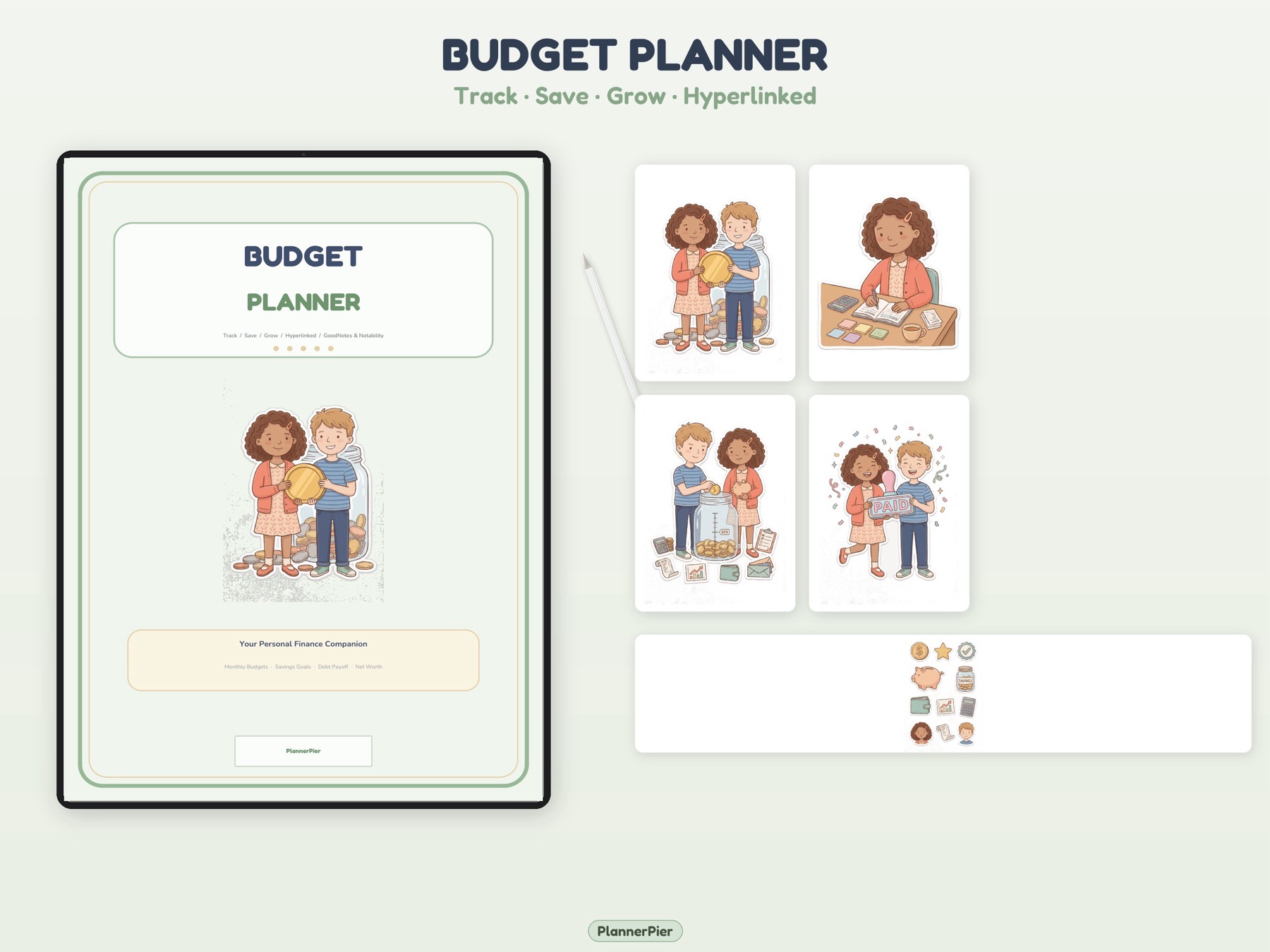
Photo by PlannerPier on PlannerPier.
A budget planner becomes useful when it turns vague money stress into visible categories you can review without opening a complex spreadsheet.
Try the tool
Create a monthly budget page and spending log
Generate a two-page finance PDF in the browser, then decide whether you need the full PlannerPier Budget Planner.
Open Budget & Finance PlannerWhy a budget planner tool can convert better than a generic finance article
People searching for budget planners are usually close to action. They want a page they can use for rent, bills, groceries, transport, subscriptions, and savings. They may not want a full finance app, and they may not want to build a spreadsheet from scratch. They want visibility.
The PlannerPier Budget & Finance Planner gives that visibility fast. It creates a monthly overview for income, fixed bills, variable caps, and savings, plus a second transaction log page for everyday spending.
How PlannerPier competes with budget templates
Competitor content often targets budget planner template, GoodNotes budget planner, printable budget worksheet, and spending tracker PDF. Those keywords matter because the user wants a usable page, not abstract financial advice. PlannerPier should lean into that intent by showing the tool output clearly and linking the generated page to a bigger money-management workflow.
The tool also fits the broader PlannerPier positioning: try a specific page first, then upgrade when the user wants unlimited exports, saved systems, and a complete planner stack.
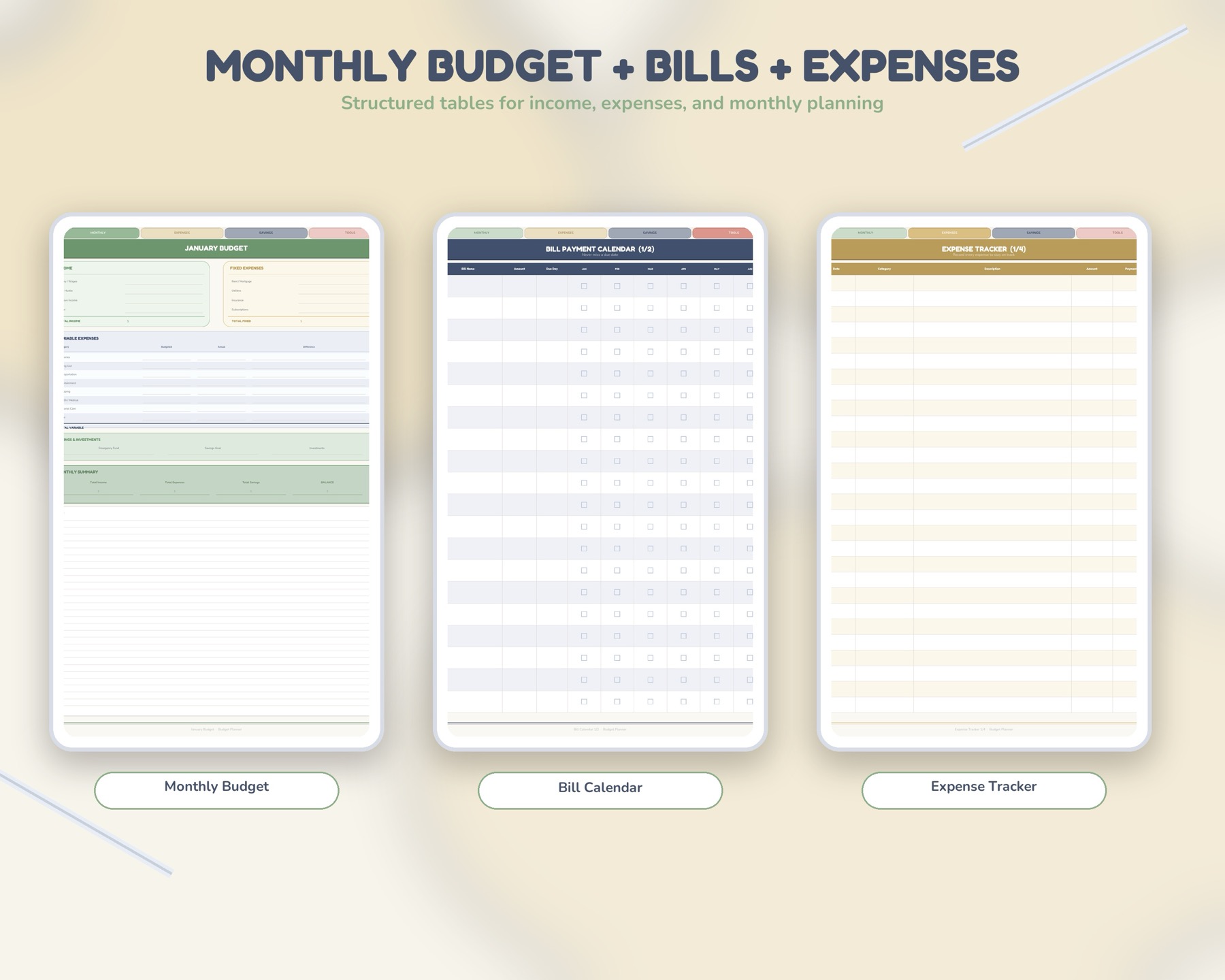
- arrow_right_altUse page one for monthly income, bills, variable categories, and savings.
- arrow_right_altUse page two as a spending log for transactions and notes.
- arrow_right_altReview both pages weekly so the budget becomes a live habit instead of a one-time setup.
Product spotlight
A full budget planner after the quick PDF proves useful
PlannerPier Budget Planner gives users deeper monthly finance structure, savings review, expenses, goals, and notes after the free tool shows the workflow is worth keeping.
- check_circleBuilt for bills, spending, savings, and monthly review
- check_circleGoodNotes-friendly and printable
- check_circleNatural next step after the Budget & Finance Planner tool
When the free tool is enough and when to upgrade
The free tool is enough when someone needs a quick monthly page, a printable spending log, or a low-commitment way to test budget planning on iPad. It is not enough when the user wants a larger finance system with goals, savings review, notes, and more complete monthly structure.
That is where the PlannerPier Budget Planner becomes the obvious next step. It extends the quick generated workflow into a reusable finance planner that helps users track bills, savings, expenses, and money goals with more room.
How to use the budget PDF without making money tracking heavy
Keep the first setup simple. Add income, fixed bills, three or four spending caps, and one savings goal. Do not start with twenty categories unless you already have that habit. A budget planner should make money easier to see, not harder to maintain.
The spending log is most useful when reviewed on a weekly rhythm. Five minutes on Friday can show where the week drifted, what needs adjusting, and whether the next week needs a softer spending plan.
Frequently asked questions
What does PlannerPier Budget & Finance Planner create?
It creates a two-page PDF with a monthly budget overview and a spending log for transactions, notes, and review.
Can I use the budget PDF on iPad?
Yes. You can import the PDF into GoodNotes, Notability, Noteshelf, Xodo, or another PDF annotation app, or print it.
What should I buy after using the free budget tool?
The PlannerPier Budget Planner is the natural upgrade if you want more complete money pages, goals, savings review, and recurring monthly structure.
Make money visible before it becomes stressful
PlannerPier budget tools help you organize bills, spending, and savings with pages that are simple enough to review every week. Explore more at https://www.plannerpier.com/.