Meal Planner Maker for iPad: Create Grocery Lists and Weekly Meal Prep Pages Fast
Use PlannerPier Meal Planner Maker to create weekly meal planner PDFs with breakfast, lunch, dinner, and grocery checklist pages for iPad or print.
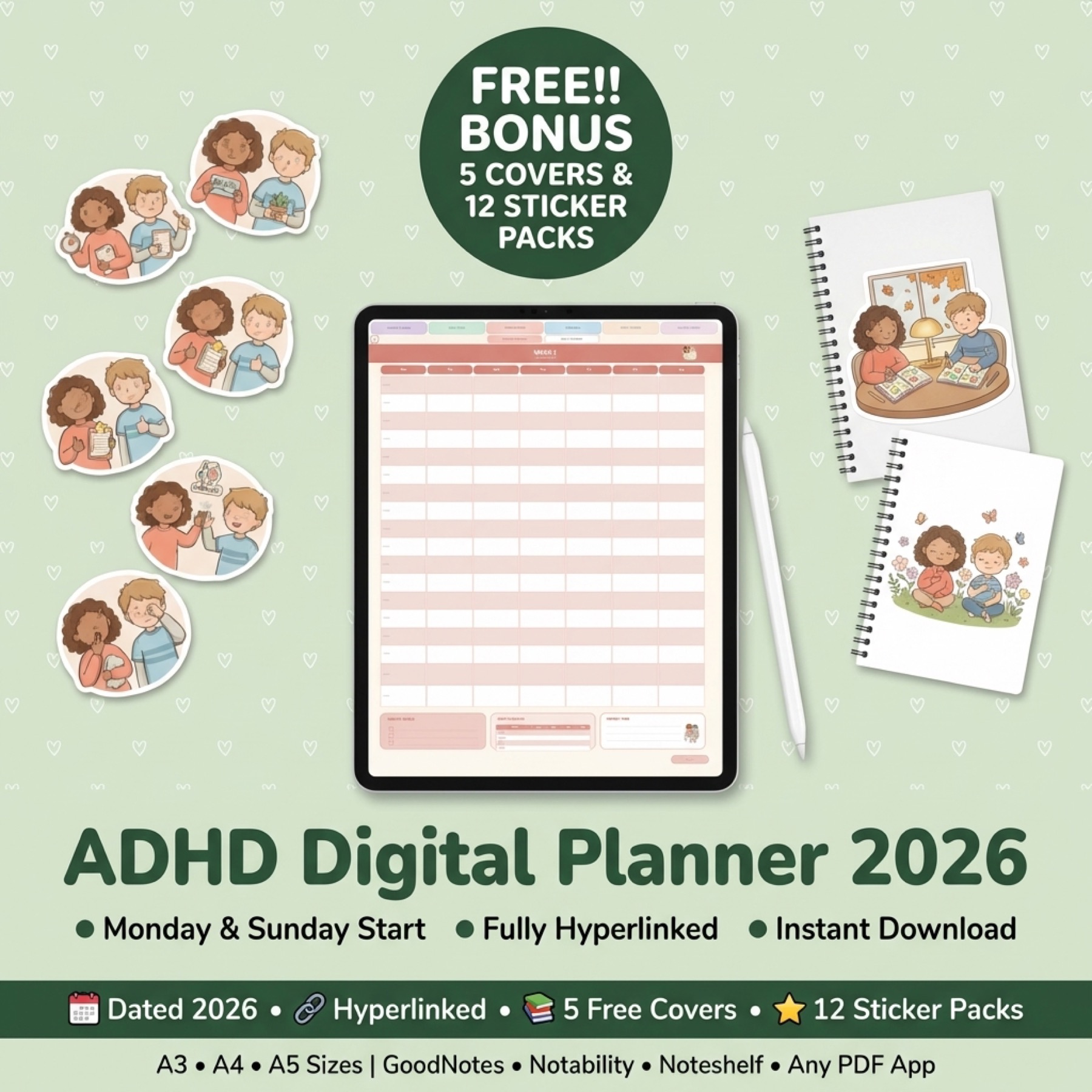
Photo by PlannerPier on PlannerPier.
Meal planning works best when the page removes dinner decisions before the week starts, instead of asking you to invent a perfect kitchen routine from scratch.
Try the tool
Create a meal plan and grocery checklist in the browser
Use PlannerPier Meal Planner Maker to generate a weekly meal grid and shopping checklist before committing to a fuller planner workflow.
Open Meal Planner MakerWhy meal planning is one of the easiest digital planner wins
Meal planning is not glamorous, but it is one of the fastest ways a planner can save real time. Most people do not need a complicated nutrition dashboard. They need to know what they are eating, what groceries are missing, and which nights need the easiest possible meal.
That is exactly where the PlannerPier Meal Planner Maker fits. It creates a simple weekly meal grid with breakfast, lunch, and dinner spaces, plus a second grocery checklist page users can print or import into GoodNotes, Notability, Noteshelf, Xodo, or another PDF annotation app.
What makes this better than a random meal planner template
Many competitor pages compete around free meal planner templates, weekly meal planner printables, and grocery list PDFs. Those pages are useful, but they often make the user choose from static designs. PlannerPier's advantage is that the user can generate a fresh planning page quickly and then move into the broader tool system if the workflow works.
That makes the tool more than a download. It becomes a small habit test. If the meal grid helps users stop making dinner decisions at 5 p.m., they are more likely to trust PlannerPier for weekly planning, budget planning, and household routines too.
- arrow_right_altUse the meal grid for breakfast, lunch, and dinner visibility.
- arrow_right_altUse the grocery checklist as a second page instead of squeezing shopping into the weekly grid.
- arrow_right_altUse the export on iPad or print it for a kitchen binder.
Product spotlight
A fuller routine planner after weekly meal pages start helping
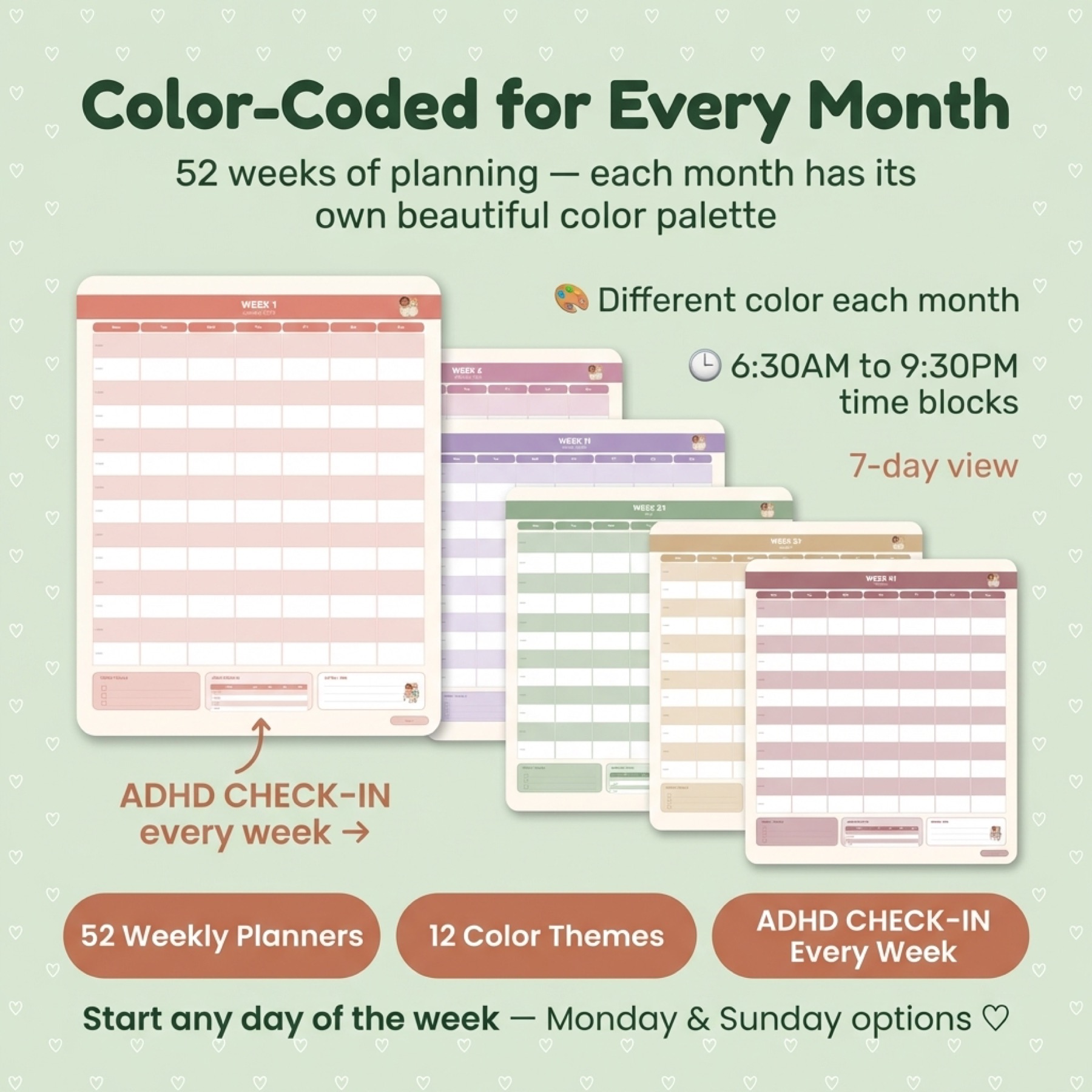
PlannerPier ADHD Digital Planner 2026 pairs meal planning with weekly pages, reflection, goals, and supportive structure for users who want a calmer all-week system.
- check_circleIncludes meal planning support beside weekly and daily pages
- check_circleUseful for busy households and low-energy weeks
- check_circleGood upgrade after testing the Meal Planner Maker
How to use the Meal Planner Maker for a realistic week
Start by choosing meals you already know how to make. The tool should reduce decisions, not turn meal planning into a cooking challenge. Add low-effort dinners on busy nights, leftovers after long workdays, and grocery staples you can reuse across several meals.
Once the PDF is exported, the grocery checklist becomes the handoff between planning and action. That second page matters because it keeps the shopping list separate from the meal grid, which makes the planner easier to read and easier to use in a store.
The natural upgrade path after the free meal planner
If someone uses the meal planner every week, they probably need household planning support beyond food. The ADHD Digital Planner 2026 is a strong upgrade because it includes weekly planning, meal planning, reflection, goals, and self-care pages in one calmer system.
For users who want unlimited exports across meal pages, weekly pages, trackers, calendars, and more, PlannerPier Premium is the deeper workflow upgrade. The point is simple: start with one useful page, then expand only when the habit proves itself.
Frequently asked questions
What does PlannerPier Meal Planner Maker create?
It creates a two-page PDF with a weekly meal grid for breakfast, lunch, and dinner plus a separate grocery checklist page.
Can I use the meal planner PDF in GoodNotes?
Yes. You can import the exported PDF into GoodNotes or another PDF annotation app, or print it for a kitchen binder.
Who should use a meal planner maker instead of a full planner?
Use the maker when your immediate problem is meals and groceries. Move into a full planner when you also need weekly priorities, routines, budget pages, and household admin support.
Make weekly meals easier to decide before the week starts
PlannerPier helps you turn meal planning, grocery lists, and weekly routines into a calmer digital planning system. Explore the tools and planners at https://www.plannerpier.com/.