How to Use a Digital Planner for Work Meetings, Weekly Priorities, and Project Follow-Through
Learn how to use a digital planner for work on iPad, organize weekly priorities, keep meetings connected to action items, and build a system that supports real professional workflows.
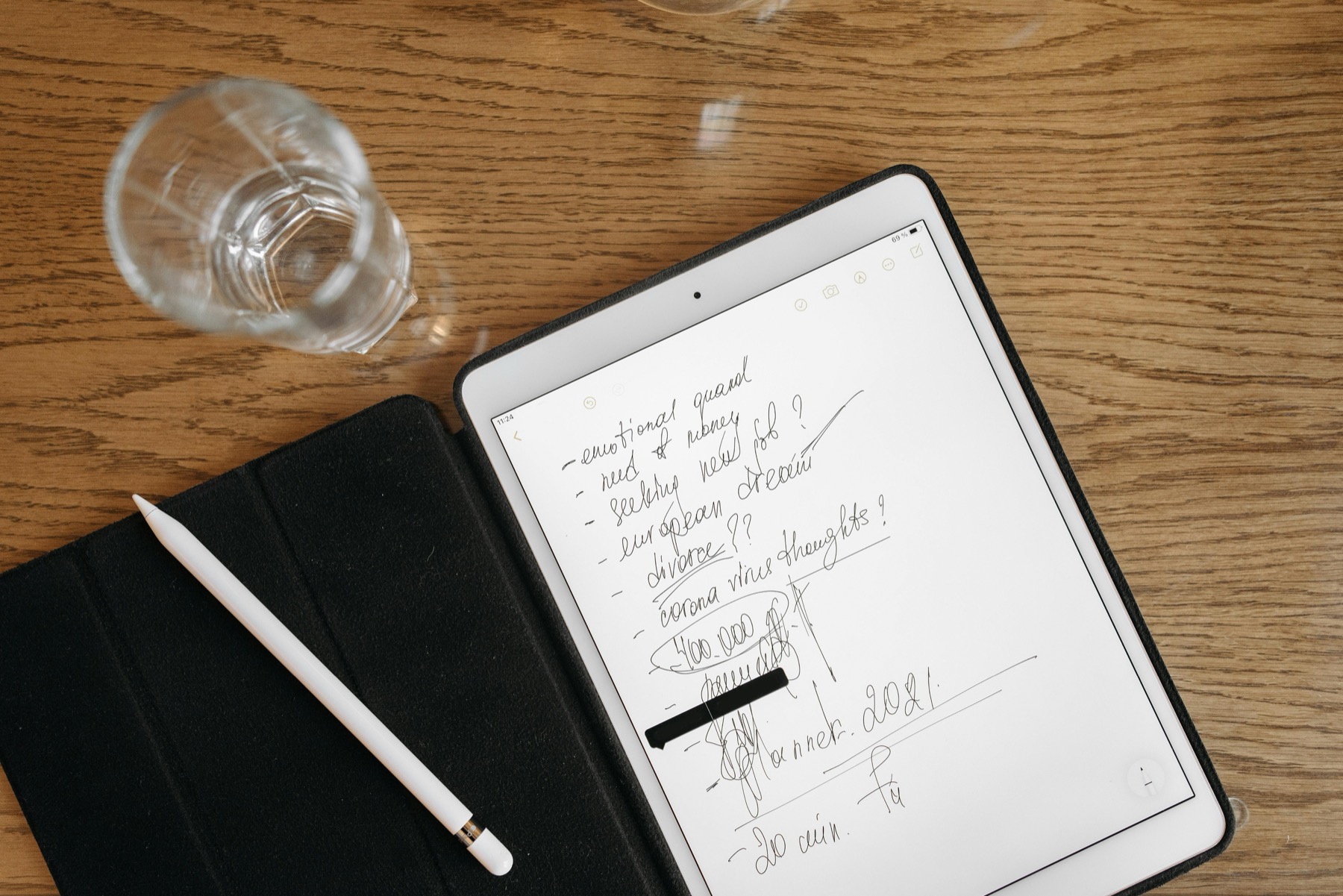
Photo by Pavel Danilyuk on Pexels.
Work planning becomes easier when your calendar decisions, meeting notes, and project follow-through live in a clear relationship instead of scattered across tools.
Why work planning falls apart even when the calendar is full
Many professionals are not under-planned. They are over-fragmented. The calendar holds meetings, a notes app holds takeaways, messages hold quick asks, and a planner or task list holds partial actions. The result is a busy week that still feels vague because the system never turns information into a clear sequence of next steps.
A digital planner fixes part of that problem when it is used as a decision layer rather than a dumping ground. Its job is not to store every detail from the week. Its job is to show what matters, when it matters, and what needs to move next.
What a strong work planner should include
A useful work planner starts with a weekly overview that can hold meetings, deadlines, and two or three real priorities without feeling cramped. It should also include project or notes pages nearby so that follow-up actions do not lose their context the moment the meeting ends.
For many people, the highest-value pages are simpler than expected. You need a monthly view for bigger deadlines, a weekly spread for active commitments, a daily page for focused execution, and a notes system for meeting records and project thinking. Anything beyond that is only useful if it supports your actual work style.
- arrow_right_altA weekly page for deadlines, meetings, and top priorities
- arrow_right_altA daily page for focused work, admin, and realistic task selection
- arrow_right_altProject notes for decisions, follow-up items, and supporting detail
- arrow_right_altA weekly review section for unfinished work and next-step planning
Product spotlight
A business-ready notes system that supports planner follow-through
PlannerPier Digital Notebook for Goodnotes is built for meetings, projects, research, and reference material so your weekly planner can stay focused on decisions and timing.
- check_circleUseful for client work, team meetings, and project planning
- check_circleHelps separate weekly priorities from long-form notes
- check_circleCreates a cleaner professional workflow on iPad
Keep meetings close to the planner, not inside it
One of the biggest mistakes in professional planning is copying too much meeting detail into the planner itself. Your planner should show the decision, not the transcript. If a client call, leadership meeting, or internal review produces five follow-up items, write the distilled action in the planner and store the deeper context in a linked note.
This is exactly why a planner-plus-notebook system works so well. The PlannerPier Digital Notebook for Goodnotes gives you reusable sections for project notes, meeting summaries, reference material, and thinking space. Pair that with the PlannerPier Simple Undated Digital Planner, and the week becomes easier to manage because timing and context each have a clear home.
How to run a weekly priorities review that supports execution
Set aside 15 to 20 minutes before the week starts. Look at your major meetings, delivery dates, and deadlines first. Then choose two or three outcomes that would make the week successful even if unexpected work appears. After that, add the necessary support blocks for admin, preparation, and follow-up.
The goal is not to predict every hour. The goal is to protect enough visibility that you do not spend the entire week reacting. A digital planner helps because you can move tasks forward, duplicate planning pages, and keep project notes nearby without rebuilding the system from scratch.
How digital planning saves time in professional workflows
The time savings are not only about faster writing. They come from faster retrieval. Instead of hunting through email threads, loose notebooks, or random notes, you know where your current priorities live and where the supporting information belongs. That reduces rework, repeated decision-making, and the friction of restarting after a chaotic day.
This is particularly valuable for managers, freelancers, consultants, and anyone switching between meetings and focused work. When your planning system is easy to reopen, you recover momentum faster after interruptions. That is one of the biggest hidden advantages of digital planning.
Conclusion: a work planner should make follow-through easier, not look busier
A strong work planning system is not the one with the most widgets, tabs, or templates. It is the one that helps you translate meetings into action, prioritize limited time, and end the week with less ambiguity about what still matters.
When your planner handles priorities and your notebook handles project depth, work feels more manageable. You stop carrying your entire week in your head and start using your tools to think more clearly.
Frequently asked questions
Can a digital planner help with work meetings and deadlines?
Yes. A digital planner can hold your weekly priorities, deadlines, and meeting follow-up while a linked notebook stores deeper project notes and context.
What is the best digital planner setup for office work or freelancing?
Many professionals do best with a weekly planner for timing decisions and a digital notebook for meetings, project notes, and reference material.
Should meeting notes live inside the planner?
Usually no. Keep key actions in the planner and full context in a linked note so your weekly pages stay readable and your notes stay easier to revisit.
Turn work planning into clearer weekly execution
PlannerPier digital planners and notebooks help professionals save time, stay organized, and keep project follow-through easier to manage. Explore the collection at https://plannerpier.com/.