How to Use a Digital Notebook for Work and Study Without Losing Track of Anything
Learn how to organize a digital notebook for projects, study notes, meetings, and life admin in Goodnotes or similar apps, with a structure that stays easy to search and revisit.
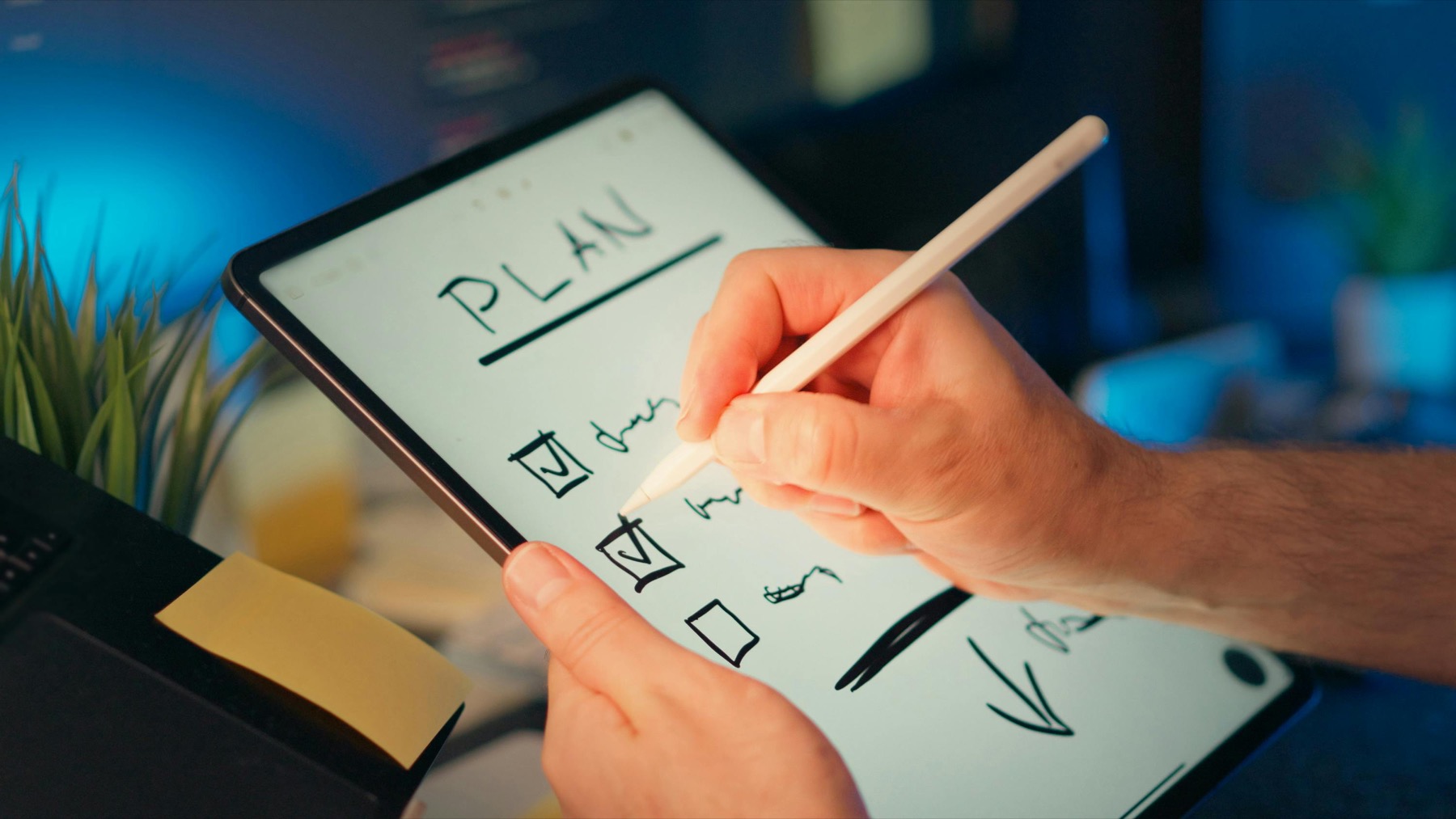
Photo by Jakub Zerdzicki on Pexels.
A digital notebook becomes powerful when it stops being a random pile of pages and starts working like a calm operating system for the information you need every week.
Why digital notebooks solve a different problem than digital planners
A planner is about timing and follow-through. A notebook is about storing, shaping, and revisiting information. When people blur those jobs together, their system often becomes frustrating. Tasks get buried in long notes, meeting insights disappear into daily planner pages, and project thinking gets mixed with calendar management. That is why many people feel digitally organized while still struggling to find what they need later.
A digital notebook fixes that problem by giving your ideas, research, meeting notes, and reference material a stable home. It becomes the deeper layer underneath your planner. Instead of forcing every thought into a weekly page, you let the planner handle scheduling while the notebook keeps the substance of your work and study life intact.
How to structure a notebook so it stays useful after month one
The most effective notebook structure usually starts with broad categories rather than hyper-specific folders. Think projects, meetings, study, reference, personal admin, and archive. Within those sections, repeat a small set of templates such as meeting notes, lecture notes, research summaries, and action planning pages. This reduces friction and makes your notebook easier to trust.
The PlannerPier Digital Notebook for Goodnotes is designed for exactly this kind of repeatable system. Instead of giving you one rigid use case, it offers linked sections, subpages, and multiple note formats so the notebook can flex across work, school, planning, and general life organization.
- arrow_right_altKeep top-level sections broad and stable.
- arrow_right_altUse repeatable note templates instead of inventing a new layout for every topic.
- arrow_right_altArchive old material regularly so active sections stay light and scannable.
Product spotlight
A digital notebook built for findable information, not random pages
PlannerPier Digital Notebook for Goodnotes helps you organize work, study, meetings, and reference material in one linked system that stays elegant and practical under real use.
- check_circle20 main sections with linked subpages
- check_circleLarge library of note-taking templates
- check_circleDesigned for work, school, planning, and life organization
What to store in a notebook and what to keep out of it
A notebook is best for information with staying power. Store project briefs, recurring meeting notes, class summaries, reading highlights, brainstorms, client context, and life admin references there. These are the things you may need to revisit weeks later. The notebook gives them continuity.
Do not overload it with every daily task or disposable reminder. That is planner territory. If you try to make the notebook carry both deep information and short-lived scheduling decisions, it gets noisy fast. A cleaner split is to keep deadlines and next actions in your planner, then link or reference the supporting material from your notebook as needed.
Product spotlight: one notebook that can hold work, study, and planning context
For people who need one elegant place for projects, class material, notes, and organized thinking, the PlannerPier Digital Notebook for Goodnotes stands out because it combines strong structure with visual calm. It is not just a blank notebook. It is a hyperlinked environment designed to keep different kinds of information findable.
That balance is useful for students managing multiple subjects, freelancers juggling clients, and professionals who need meeting notes, research, and planning support in the same ecosystem. It helps you save time because you spend less energy rebuilding the same organizational structure over and over.
- arrow_right_altHyperlinked sections and subpages for faster navigation
- arrow_right_altMultiple note templates for different kinds of work
- arrow_right_altUseful for study, meetings, writing, planning, and life admin
How to connect your notebook with your planner without creating chaos
The cleanest system is simple: planner for when, notebook for what. Your planner tells you what matters this week. Your notebook stores the context that helps you execute. If you have a project review, your weekly plan can mention it while the notebook holds the agenda, notes, and follow-up details. If you are studying for an exam, the planner tracks revision sessions while the notebook stores lecture summaries and practice questions.
This pairing is especially effective when you combine a notebook with a planner that is visually light. For example, a notebook can pair well with the PlannerPier Simple Undated Digital Planner if you want flexible planning on one side and deep information storage on the other. The two tools do not compete. They support different layers of your routine.
Common notebook mistakes that make information harder to find
One common mistake is over-categorizing too early. Another is using too many decorative dividers and too few meaningful structures. A third is failing to review and rename notes in a consistent way. These issues make the notebook feel full but not actually organized. You know the information is in there somewhere, but not where.
It helps to review active sections once a week. Rename recent notes clearly, move finished items to archive, and keep your main sections focused on current use. The goal is not perfection. The goal is fast retrieval. A notebook proves its value when you can find the right context without mentally restarting the whole project.
Conclusion: a digital notebook should reduce mental tab-switching
A well-built digital notebook does more than store notes. It protects your attention. Instead of scattering project details across screenshots, random pages, and forgotten documents, it gives your thinking a stable home you can return to quickly. That reduces mental tab-switching and helps your planner stay clean.
If you work, study, or manage multiple responsibilities on a tablet, a digital notebook is often the missing layer that makes the whole system make sense. It turns information into something you can revisit, not just capture once and lose.
Frequently asked questions
What is the difference between a digital notebook and a digital planner?
A digital planner manages time, tasks, and routine, while a digital notebook stores information such as project notes, meeting records, study material, and reference pages.
Can I use one digital notebook for both work and study?
Yes. A strong hyperlinked notebook can support both, especially if it includes clear sections and repeatable templates for different note types.
What is the best way to organize a Goodnotes notebook?
Use a few stable top-level categories, repeatable note templates, and a weekly cleanup habit so active notes stay easy to find.
Give your notes a structure you can actually return to
PlannerPier digital notebooks and planners are designed to save time, keep life organized, and make it easier to track projects, ideas, and goals without visual overload. Explore them at https://plannerpier.com/.