Notion vs Digital Planner for iPad Productivity: Which System Should You Use for Real Weekly Planning?
Compare Notion and iPad digital planners for weekly planning, task management, handwriting, habit tracking, project notes, and PlannerPier workflows.
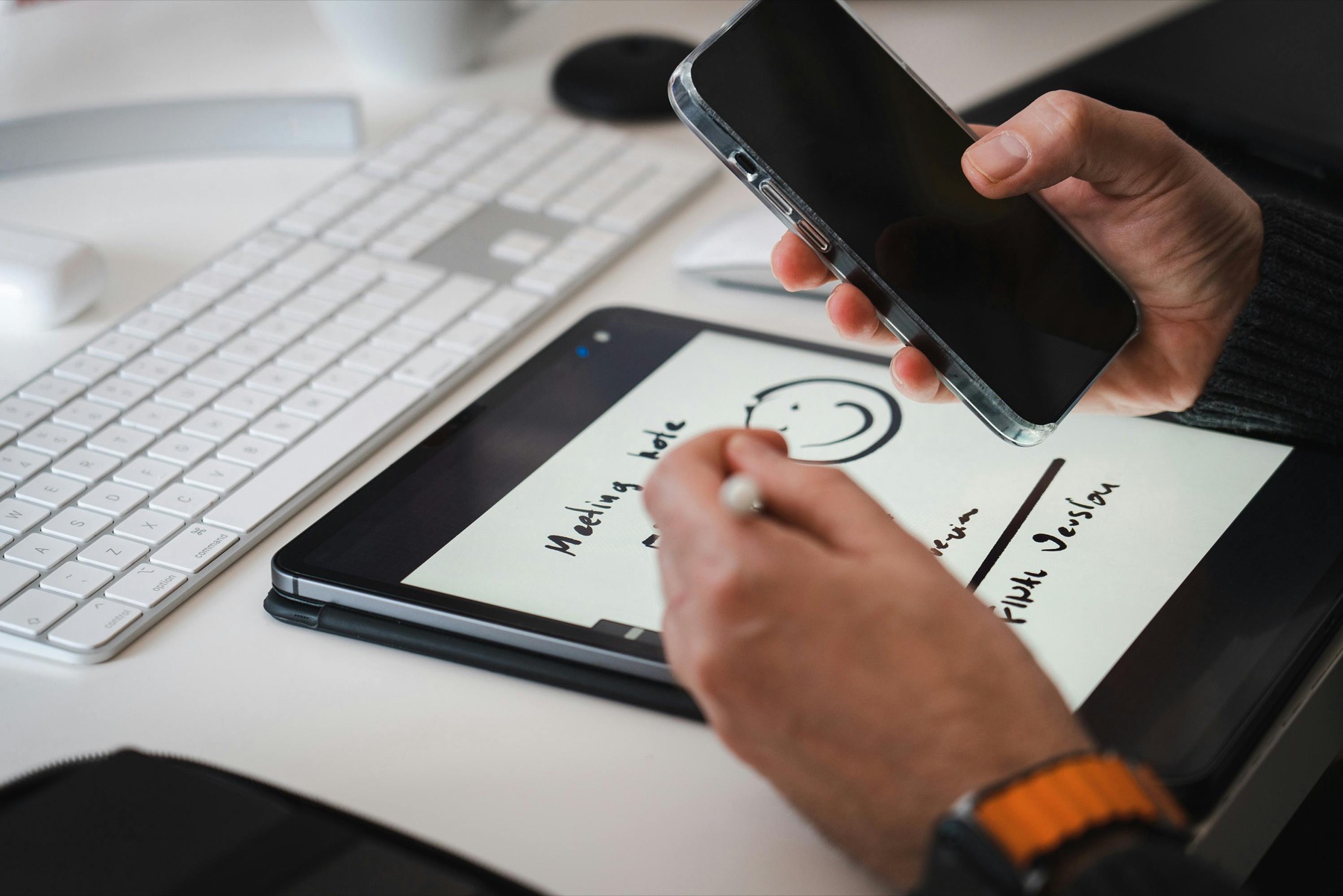
Photo by Jakub Zerdzicki on Pexels.
Notion is excellent for databases and structured information, while an iPad digital planner is often better for handwritten weekly decisions and low-friction daily follow-through.
Turn the list into a plan
Use AI Planner Studio for messy Notion exports
Paste a task dump or meeting note, then shape it into a weekly plan that fits inside a realistic digital planner page.
Open AI Planner StudioThe real question is not which tool is smarter
People often compare Notion and digital planners as if one has to replace the other. That creates the wrong decision. Notion is a flexible workspace for databases, documents, checklists, content calendars, project notes, and dashboards. A digital planner is a page-based planning environment that works well with handwriting, visual review, and weekly decision-making.
The better question is where your planning breaks down. If you lose reference information, Notion may solve the problem. If you know too much but still cannot choose what to do today, a digital planner may solve the problem. Productivity is not only storing information. It is turning information into a realistic plan.
PlannerPier is built around that second problem. It helps users move from overwhelm to usable pages: weekly plans, daily focus pages, trackers, calendars, and assembled planner PDFs. That does not make Notion unnecessary. It makes the digital planner the place where your week becomes visible and actionable.
Where Notion is genuinely stronger
Notion is powerful when information needs structure. A client database, editorial calendar, reading list, content pipeline, product roadmap, or study resource library can all work well in Notion. You can filter, sort, link records, attach notes, and build views for different contexts.
It is also useful when multiple parts of your life need to reference the same information. A project can connect to tasks, meeting notes, assets, deadlines, and status fields. If you tried to maintain that entire database inside a handwritten planner, the system would quickly become hard to update.
This is the area where many competitor productivity templates focus: dashboards, databases, second-brain systems, and all-in-one workspaces. Those can be valuable, but they can also become a place where planning turns into organizing the system instead of doing the work.
- arrow_right_altUse Notion for databases, reference notes, and multi-step project systems.
- arrow_right_altUse Notion when you need filters, status fields, and searchable records.
- arrow_right_altUse Notion when the same information needs to appear in several views.
Product spotlight
A handwritten layer beside your structured workspace
PlannerPier's Digital Notebook for iPad & GoodNotes is useful when Notion holds the database but you still need a handwritten place for project thinking, meeting notes, and weekly planning sketches.
- check_circleWorks well as a companion to Notion project systems
- check_circleKeeps messy thinking away from the main weekly planner
- check_circleSupports notes, ideas, and review pages in one linked notebook
Where a digital planner is usually stronger
A digital planner is stronger when the task is choosing, sequencing, and reviewing. Handwriting slows the process in a useful way. Instead of dumping a hundred tasks into a database, you have to decide what fits on the weekly page, what belongs today, and what can wait.
Page-based planning also makes overload visible. If your week is crowded, you can see it. If every day has too many priorities, the planner shows the problem without needing a formula. This is why many people who love apps still return to handwritten planning when they feel scattered.
PlannerPier products such as the Simple Undated Digital Planner and ADHD Digital Planner 2026 are designed for this kind of follow-through. They give structure without forcing every thought into a database.
Use Notion for storage and a planner for decisions
The most reliable hybrid workflow is simple: Notion stores the bigger system, and your digital planner decides the week. Keep long project lists, content calendars, research, meeting notes, and reference information in Notion. Then pull only the relevant next actions into your iPad planner.
This prevents Notion from becoming a daily command center that is too big to scan. Your digital planner becomes the smaller, calmer surface where you decide what matters now. The planner does not need to hold every detail. It needs to hold enough context to guide the next few days.
A weekly review is the bridge. Review Notion projects, choose the active priorities, then write them into your PlannerPier weekly page. If something is not chosen for this week, it stays in Notion rather than crowding your daily planner.
When Notion becomes too much for daily planning
Notion can become overwhelming when every task has properties, views, databases, formulas, relations, and status tags. These features are useful when they serve a real workflow. They become friction when you spend more time maintaining the system than making decisions.
If you open Notion and immediately feel like you have to clean the dashboard before you can work, your daily planning surface may be too complicated. A digital planner can help because it narrows the decision. What are the top three priorities? What is scheduled? What is the next action? What needs to move?
PlannerPier's Daily Page Maker is useful for this reset. You can create a simple daily page that ignores your entire digital ecosystem for a moment and asks what today actually needs.
When a digital planner is not enough by itself
A digital planner is not ideal for everything. It is not the best place to store a large research library, a content database with dozens of filters, or a long-term product roadmap that needs multiple views. Handwritten pages are flexible, but they are not databases.
If your planner becomes full of repeated lists that need sorting or searching, move those lists into Notion or another structured tool. Keep the planner focused on weekly direction, daily follow-through, reviews, and visible priorities. The cleaner the planner's job, the more likely you are to keep using it.
PlannerPier's Digital Notebook for iPad & GoodNotes can fill the middle ground. Use it for handwritten project notes, meeting summaries, and planning sketches that do not need a database but still need to be findable and organized.
A practical hybrid workflow for creators and professionals
If you manage content, clients, classes, or business projects, try a three-layer system. Use Notion for the master list, the iPad planner for the current week, and a digital notebook for messy thinking. Each layer has a clear role, so you do not expect one app to do everything.
For example, a creator can keep topic ideas and publishing status in Notion, write this week's filming and editing priorities in a digital planner, and sketch campaign notes in a digital notebook. A freelancer can keep client records in Notion, weekly deliverables in the planner, and call notes in the notebook.
This is also where PlannerPier's AI Planner Studio helps. Paste a messy brain dump or meeting summary, turn it into a clearer plan, then move only the useful next steps into your weekly planner.
How to decide which tool should lead your week
If you need a searchable command center, let Notion lead. If you need calm daily direction, let the digital planner lead. If you need both, keep the leadership separate: Notion leads information management, and the planner leads weekly execution.
A good test is to ask where you feel more honest about capacity. Many people are too optimistic inside task apps because adding another task takes one click. A weekly planner page has physical limits, even on an iPad. That limit can be helpful because it forces prioritization.
For many PlannerPier users, the winning setup is not Notion or digital planner. It is Notion plus a PlannerPier planner: one place for the whole system, one place for the week you are actually living.
The PlannerPier way to avoid tool switching fatigue
Tool switching fatigue happens when every app promises to be the one place for everything. Instead of chasing that promise, give each tool a narrower job. Use the tool where it is strongest, and remove anything that makes weekly planning harder to re-enter.
Start with a PlannerPier weekly page and one Notion project list. Review the Notion list once a week, choose what fits, and write those choices into the planner. Add trackers only if they improve future decisions. Add dashboards only if they reduce friction.
PlannerPier dijital planner koleksiyonunu ve ücretsiz araçlarını keşfetmek için hemen ziyaret et: https://www.plannerpier.com/. A calmer planning system is usually built by reducing roles, not by adding another dashboard.
Frequently asked questions
Is Notion better than a digital planner?
Notion is better for databases and structured information, while a digital planner is often better for handwritten weekly planning, daily focus, and visual review.
Can I use Notion and GoodNotes together?
Yes. Keep long-term projects and reference material in Notion, then move weekly priorities into a GoodNotes or PDF digital planner.
What should I plan in a digital planner instead of Notion?
Use a digital planner for weekly priorities, daily focus, time blocking, habit tracking, reflection, and decisions that benefit from handwriting.
Which PlannerPier tool helps turn Notion tasks into a weekly plan?
AI Planner Studio and Weekly Planner Maker can help turn a messy project list into a simpler weekly planning page.
Use the right tool for the right layer
Explore PlannerPier planners and tools to turn structured information into weekly action without rebuilding your entire productivity system.