What Is a Hyperlinked Digital Planner and Is It Worth It?
Learn what a hyperlinked digital planner is, how linked tabs work in Goodnotes and Notability, and why hyperlinked navigation often makes planning easier to keep.

Photo by Jakub Zerdzicki on Pexels.
A hyperlinked planner is still a PDF, but the links change the experience completely by turning a long document into a faster, calmer workspace.
What makes a planner hyperlinked
At the file level, a hyperlinked planner is still a PDF. The difference is that certain parts of the design, often tabs, dashboard buttons, or small menu areas, are linked to specific pages inside the document. That means you can tap a month tab, jump directly to that month, move into a weekly spread, and return to a central dashboard without manually scrolling through the file every time.
This sounds simple, but it changes the whole experience. A digital planner is not only about writing. It is also about finding what you need quickly enough that planning stays useful in daily life. Hyperlinks lower the effort required to move around the system, which is why linked planners usually feel more practical than non-linked ones as soon as the file includes multiple sections.
Why hyperlinks make digital planning easier
The obvious benefit is speed, but the deeper benefit is cognitive ease. When the planner is easy to navigate, your attention stays on your decisions instead of on the tool. You spend less time hunting for a page and more time actually planning. That reduction in friction matters because planning is often done when you are already busy, distracted, or mentally tired.
Hyperlinked planners are especially useful if you move between multiple page types. Yearly overviews, monthly pages, weekly layouts, daily pages, notes sections, and trackers can all live in the same file without feeling impossible to manage. This is one reason PlannerPier products emphasize linked structure rather than just page count or decoration.
- arrow_right_altHyperlinks reduce scrolling across large planner files.
- arrow_right_altThey make review sessions faster because the next page is easier to reach.
- arrow_right_altThey help a multi-section planner feel like one coherent workspace.
Product spotlight
Linked structure that reduces friction
PlannerPier's ADHD Digital Planner 2026 uses clear hyperlinked navigation to help users get back to the right page quickly, even on busy weeks.
- check_circleBuilt for lower-friction navigation and re-entry
- check_circleUseful for users who need more visual guidance than a minimalist planner
- check_circleKeeps planning, notes, and key sections easy to reach
Are hyperlinked planners only for advanced users
Not at all. In many cases, they are better for beginners. New digital planner users often assume a simpler non-linked file will be easier, but a planner that forces you to scroll through dozens or hundreds of pages can become frustrating quickly. A clean linked system lowers that barrier because the next step is easier to see.
What matters is clarity, not complexity. Too many tabs or a messy visual structure can still overwhelm the user, but a well-designed hyperlinked planner can make even a bigger file feel approachable. That is why beginners often do well with a calm, clearly linked planner rather than a shorter but less organized document.
Hyperlinked planner vs non-hyperlinked planner
A non-hyperlinked planner can still work when the file is short or when you only use a few repeated page types. But once a planner includes monthly, weekly, daily, notes, and extra sections, the value of navigation becomes much clearer. A non-linked planner behaves more like a static notebook. A linked planner behaves more like a navigable workspace.
That difference matters for follow-through. A planner is much more likely to become part of your weekly routine when it is fast to move through. If you dread finding the right page, the system will quietly lose momentum. Hyperlinks are not a magic fix for a messy planning habit, but they do remove one common source of friction.
When a hyperlinked planner is worth buying
A hyperlinked planner is usually worth it if you plan consistently, use multiple planning layers, or want your planner to sit beside notes and trackers on your iPad. It is especially useful for Goodnotes and Notability users who want a full planning system without the drag of endless scrolling. In those cases, linked structure saves time every single week.
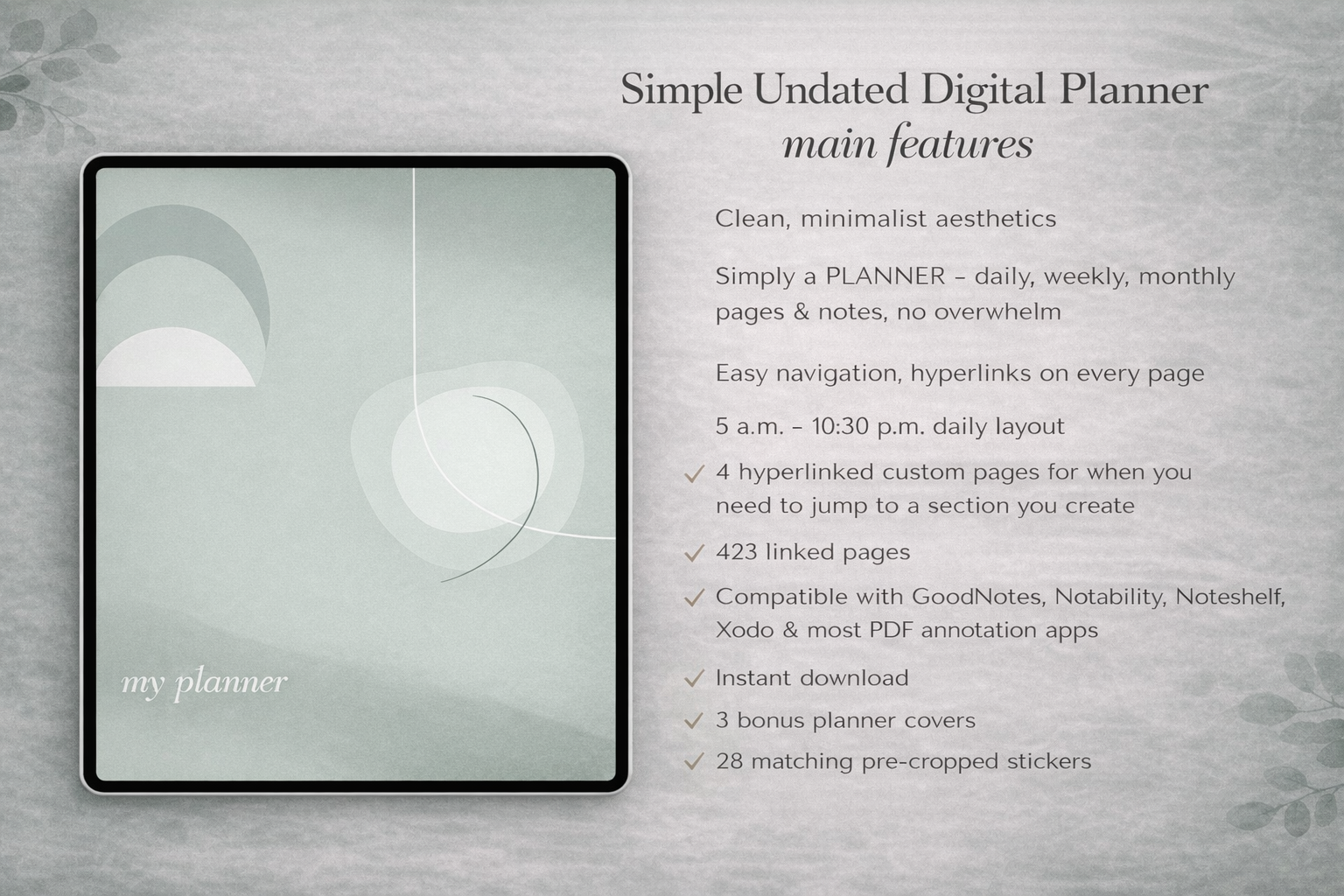
PlannerPier offers several strong examples depending on what kind of planning support you need. The Simple Undated Digital Planner is a versatile all-purpose foundation. The ADHD Digital Planner 2026 adds more guidance for focus and re-entry. The Digital Notebook for iPad & GoodNotes extends the same logic into notes, lists, and reference pages.
How to get the most out of one
Before you start writing heavily, learn the main anchors. Tap through the dashboard, the monthly tabs, the weekly pages, and the notes sections so the planner's logic becomes familiar. Then build your routine around the pages you actually need. For most users, that means a monthly overview for visibility, weekly pages for priorities, daily pages only when needed, and one notes area for overflow thinking.
That approach keeps the planner functional rather than performative. Hyperlinks help most when the planner itself stays realistic. If you want a digital planner that feels more like a workspace than a long PDF, a clean hyperlinked structure is one of the best features you can buy.
Frequently asked questions
What is a hyperlinked digital planner?
It is a planner PDF with tappable tabs or buttons that jump to specific sections and pages inside the file.
Do hyperlinks work in Goodnotes and Notability?
Yes. Hyperlinked planners are widely used in both apps and help users move between sections much faster than scrolling.
Is a hyperlinked planner worth it for beginners?
Usually yes, because clear links make larger planners easier to understand and easier to use consistently.
Which PlannerPier products are hyperlinked?
PlannerPier's Simple Undated Digital Planner, ADHD Digital Planner 2026, and Digital Notebook all use linked structure to make navigation faster.
Choose a planner that saves time every week
If you want your planner to feel easier to navigate and easier to keep up with, explore PlannerPier's hyperlinked digital planners and notebooks.