Best Digital Planner for Notability: What to Look For Before You Buy
Shopping for the best digital planner for Notability? Learn which features matter most, how to evaluate layouts, and which planner styles fit note-heavy workflows best.
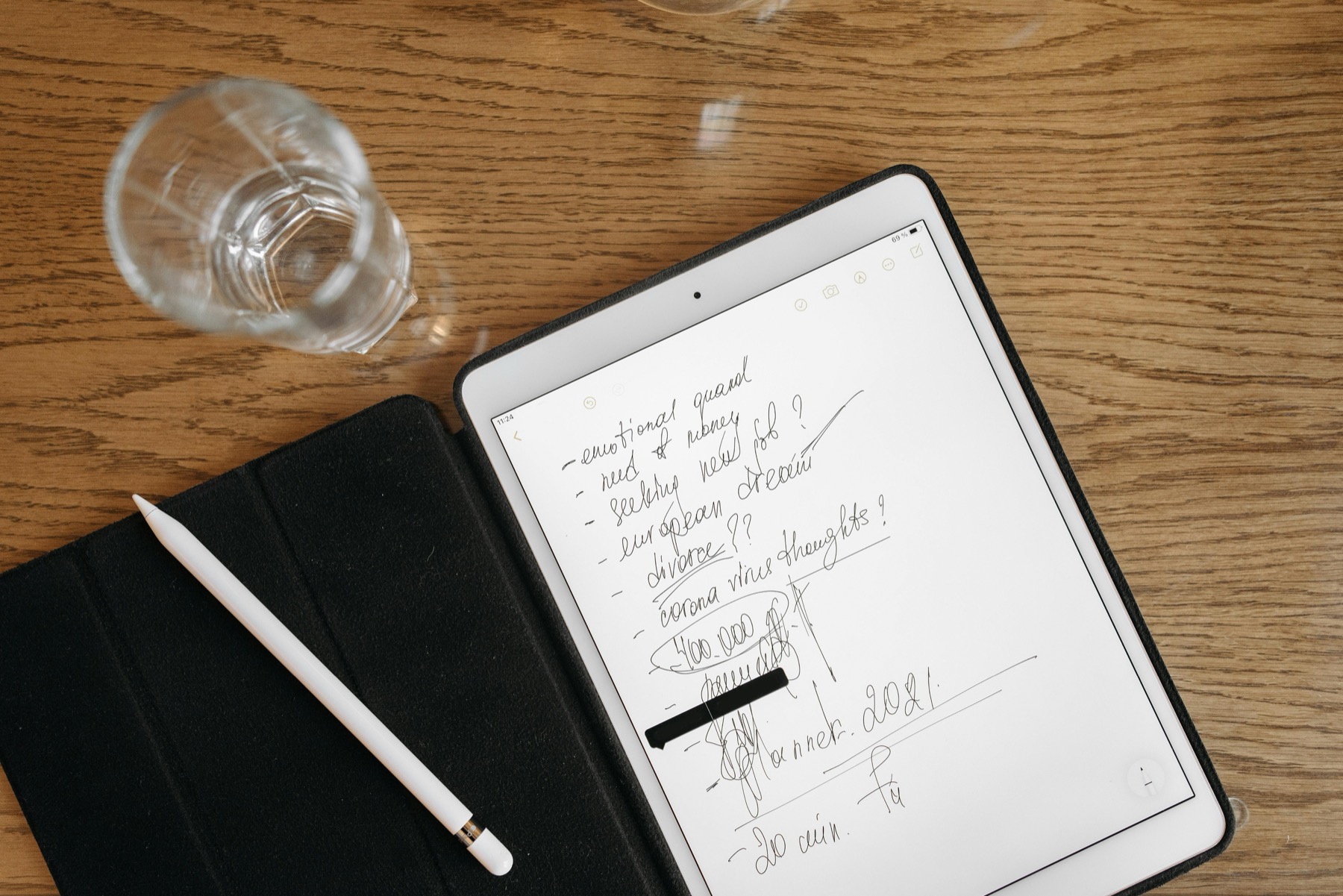
Photo by Pavel Danilyuk on Pexels.
The best digital planner for Notability is not the one with the loudest mockups. It is the one that supports a weekly routine where notes, meetings, classes, and follow-through stay connected.
Why Notability shoppers need different buying criteria
People often search for the best digital planner for Notability as if it should be chosen the same way they would choose a planner for Goodnotes. That misses the strongest part of the app. Notability is especially useful when planning sits beside meeting notes, lecture notes, coaching notes, or review material. In other words, the planner is not acting alone. It is part of a larger working system.
That changes what matters before you buy. A beautiful planner with endless inserts may still feel wrong in Notability if it does not leave enough room for a notes-first workflow. The best fit is usually a planner that stays visually calm, opens quickly, and makes it easy to move from context to action without getting lost in the file.
The features that matter most in a Notability planner
The first feature is clear navigation. Imported PDFs should move smoothly between key sections so you can jump from month to week, from week to notes, and from tasks to review pages without excessive scrolling. The second feature is layout clarity. When a Notability planner becomes cluttered, it competes with the other notes already living in your library.
The third feature is compatibility with a note-heavy routine. If you attend lectures, take client calls, or manage projects, the planner needs clean weekly and monthly pages rather than too many decorative inserts. This is exactly where simple files outperform bloated ones. You are not buying a planner to admire it. You are buying it to make decisions faster.
- arrow_right_altChoose planners with obvious tabs, dashboards, and weekly anchors.
- arrow_right_altLook for page layouts that leave visual breathing room around tasks and appointments.
- arrow_right_altPrefer products with practical support pages such as notes, review, wellness, or budgeting sections when those match your routine.
- arrow_right_altTreat bonus stickers and covers as secondary, not as the main proof of quality.
Product spotlight
A calm support journal for note-heavy weeks
The PlannerPier Mental Health Journal works well beside a Notability planner when your schedule is busy and you want gentle check-ins, mood tracking, and reflection pages without cluttering your main weekly file.
- check_circle44 guided pages for mood tracking, CBT, gratitude, and self-care
- check_circleHyperlinked structure that feels simple inside a larger Notability library
- check_circleUseful for students, freelancers, and professionals who need more than task lists
How to judge a planner by your real workflow
Ask one blunt question before you buy: what do I need this planner to help me repeat each week? If your answer is class management, a student-friendly file with clear deadlines and notes support matters most. If your answer is managing work and life admin, choose a planner with weekly structure, project space, and a clean monthly reset. If your answer is reducing stress and overwhelm, choose a planner that does not punish missed days.
This is where PlannerPier ADHD Digital Planner 2026 and PlannerPier Mental Health Journal fit naturally into a Notability workflow. One gives your week structure, while the other adds focused emotional support pages without forcing everything into a single overloaded planner file.
Where generic marketplace planners often fall short
A lot of marketplace planner listings are optimized for screenshots instead of long-term use. They promise hundreds of pages, many covers, many stickers, and every imaginable insert, but the internal structure can still be tiring. Weekly pages may not guide priorities well. Daily pages may look styled rather than useful. Tabs may be vague. The result is a file that feels exciting on day one and exhausting by day ten.
Notability users feel this problem quickly because their planner is competing with real notes and reference material. When the planner adds friction instead of removing it, the whole system becomes harder to maintain. That is why the best Notability planner is usually the one that stays modest, legible, and predictable under real pressure.
A better buying decision for Notability users
The right buying decision usually looks simpler than people expect. Choose one core planner that handles your scheduling and weekly reset, then add one support product only if there is a clear reason for it. For example, someone managing intense semesters may pair a main planner with a mental wellness journal, while someone balancing freelance work and personal life may pair a planner with a budget tracker.
If you want a calmer setup, start with products that already emphasize usability. The PlannerPier Kawaii Cat Digital Planner is a more expressive option that still keeps structure clear, while the PlannerPier Budget Planner is a practical companion for monthly money admin inside the same library.
Frequently asked questions
What is the best digital planner for Notability beginners?
A beginner usually does best with a clean hyperlinked PDF that has strong monthly and weekly pages, plus enough notes space to support classes, meetings, or life admin.
Is Notability good for digital planners?
Yes. It works especially well when your planner sits beside notes and recordings, which makes it strong for study, meetings, and project workflows.
Should I buy a planner with lots of inserts for Notability?
Only if those pages match your real routine. Too many inserts can increase friction and make weekly planning harder to maintain.
Choose a Notability planner that supports real weekly work
PlannerPier digital products are designed to save time, support calmer routines, and help you organize planning, notes, and follow-through in one place.