How to Use Notability With a Digital Planner for Notes, Study, and Weekly Planning
Learn how to use a digital planner in Notability, organize subjects and dividers, manage imported PDFs, and keep class or meeting notes connected to your weekly plan.
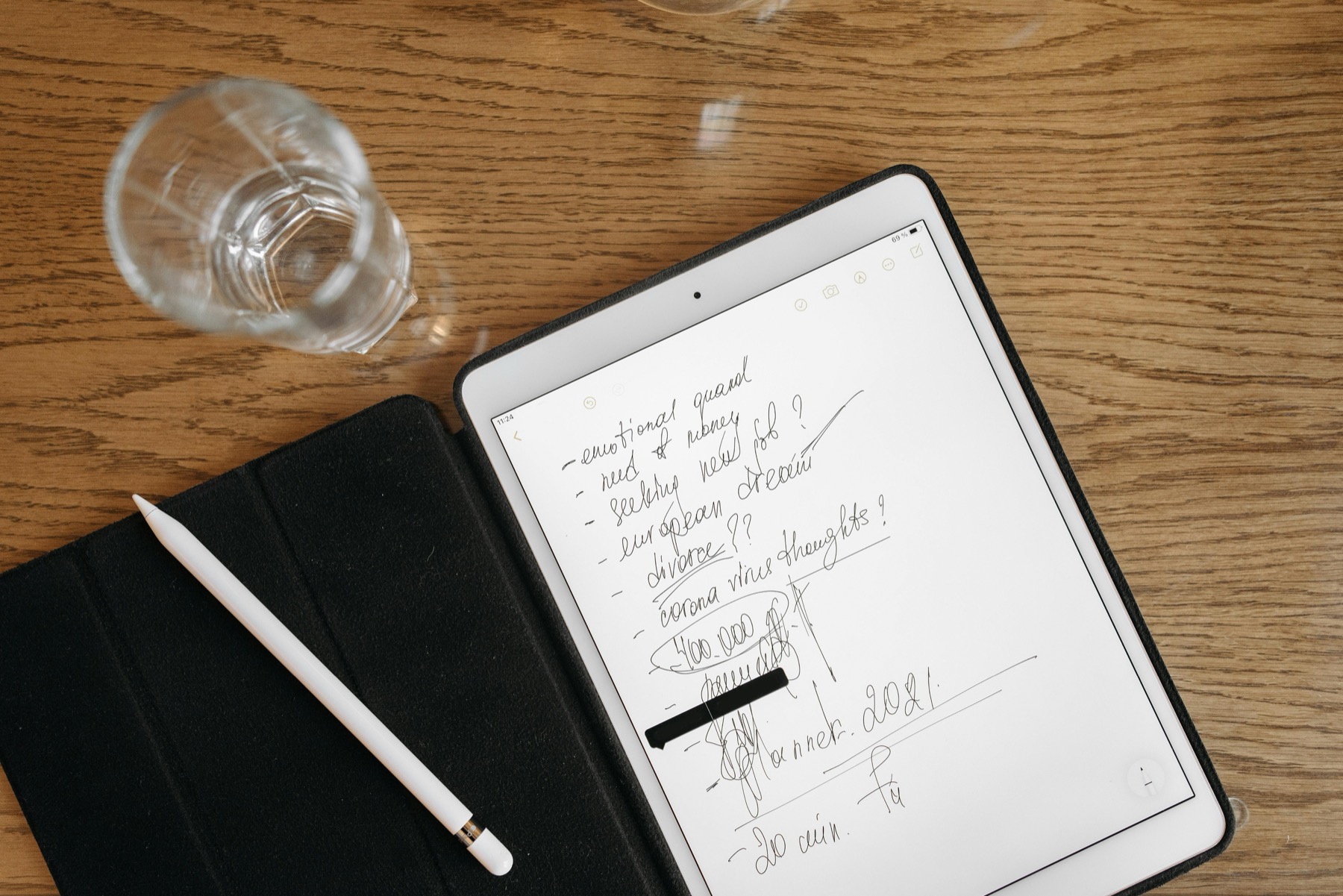
Photo by Pavel Danilyuk on Pexels.
Notability works best as a planning system when your planner, your notes, and the context behind your tasks all stay close together.
Why people choose Notability for digital planning
Some people choose Goodnotes for planners by default, but Notability offers a different kind of strength. It is especially useful when planning happens next to lecture notes, client calls, workshop notes, or project reviews. Instead of separating your schedule from the details that created it, Notability lets you keep actions and context much closer together.
That makes it valuable for anyone whose week is built from information-heavy work. A student reviewing classes, a therapist tracking follow-up notes, or a freelancer handling calls and deliverables may find Notability more natural because planning is only one layer of a wider workflow.
Set up your Notability library before you import the planner
One of the easiest ways to make Notability feel tidy is to decide on your structure first. Use dividers for major life areas such as work, school, health, or personal projects. Then place subjects inside those dividers for your planner, notes, and archives. When the library reflects your real life, your planner stops feeling like another loose file and starts acting like part of your system.
After that, import your digital planner PDF and test the main pages. Open the dashboard, tap the monthly and weekly pages, write a few quick notes, and make sure the planner feels comfortable with your usual handwriting size. This small check helps you avoid over-customizing a file before you know it genuinely fits your routine.
- arrow_right_altCreate dividers based on the real areas of life you manage each week.
- arrow_right_altKeep one subject for your planner and separate nearby subjects for notes or archives.
- arrow_right_altTest imported pages before adding stickers, covers, or extra assets.
Product spotlight
A supportive companion for note-heavy weeks
The PlannerPier Mental Health Journal fits well beside a Notability planner workflow when you want dedicated space for mood check-ins, reflection, and self-care patterns.
- check_circleHyperlinked sections for easy navigation in Notability
- check_circleMood, reflection, and self-care pages that support weekly reviews
- check_circleDesigned for calm tracking without adding clutter
Use your planner as the decision layer, not the storage layer
A smart Notability workflow keeps the planner clean. Your weekly spread should show priorities, appointments, deadlines, and a few essential actions. It should not become a dumping ground for full meeting transcripts or lecture summaries. Those belong in your supporting notes, where they are still easy to find.
This separation matters because it keeps your planner useful. The more crowded the planning page becomes, the more likely you are to avoid it. Notability helps because you can keep detailed notes close by, then pull only the next action or key reminder into the planner itself.
How recordings and handwritten notes improve follow-through
One of Notability's biggest advantages is that recordings stay connected to annotations. That means you can review a lecture or meeting later and jump back to the moment tied to your handwritten note. For planning, this is quietly powerful. It reduces the risk of writing a vague action item and then forgetting why it mattered.
When people say planning helps them feel calm, this is often the missing piece. Calm does not come from writing more. It comes from trusting that your tasks still have enough context attached to them. A digital planner in Notability becomes more valuable when it works beside that memory support.
A practical PlannerPier setup inside Notability
If you want a calmer planning workflow inside Notability, start with one main planner and one or two supporting tools. For example, the PlannerPier Mental Health Journal can sit beside a weekly planner when energy, mood, and self-care directly affect your schedule. A budget planner can do the same if money decisions are a recurring source of stress during weekly reviews.
This kind of setup feels more realistic than chasing one perfect mega-planner. PlannerPier products are useful here because they give you focused layouts that work together without forcing everything onto one page. You can explore these tools through the PlannerPier collection and build a system around the actual pressures in your week.
Frequently asked questions
Can I use a PDF digital planner in Notability?
Yes. Notability supports PDF import, which is how most digital planners are added and used inside the app.
Is Notability good for planning or only note-taking?
It is very good for planning when your week is closely tied to classes, meetings, or notes and you want those materials organized together.
What is the best way to organize a planner in Notability?
Use dividers for major life areas and subjects for your main planner, reference notes, and archives so reviews stay organized and easy to maintain.
Build a Notability workflow that keeps planning and context together
Browse PlannerPier digital planners and journals if you want planning pages that support notes, routines, and clearer weekly follow-through.