A Notability Workflow for Digital Planners That Keeps Notes, Meetings, and Weekly Reviews Together
Build a Notability workflow around subjects, dividers, imported planner PDFs, and linked audio notes so your planning and note-taking support each other.
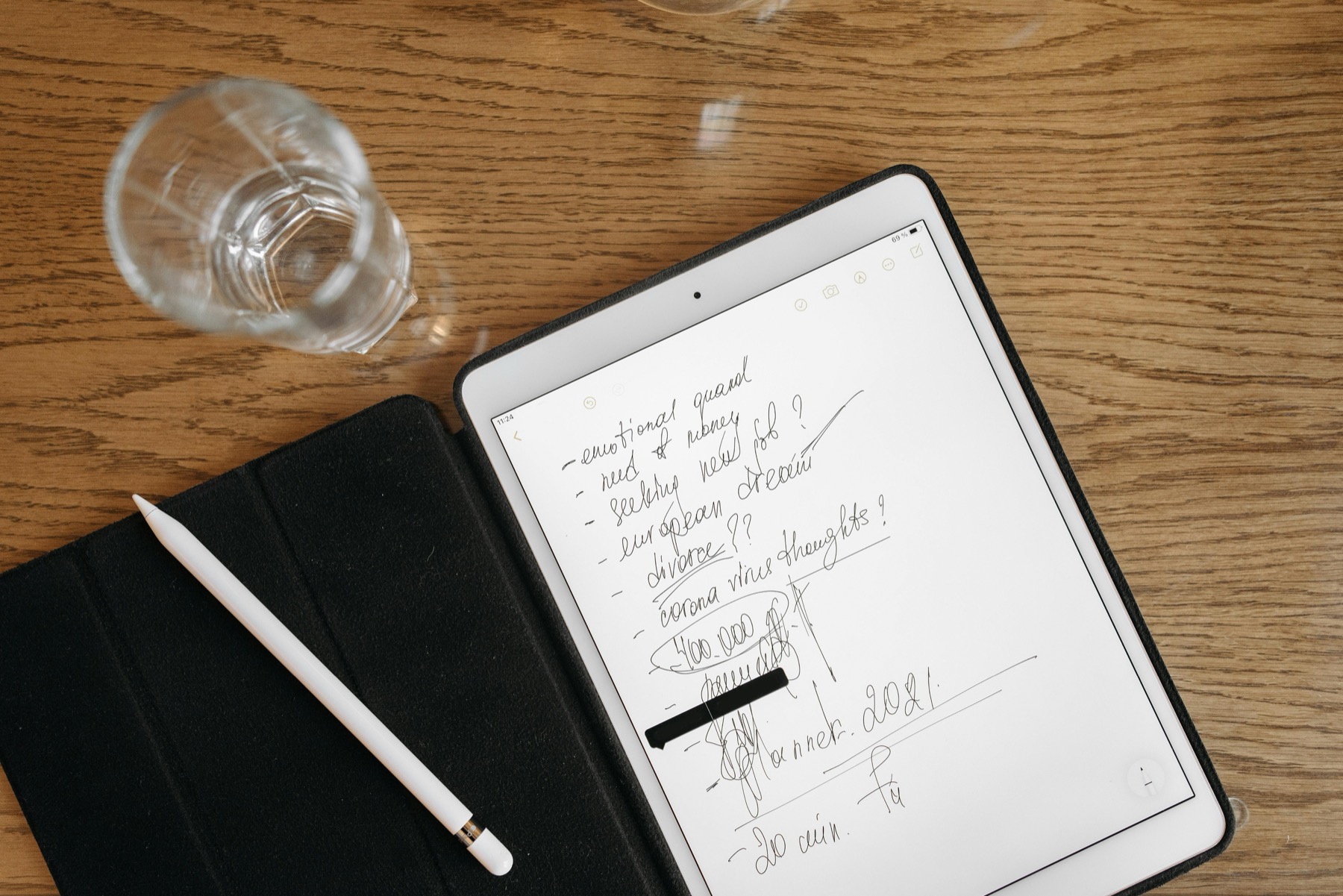
Photo by Pavel Danilyuk on Pexels.
Notability becomes much more useful for digital planning when you stop treating it like a planner-only app and use it as your planning plus context system.
Why Notability is more than a note app
Notability is often discussed as a handwriting app first, but for many people it becomes more valuable as a planning support system. The reason is simple: actions rarely exist without context. Your weekly plan grows out of meetings, lecture notes, briefings, coaching sessions, and review notes.
When you keep those records in the same environment as your planner pages, weekly planning gets easier because you are no longer reconstructing context from memory.
Use subjects and dividers to match your life
Notability support documents its library structure around subjects and dividers. That is a quiet but powerful feature for digital planning because it gives you a natural way to separate work, school, personal life, client projects, or content planning without creating visual chaos.
A practical setup might include one divider for Life Admin, one for Work, and one for Learning. Inside each divider, keep a subject for your planner, a subject for notes, and a subject for archive or reference material.
Let audio and handwriting work together
Notability audio recordings stay linked to your annotations. During playback, you can tap part of a note and jump to that moment in the recording. That is extremely useful when your planner tasks come from meetings or lectures and you need to remember the why behind an action item.
Instead of copying everything into your planner, write a short action note, record the session, and trust the app to hold the supporting detail. Your planner stays clean while your context remains close.
A weekly review process inside Notability
Import your planner PDF into Notability, then keep one review note per week in the same subject or nearby subject. During your Friday or Sunday review, scan completed tasks, capture loose notes from the week, and pull anything unfinished into your next spread.
This works especially well if you lead meetings, take classes, or manage clients. The planner tells you what matters next. The notes and recordings tell you why it matters and what was decided.
Frequently asked questions
Can I use Notability with a digital planner PDF?
Yes. Notability supports importing PDFs, so a digital planner can live inside your library as part of a wider note-taking workflow.
What makes Notability different from Goodnotes for planning?
Its strongest difference is the way recordings stay linked to annotations, which is ideal for meetings, lectures, and review-driven planning.
How should I organize a planner in Notability?
Use dividers for major life areas and subjects for planner notes, reference notes, and archive material so weekly reviews stay tidy.
Pair your notes with a planner built for follow-through
If your week includes projects, meetings, and moving parts, our project-focused layouts help turn notes into next actions.