Tracker PDF Generator for Habit, Mood, and Sleep Planning on iPad
Use a tracker PDF generator to create habit, mood, and sleep tracking pages quickly for Goodnotes, Notability, or printable wellness planning.
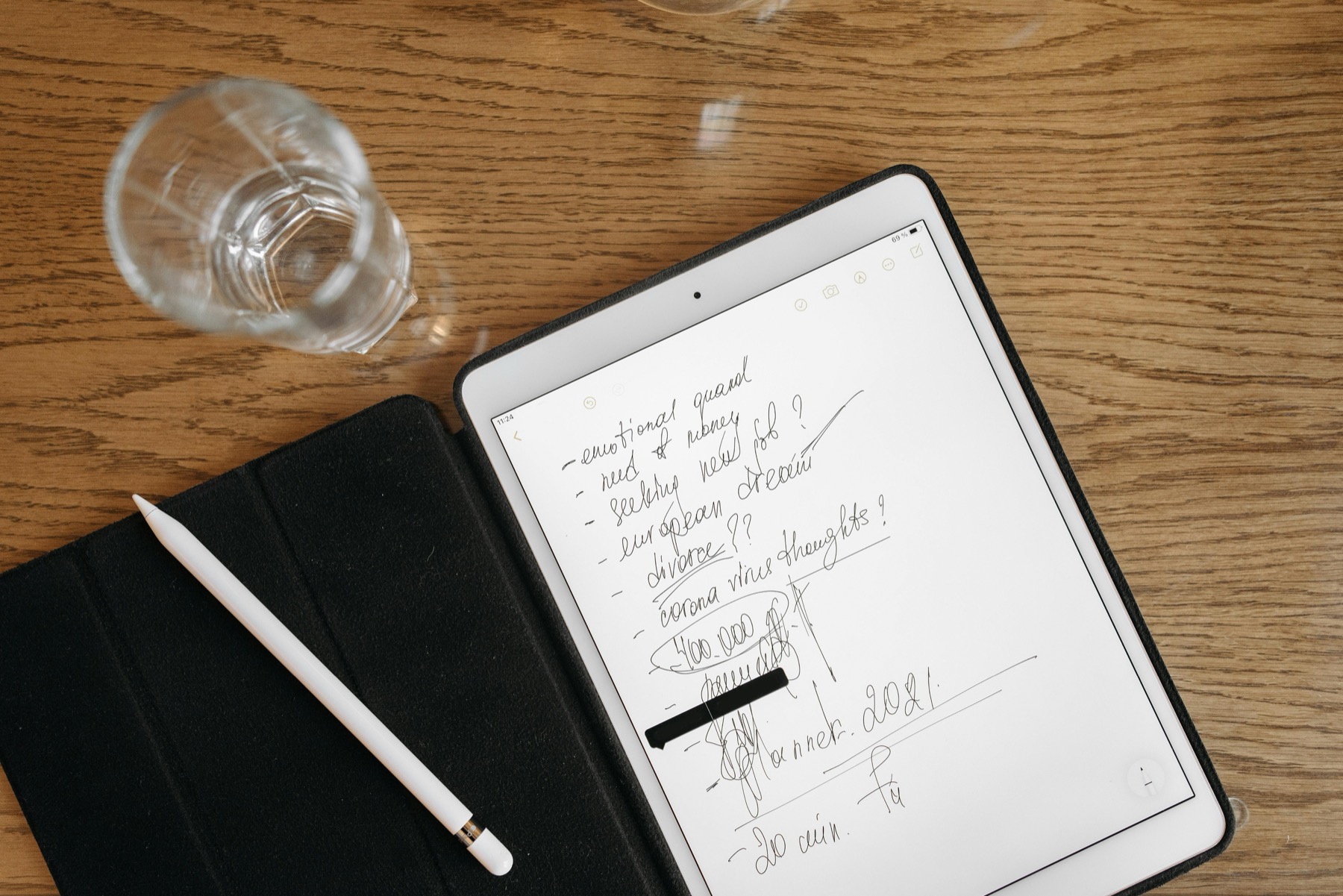
Photo by Pavel Danilyuk on Pexels.
Trackers work best when they are fast to generate, light to maintain, and connected to a real planning problem instead of vague self-optimization.
Try the tool
Generate a tracker PDF in the browser
Create two live tracker PDFs and test whether a focused habit, mood, or sleep tracker solves the planning problem you actually have.
Open Tracker GeneratorWhy tracker tools keep attracting high-intent traffic
Searchers looking for habit, mood, or sleep tracking are usually trying to solve a real friction point. They want a page they can use immediately, not a giant planner bundle they may or may not need. That makes tracker generators strong SEO assets because they answer a precise need with immediate value.
This also makes them excellent top-of-funnel tools for PlannerPier. Users can generate a tracker first, then discover whether they need a more complete planning setup.
What makes a tracker actually useful
The most useful trackers are not the most crowded ones. They are the ones you can reopen after a messy week. A good tracker makes patterns easier to notice, not your life harder to manage. That is true whether you are tracking water, sleep, mood, routines, or medication consistency.
The PlannerPier Tracker Generator works well because it gives quick PDF output without forcing users through a heavy design process.
Product spotlight
A tracker product that goes deeper than a single PDF page
PlannerPier Sleep Tracker Journal gives users a more structured way to review sleep patterns, routines, and energy when a quick generated page turns into a recurring need.
- check_circleUseful for recurring sleep and recovery review
- check_circlePairs well with weekly planner routines
- check_circleDesigned to keep tracking practical and readable
How to use generated trackers in a broader planner workflow
Trackers become far more valuable when they sit near your main planner or review process. If you only fill in a tracker without ever checking what it means, it becomes decorative data. But when a weekly review asks what affected your focus, sleep, or consistency, the tracker starts helping with real decisions.
That is why specialized products like the Sleep Tracker Journal or Mental Health Journal complement planners so well. They turn generic tracking into something more interpretable.
The best upgrade path after the free generator
If a user wants many tracker variations, unlimited use, or a broader system, the natural next step is not another random free printable site. It is a connected set of tools. The Ultimate Planner Bundle is the strongest upgrade because it turns one-time curiosity into an actual planning workflow with tool access.
That makes the generator both useful on its own and commercially sensible as a bridge into the rest of the PlannerPier ecosystem.
Frequently asked questions
What can I make with the PlannerPier tracker generator?
You can generate habit, mood, and sleep tracker PDFs quickly to use on iPad, in note apps, or as printable pages.
Are tracker PDFs better than pre-made planner pages?
They can be, especially when you only need a focused page for one problem instead of an entire planner layout.
What should I use after the free tracker generator?
If tracking becomes part of your ongoing planning routine, move into the Ultimate Planner Bundle or a specialized PlannerPier wellness product.
Use tracking to learn something useful, not just collect boxes
PlannerPier products help you save time, stay organized, and build smarter routines around the patterns you actually want to notice. Explore them at https://www.plannerpier.com/.