Planner Assembler: Merge GoodNotes PDFs Into One Custom Digital Planner
Use PlannerPier Planner Assembler to merge calendar, weekly, daily, tracker, and cover PDFs into one GoodNotes-ready planner workflow.
Photo by PlannerPier on PlannerPier.
Planner Assembler is for the moment when separate useful pages stop being enough and you want one organized PDF instead of a folder full of loose exports.
Try the tool
Merge planner PDFs into one GoodNotes-ready file
Start with a small free merge, test your page order, then upgrade when you are ready to build a full custom planner.
Open Planner AssemblerWhy Planner Assembler is the connective tool in the system
A calendar maker, weekly planner maker, tracker generator, and daily page maker are useful on their own. But eventually, many users want those pages in one place. Separate exports become scattered. Planner Assembler solves that by turning useful fragments into a single custom planner PDF.
The PlannerPier Planner Assembler lets users drag exports into order and download a combined GoodNotes-ready file. Premium expands the workflow with unlimited pages, cover support, linked contents, and tab navigation.
How this tool competes with generic PDF merge searches
There are plenty of PDF merger tools online, but most are not built for digital planning intent. PlannerPier can target merge planner PDFs, combine GoodNotes PDFs, custom planner PDF, and planner page assembler keywords because the tool is designed around the planner workflow, not generic document handling.
That distinction matters. A planner user needs page order, covers, contents, tabs, and GoodNotes-readiness. A generic PDF merger usually does not explain any of that.
- arrow_right_altMerge calendar, weekly, daily, and tracker PDFs into one file.
- arrow_right_altUse the free merge to test page order and workflow fit.
- arrow_right_altUpgrade when you need unlimited pages, linked contents, cover support, and tabs.
When to use Planner Assembler instead of buying a finished planner
Use Planner Assembler when you already know which page types you need and want to combine only those pages. It is especially useful if your planning style is modular: a calendar, a weekly page, a few daily pages, a tracker, and a cover might be enough.
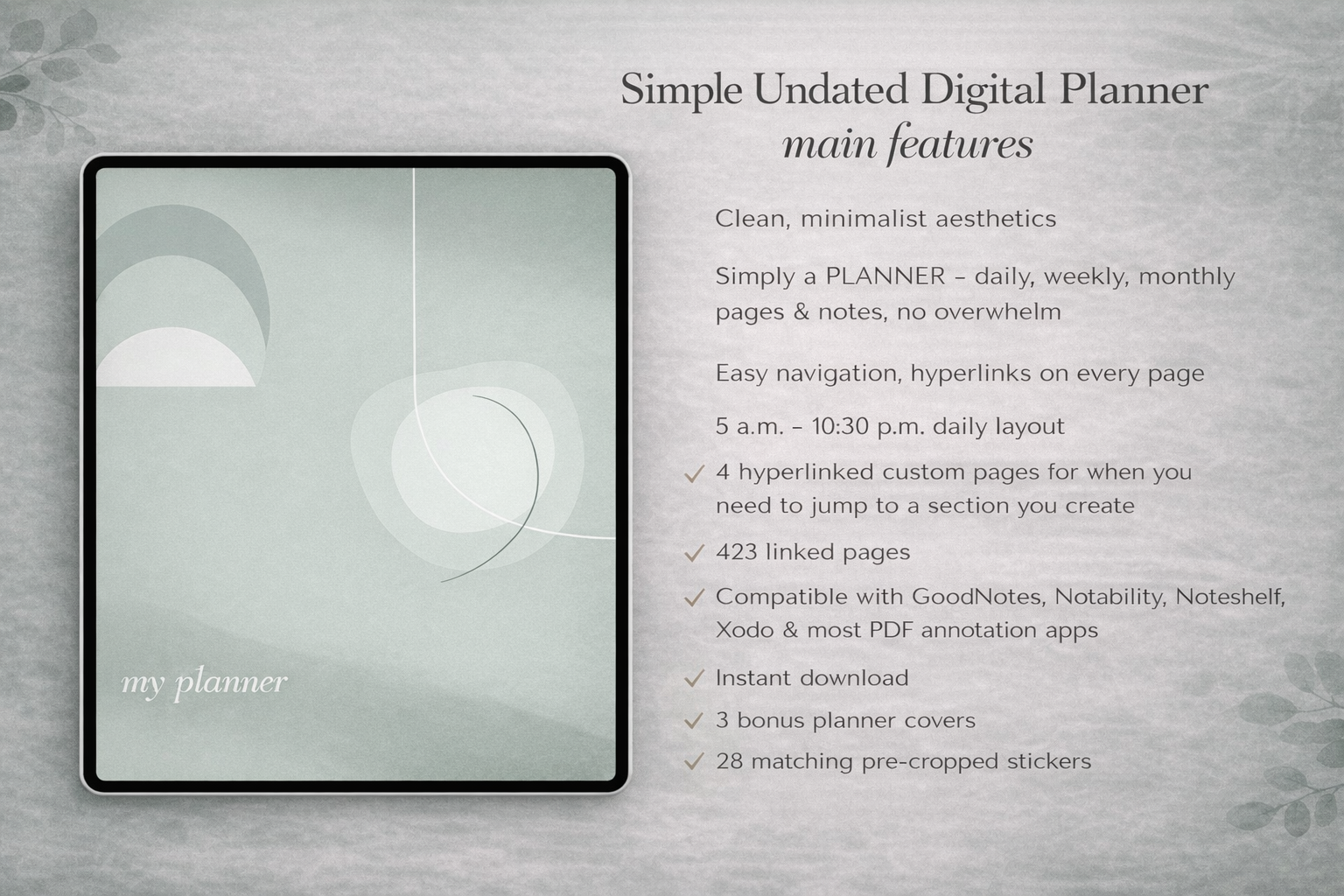
Buy a finished planner when you want the structure designed for you from the start. The Simple Undated Digital Planner is a good fit for users who want less assembly and more ready-to-use flow.
Why Planner Assembler supports Premium so naturally
This is exactly the kind of workflow where limits make sense. A free three-page merge proves the concept. Premium becomes valuable when users want to build real planners, not test samples. Unlimited pages, contents, covers, and tabs are not abstract upgrades; they are the natural next step after the user sees the assembled file working.
That makes Planner Assembler a strong conversion page because it connects multiple free tools into one visible outcome.
Frequently asked questions
What does PlannerPier Planner Assembler do?
It merges separate planner PDF exports into one GoodNotes-ready PDF so users can combine calendar, weekly, daily, tracker, and other pages in one file.
Is Planner Assembler different from a normal PDF merger?
Yes. It is built around planner workflows, with Premium support for planner-specific features such as cover, linked contents, and tab navigation.
When should I use Planner Assembler?
Use it when you like several generated pages and want them in one organized planner instead of keeping separate files.
Turn separate planner pages into one usable system
PlannerPier helps you generate, assemble, and upgrade planner PDFs without losing your workflow in scattered files. Explore the full system at https://www.plannerpier.com/.