Visual Planner Page Builder: Design Custom GoodNotes Weekly Pages Without Starting From Scratch
Use PlannerPier Visual Planner Page Builder to drag, reorder, and export custom weekly planner blocks for GoodNotes-ready PDF pages.
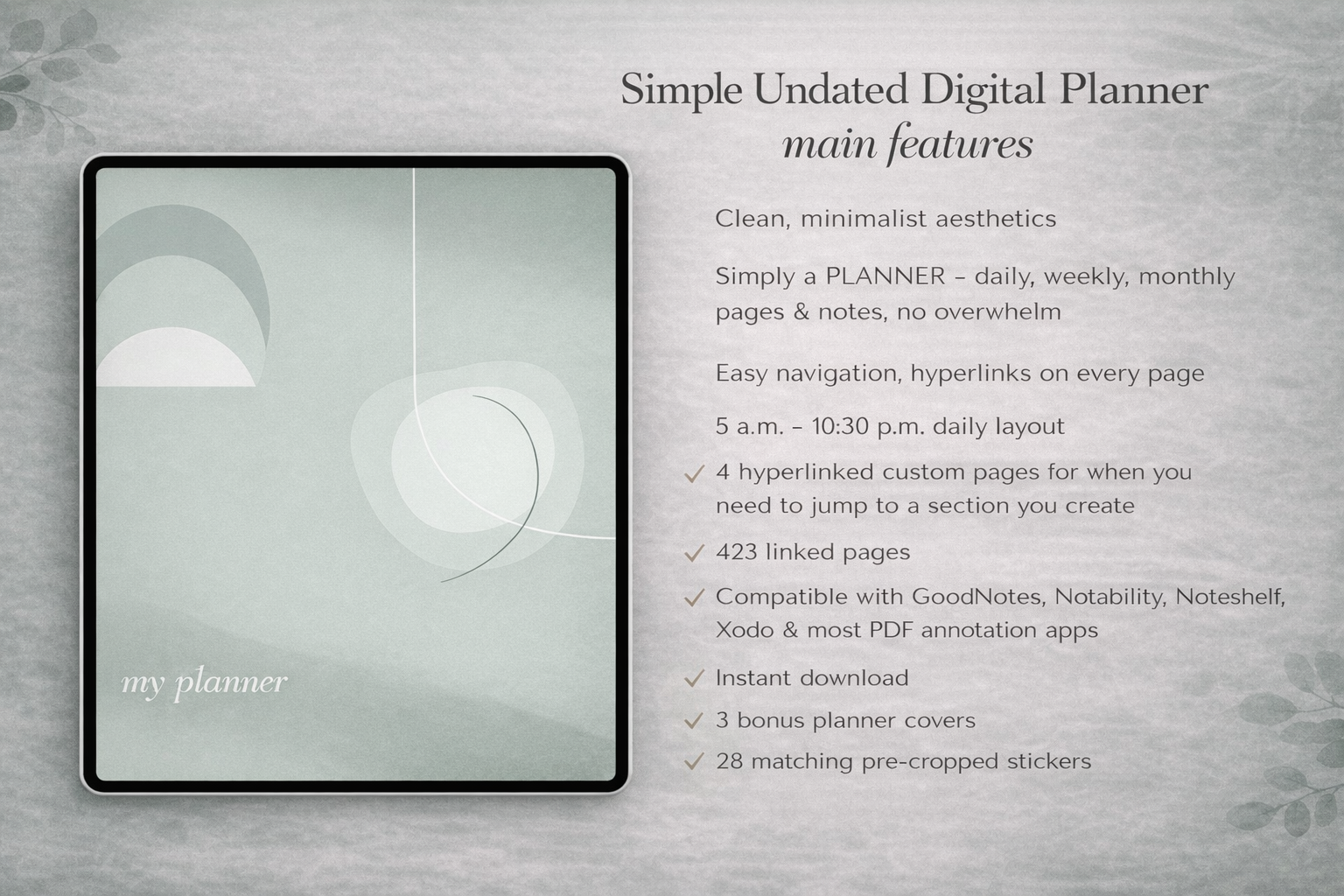
Photo by PlannerPier on PlannerPier.
A visual planner builder helps users stop hunting for the perfect template and start assembling the specific weekly command-center page their routine needs.
Try the tool
Build a custom weekly command-center page
Drag, reorder, and export planner blocks so your weekly page matches your real planning routine before you upgrade.
Open Visual Planner Page BuilderWhy visual building solves a real planner-shopping problem
Many digital planner shoppers are not sure whether they need time blocks, habits, meals, todos, notes, mini calendars, or priority sections. They browse template after template because no single layout feels quite right. A visual builder changes the decision. Instead of choosing a finished page, users assemble the page around the way they actually plan.
The PlannerPier Visual Planner Page Builder lets users stack blocks, reorder them visually, and export a single portrait PDF. It is a practical middle ground between buying a static template and designing a planner page completely by hand.
How the tool beats static template intent
Competitor keyword spaces like custom planner template, GoodNotes planner page, weekly planner layout, and planner page maker are crowded with static downloads. PlannerPier's advantage is interactivity. The user can shape the page before export, which makes the outcome feel more personal and more useful.
That matters for conversion because the tool demonstrates value before the user pays. Premium becomes easier to understand when the user already sees why saving block stacks and exporting unlimited variations would help.
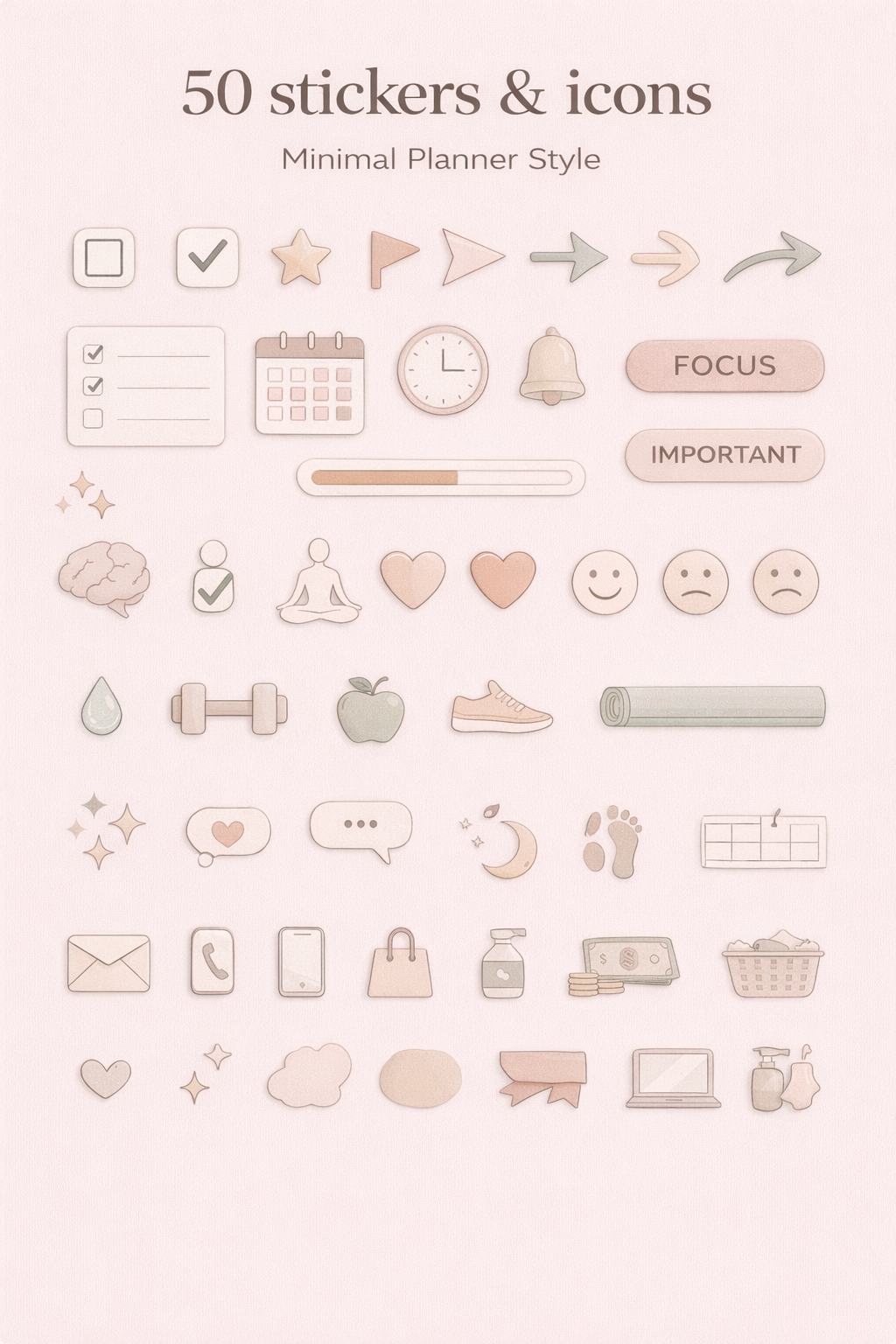
- arrow_right_altStack blocks for title bands, mini calendars, hourly grids, todos, habits, meals, and notes.
- arrow_right_altReorder visually before exporting instead of editing a PDF after the fact.
- arrow_right_altUse Premium when saved block stacks become part of a repeat workflow.
Who should use a visual planner page builder
This tool is strongest for users who know a normal weekly spread is not quite enough. Maybe they want meals beside tasks, a habit strip beside time blocks, or a notes area that is larger than most templates allow. Instead of forcing the week into someone else's layout, the builder makes the layout adjustable.
It also works well for creators and power users who want to test planner-page ideas quickly. The first export proves the concept. Premium makes the workflow repeatable.
The best upgrade path after visual building
Once someone starts caring about custom page structure, the Ultimate Planner Bundle becomes a strong next step because it gives them more planning assets and tool access in one system. The Simple Undated Digital Planner also works well when users want a finished planner around the custom pages they generate.
The bigger strategy is to move from one export into a saved workspace. That is what makes the tool valuable for PlannerPier as a platform rather than just a page generator.
Frequently asked questions
What does Visual Planner Page Builder do?
It lets users stack and reorder planner blocks such as headers, mini calendars, hourly grids, todos, habits, meals, and notes, then export a GoodNotes-ready PDF page.
Who is this planner builder best for?
It is best for users who want a custom weekly command-center page instead of a fixed template that does not quite match their routine.
Why upgrade after using the visual builder?
Premium is useful when you want unlimited exports, saved block stacks, and a repeatable workspace instead of rebuilding pages every time.
Design the page your week actually needs
PlannerPier helps you build custom planner pages, save useful workflows, and move from one-off exports into a calmer planning system. Start at https://www.plannerpier.com/.