How to Use a Digital Planner for Moms, Family Routines, and Weekly Home Management on iPad
Learn how to use a digital planner for family schedules, meal planning, appointments, routines, errands, and home admin in Goodnotes on iPad.

Photo by Jakub Zerdzicki on Pexels.
A family planner only works when it makes household life easier to see at a glance. The goal is not to create a perfect Pinterest system. The goal is to reduce last-minute decisions all week.
Tired of deciding dinner every night?
Create your weekly meal and grocery plan in minutes
PlannerPier's Meal Planner Maker helps you turn meal ideas and grocery needs into one simple weekly page you can actually use.
Open Meal Planner MakerWhy family planning needs more than a generic weekly planner
Running a household is not one category of work. It is a stream of appointments, school needs, groceries, recurring meals, errands, bills, reminders, birthdays, forms, activity logistics, and dozens of tiny decisions that rarely appear on traditional productivity pages. This is why many moms and family managers keep searching for digital planner for moms, family planner iPad, and Goodnotes family planner. They are not just looking for a calendar. They are looking for relief from the mental load of remembering everything.
A generic planner can hold some of that pressure, but not all of it. Family life creates overlap. School reminders affect grocery timing. Meal prep affects evening energy. Appointments affect work blocks. Home admin competes with personal goals. A useful family planner therefore needs enough flexibility to connect these areas without becoming chaotic. The best system is one that helps the week feel visible, not one that adds another project to maintain.
What a digital family planner should include
The most useful family planning setup starts with a weekly overview that can hold appointments, school pickups, recurring tasks, and home priorities at the same time. Then it needs support sections: meal planning, grocery capture, household tasks, notes, and a parking place for loose reminders. This matters because family planning fails when everything competes in one list. The page should help you separate fixed commitments from moveable tasks and supportive notes.
The second requirement is speed. Family planners are often used in fragments of time: during breakfast, in the car line, after bedtime, or between meetings. If the planner takes too many taps to reach the right page, it will not survive real family life. Hyperlinked navigation, clear weekly zones, and simple note pages are more valuable than endless decorative inserts. Practical visibility always beats feature overload here.
- arrow_right_altOne weekly page for appointments, school activities, and top household priorities.
- arrow_right_altMeal planning and grocery sections that reduce repeated dinner decisions.
- arrow_right_altA notes or inbox page for reminders that do not belong in the calendar.
- arrow_right_altFlexible task space for errands, admin, and recurring home routines.
Product spotlight
A flexible planner for busy family weeks
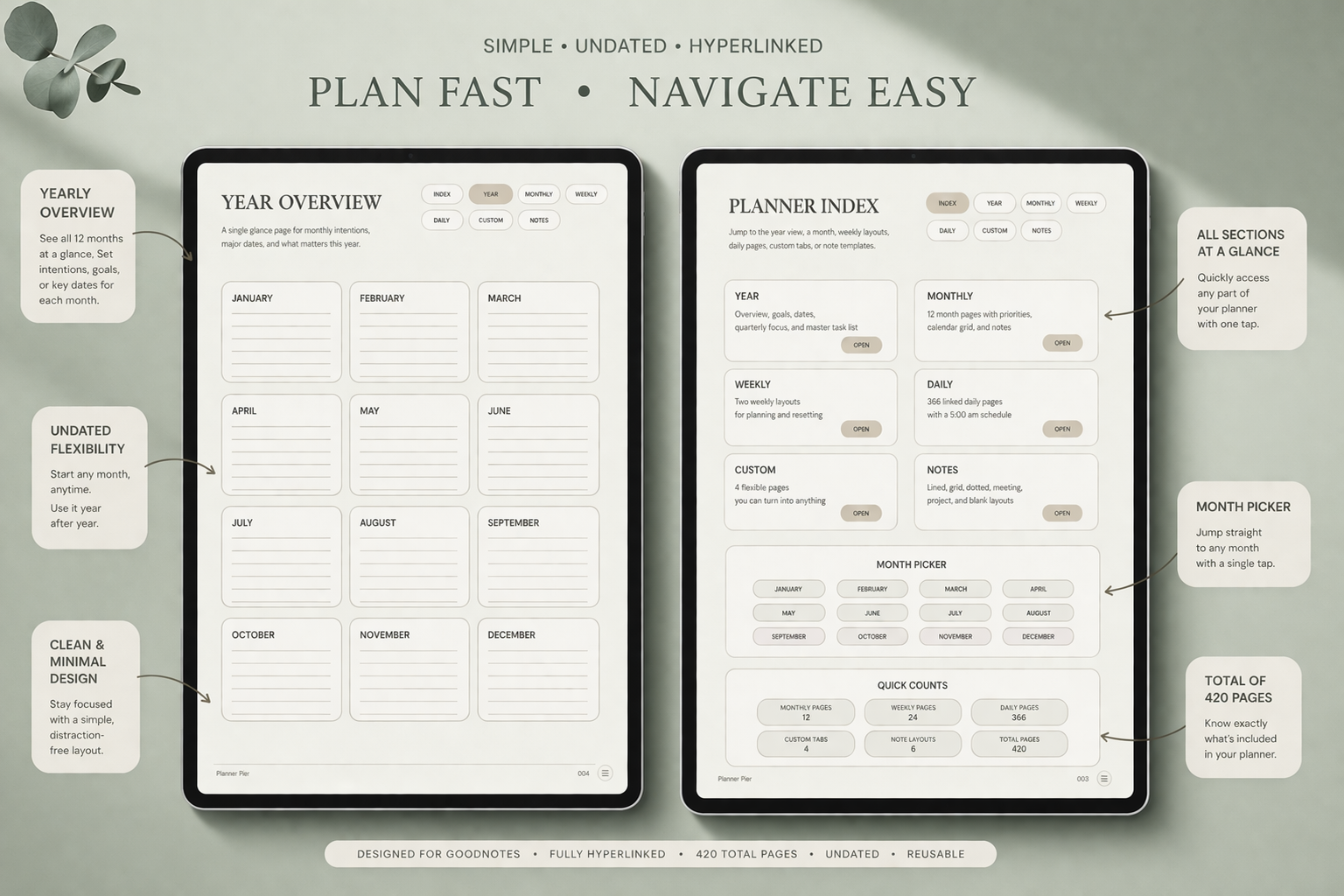
PlannerPier's Simple Undated Digital Planner gives families a calm weekly planning base that can hold appointments, routines, errands, and household notes without visual overload.
- check_circleUseful for changing schedules and restart-friendly planning
- check_circlePairs naturally with meal planning and grocery workflows
- check_circleIncludes notes and custom sections for home-management support
Why many family planners still feel too idealized
A lot of family planner content online imagines a very polished routine with color-coded categories, perfect meal prep, and neatly staged weekly resets. Real homes rarely behave like that. The actual challenge is less about elegance and more about interruption. Plans move. Children get sick. Work shifts. Groceries change. Energy disappears. A planner that assumes ideal conditions can quickly feel discouraging instead of supportive.
This is where PlannerPier can differentiate. Rather than selling a fantasy routine, the content can speak to practical household rhythms: keeping meals visible, reducing forgotten admin, capturing school updates, and creating a weekly structure that can flex when the week changes. That tone is commercially stronger because readers feel understood. It also supports SEO better because the article answers the actual problem behind the search, not just the keyword label.
How to build a family planning workflow on iPad
The easiest way to build a family workflow on iPad is to keep one main weekly page open as the command center. That page should hold appointments, pickups, important reminders, and a short priority list for the household. Then use linked support pages for meal planning, grocery lists, and notes. This creates a simple pattern: the weekly page shows what must happen, while the support pages hold the details that make it easier to follow through.
This setup also makes it easier to share or review information quickly with a partner. Even if one person carries most of the planning load, the clearer the weekly picture is, the easier it becomes to delegate, communicate, and recover after disruptions. The digital advantage is not just fewer paper scraps. It is having one stable planning home that can absorb many small decisions without making the system harder to reopen later.
Where PlannerPier products fit naturally
For the main planning layer, the Simple Undated Digital Planner is a strong choice because it is visually calm and flexible enough to support changing family weeks. It does not force a heavy, dated yearly structure from the start, which is useful for households that need adaptability more than formal planning rituals. Its notes and custom sections also make it easier to keep family support pages in the same workflow.
For meal and grocery support, the Meal Planner Maker is especially relevant because food planning is one of the highest-frequency household decisions. A mother, caregiver, or household manager who can reduce dinner and shopping friction each week will feel the benefit quickly. That makes this article a natural place to connect product and tool intent without sounding forced.
How to make family routines easier to maintain
Family routines become more consistent when they are visible and light. That means recurring tasks should not be hidden in memory. They should live on a weekly page, a routine checklist, or a notes section that is easy to scan. Morning prep, school forms, grocery restocks, sports kit reminders, or recurring errands do not need elaborate systems. They need reliable homes. A digital planner helps because those homes can stay in the same place every week.
It also helps to separate planning from perfection. Some weeks are about optimization. Others are simply about keeping the basics moving. A good family planner supports both. It can hold a carefully planned week and a messy recovery week without making the user feel they failed. That is the kind of emotional tone family-planning content should keep. Less pressure. More visibility. More practical control over the next few days.
Why household planning content can convert well
Family and home-management searches often come with strong commercial intent because the pain is recurring. If a planner helps reduce repeated stress around groceries, appointments, or routines, the value is obvious quickly. That makes articles like this powerful bridges between informational and transactional intent. The reader arrives for help and becomes open to products that can lighten a real weekly burden.
PlannerPier should therefore position its planners and tools around usefulness first. Talk about reducing mental load, simplifying the week, and making household follow-through easier. The result feels less like marketing and more like support. That is precisely why it tends to convert better. When users feel the content understands their actual home rhythm, a soft product recommendation feels natural rather than salesy.
A realistic weekly reset for home life
A family weekly reset does not need to be long. Start with fixed commitments: school events, appointments, work shifts, and any out-of-home activities. Then decide the basics: meals, groceries, and the most important household tasks. Finally, leave visible margin for what you know will change. This last step matters because overpacked family planning pages create frustration. A flexible week is not a badly planned week. It is often a realistic one.
When this reset is repeated consistently, the planner becomes a stabilizer for the household. It does not eliminate every surprise, but it makes fewer decisions urgent at the last minute. That is a powerful promise for PlannerPier to own. A digital planner should help home life feel easier to see and easier to restart after chaos. That is a more compelling benefit than generic talk about being organized.
Frequently asked questions
What should a digital planner for moms include?
It should include a weekly family overview, meal planning support, grocery capture, notes space, and flexible task sections for household admin and routines.
Is Goodnotes useful for family planning?
Yes. Goodnotes works well for family planning because hyperlinked PDF planners make weekly pages, meal plans, and notes easy to keep in one place.
Can a digital planner reduce family mental load?
Yes, when it helps you see appointments, meals, errands, and reminders in one weekly system instead of relying on memory or scattered notes.
Make household planning feel lighter this week
PlannerPier planners and meal-planning tools help busy families reduce decision fatigue and keep routines visible in one calmer system. Explore more at https://www.plannerpier.com/.