Digital Planning 101 Beginner Guide for iPad Users: Start Without Overwhelm
Learn digital planning basics on iPad with a beginner-friendly guide, understand how PlannerPier's Digital Planning 101 tool works, and start with the right workflow.
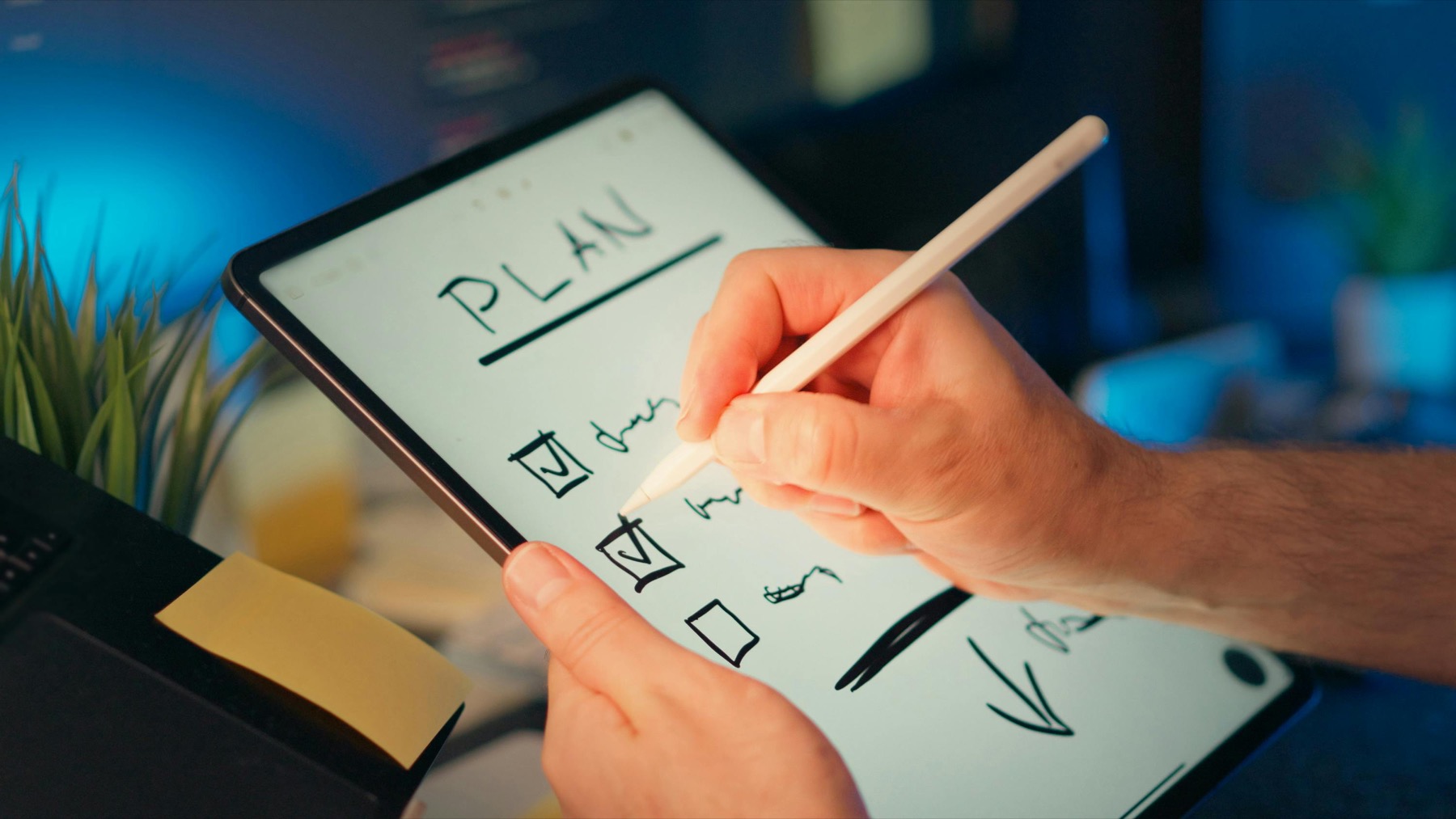
Photo by Jakub Zerdzicki on Pexels.
Beginner digital planning content works when it turns confusion into momentum, not when it overwhelms readers with every possible app, template, and setup trick at once.
Try the tool
Open the beginner walkthrough before buying anything
Use PlannerPier's guided beginner flow to understand digital planning, reduce setup confusion, and pick a clearer next step.
Open Digital Planning 101Why beginners need guidance more than options
When new users search for digital planning help, they are usually overwhelmed by choices: apps, planner types, stickers, covers, notebooks, hyperlinks, and setup advice. Too many options too early creates paralysis. That is why beginner-focused content is one of the best SEO levers in this category.
A tool like Digital Planning 101 matters because it gives beginners a structured first step instead of dropping them straight into product decisions.
What beginners actually need to learn first
They do not need advanced sticker workflows or a complicated productivity method. They need to know what a digital planner is, how to import a PDF, how tabs work, and how to build one realistic weekly routine they can repeat. Once that foundation exists, everything else becomes easier.
This is also where PlannerPier's free ecosystem works well together: the planner quiz narrows fit, the PDF checker reduces setup uncertainty, and the beginner guide explains the logic behind the workflow.
Product spotlight
A low-pressure planner for people starting digital planning
PlannerPier 2026 Free Modern Planner is a practical next step for beginners who want to move from learning the basics into a real planner they can test immediately.
- check_circleBeginner-friendly structure with useful page types
- check_circleStrong fit after using the Digital Planning 101 guide
- check_circleHelps new users start planning without a big purchase first
How the beginner guide supports conversion naturally
Good beginner education makes better customers. Someone who understands the basics is more likely to buy the right planner, keep using it, and trust the brand. That is why educational tools are not separate from commerce here. They improve it.
For users ready to move beyond the lesson stage, products like the 2026 Free Modern Planner or the Simple Undated Digital Planner are natural next steps because they keep the beginner-friendly feel while adding fuller structure.
Frequently asked questions
Who should use Digital Planning 101?
Beginners who are curious about digital planning but still unsure how planners, apps, and PDF workflows fit together will benefit most from it.
What should I do after a beginner digital planning guide?
Take the planner quiz, test a free tool, or start with a beginner-friendly planner so you move from learning into real use quickly.
Is a beginner guide better than buying a planner immediately?
For many people, yes. It reduces confusion first, which usually leads to a better product choice and a smoother first planning routine.
Start digital planning with less confusion and more momentum
PlannerPier helps beginners learn digital planning, choose the right tools, and move into planners that save time and feel easier to keep. Explore the ecosystem at https://www.plannerpier.com/.