Student Planner Tool for Class Schedules, Assignments, and Study Sessions on iPad
Use PlannerPier Student Planner to create class schedule and assignment tracker PDFs for college, school, GoodNotes, and printable study planning.
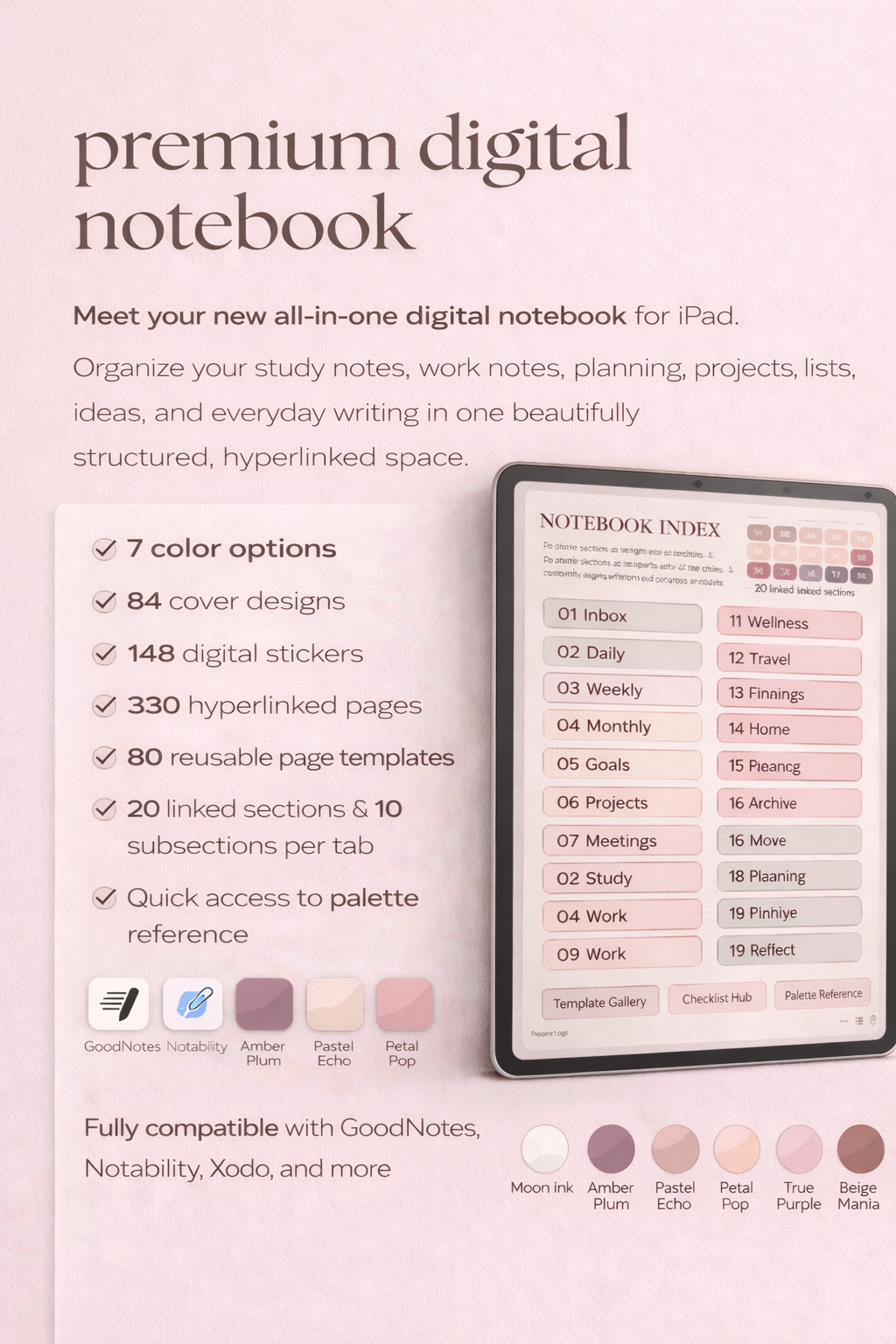
Photo by PlannerPier on PlannerPier.
Student planning works when classes, assignments, priorities, and study sessions live on one visible page instead of across a syllabus, calendar, and scattered notes.
Try the tool
Build a class schedule and assignment tracker
Generate a student planner PDF in the browser, then use it in GoodNotes, print it, or pair it with a digital notebook.
Open Student PlannerWhy students need more than a calendar
A calendar can show class times, but it does not hold the full student workload. Assignments, readings, exam prep, study sessions, group work, and admin tasks all compete for attention. That is why many students feel behind even when every class is technically scheduled.
The PlannerPier Student Planner solves a narrower and more useful problem. It creates a two-page PDF: one page for Mon-Fri class blocks and priorities, then one page for due dates, checkboxes, and study-session lines.
How the Student Planner matches search intent
Competitor pages often rank around student planner templates, assignment tracker printables, study schedule planners, and GoodNotes college planners. Those searches all point to the same need: students want an immediate planning surface that makes deadlines visible and study time easier to protect.
PlannerPier can compete by making the tool the first win. Instead of asking a student to buy a large planner immediately, the site lets them create one useful PDF, test it in their app, and then move into a fuller student workflow when the page starts helping.
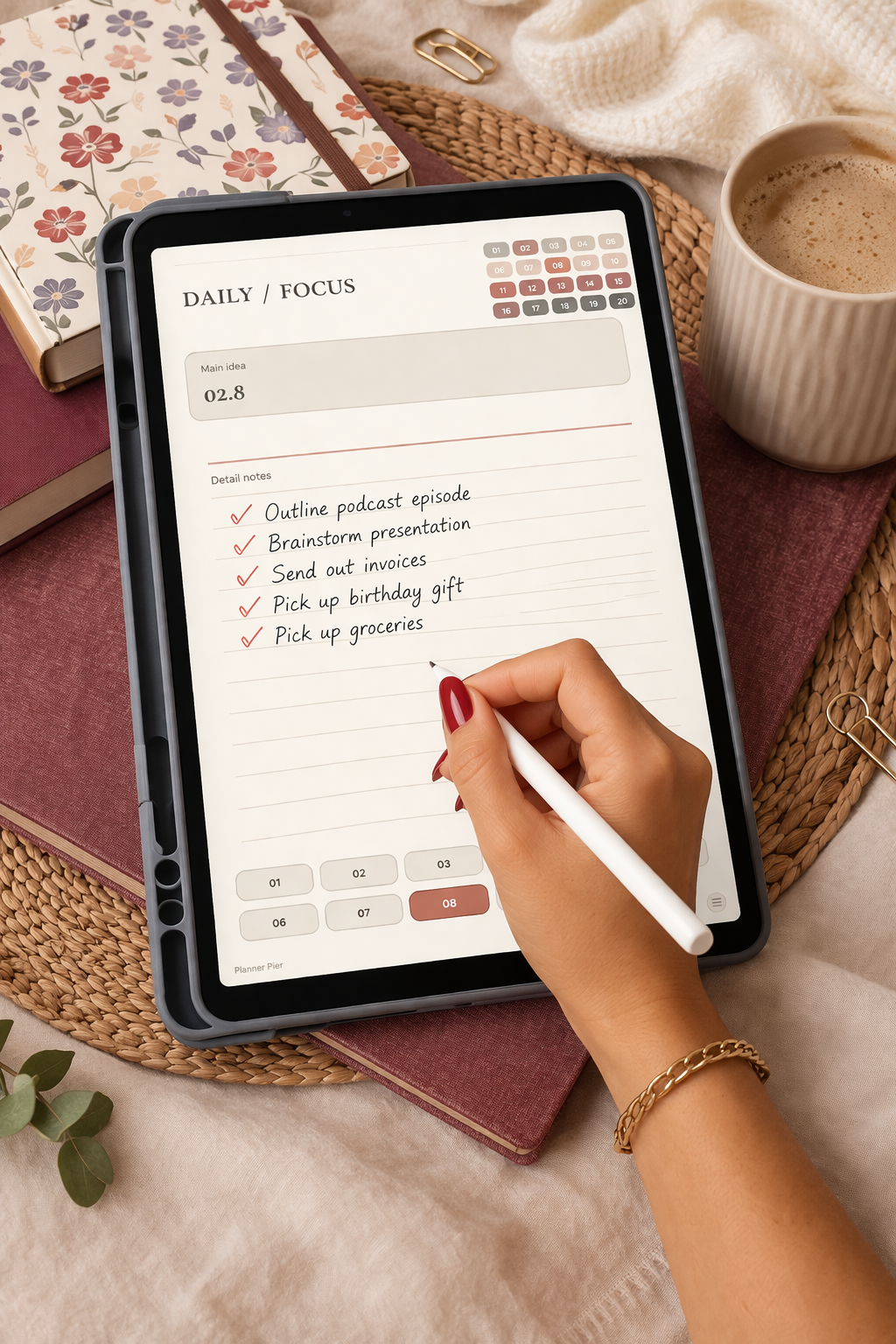
- arrow_right_altUse the first page for class blocks and weekly priorities.
- arrow_right_altUse the second page for assignment due dates and study-session planning.
- arrow_right_altPair the PDF with a digital notebook for lecture notes and project context.
Product spotlight
A digital notebook for the notes behind the study plan
PlannerPier Digital Notebook gives students a clearer place for lectures, readings, projects, and exam prep while the Student Planner PDF handles weekly execution.
- check_circleUseful for lecture notes, study pages, and project planning
- check_circlePairs naturally with class schedule and assignment tracker PDFs
- check_circleGood fit for GoodNotes and iPad study workflows
Why students should pair a planner with a notebook
A planner keeps deadlines visible. A notebook holds the thinking. If a student tries to put lecture notes, project notes, reading summaries, exam prep, and weekly planning all on the same pages, the system becomes crowded quickly.
The Digital Notebook for iPad and GoodNotes is the clearest upgrade after the student tool because it gives students a dedicated place for notes while the planner stays focused on classes, deadlines, and study actions.
A simple weekly routine for the Student Planner PDF
At the start of the week, fill class blocks first. Then add due dates, reading deadlines, and exam prep. After that, schedule study sessions before the week fills with smaller tasks. This order matters because study time often disappears when it is treated as leftover space.
On Friday, review what moved, what got completed, and what needs to carry into the next week. That small review is what turns the PDF from a static page into a real academic planning habit.
Frequently asked questions
What does PlannerPier Student Planner create?
It creates a two-page PDF with class schedule blocks, weekly priorities, due dates, checkboxes, and study-session planning lines.
Is the student planner useful for GoodNotes?
Yes. The PDF can be imported into GoodNotes or another PDF annotation app, which makes it useful for iPad study planning.
What PlannerPier product fits students after the free tool?
The Digital Notebook for iPad and GoodNotes is a strong next step because students usually need structured note space beside their planning pages.
Turn the semester into a page you can actually read
PlannerPier helps students organize class schedules, assignments, notes, and study sessions with tools built for iPad planning. Explore the system at https://www.plannerpier.com/.