Best Digital Planner for Goodnotes: What to Look for Before You Buy
Find the best digital planner for Goodnotes by comparing hyperlinks, page structure, layout clarity, sticker support, and beginner-friendly workflow details.
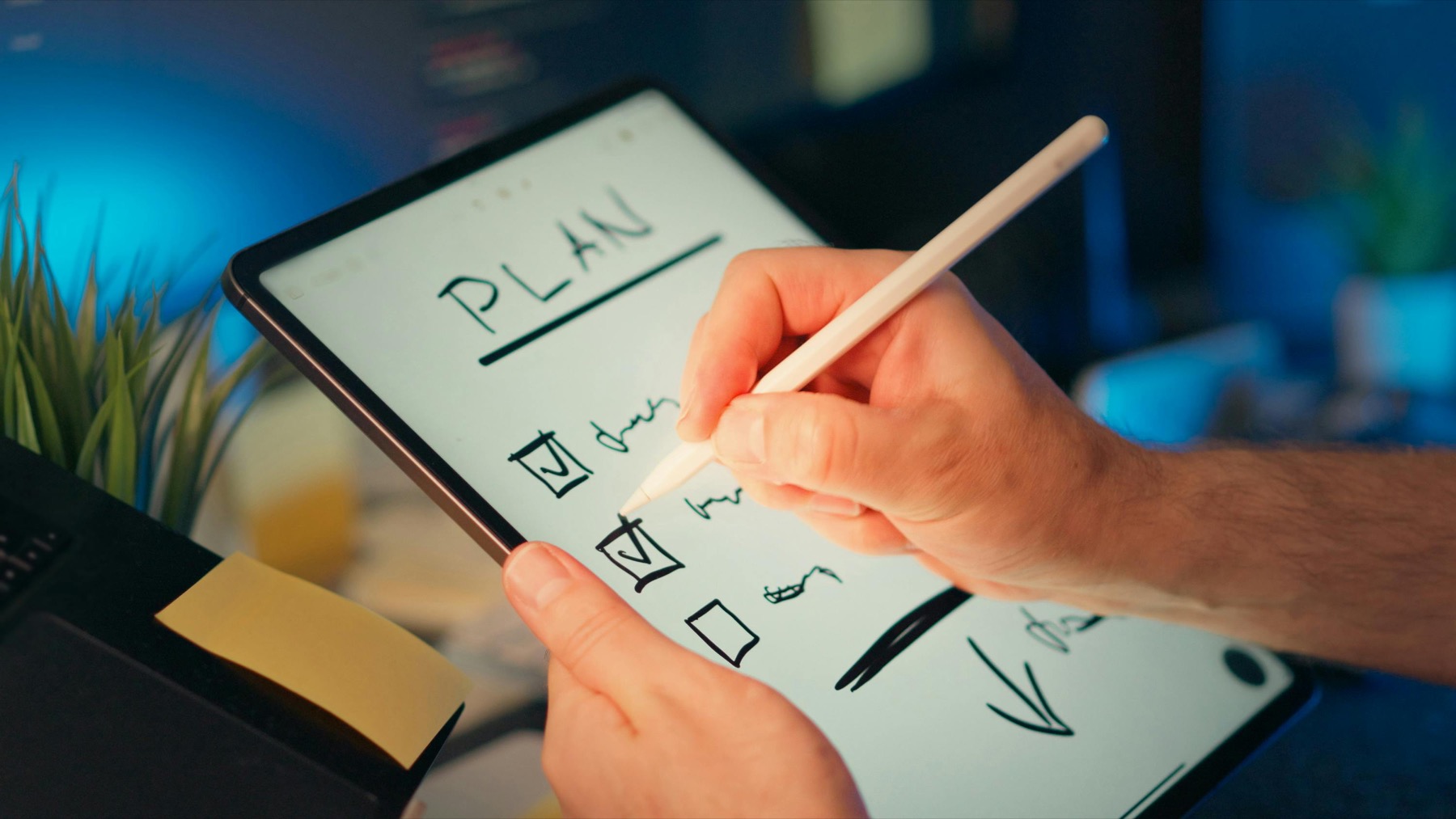
Photo by Jakub Zerdzicki on Pexels.
The best digital planner for Goodnotes is not the one with the most pages. It is the one that helps you find the right page fast and stay consistent after the first week.
Why Goodnotes users need a planner built for navigation first
Goodnotes makes digital planning feel natural because writing with Apple Pencil is fast, PDF import is straightforward, and hyperlinked tabs can replace the slow flipping you get with paper. But that only works when the planner itself is built around navigation. If tabs are hard to read, sections are too crowded, or page logic is inconsistent, even a beautiful planner becomes annoying to use by the second week.
That is why shoppers looking for the best digital planner for Goodnotes should start with structure instead of aesthetics. Ask how quickly you can jump from a monthly calendar to a weekly spread, from a weekly spread to notes, and from a goals page back to your dashboard. A planner that saves those tiny moments of effort becomes much easier to keep open during a real working week.
The features that matter most in a Goodnotes planner
A strong Goodnotes digital planner usually includes fully hyperlinked navigation, a clear yearly dashboard, monthly pages, weekly spreads, daily planning options, and room for notes or trackers. Those are the foundations. Extras like sticker books, covers, and decorative inserts can be fun, but they should not distract from the core reason people buy a planner: to reduce mental clutter and make decisions faster.
It also helps when the layout respects how Goodnotes users actually work. People search for handwritten tasks, duplicate reusable pages, and keep supporting notes close to their planner. When the planner has obvious sections and enough breathing room, Goodnotes feels like a flexible planning studio instead of a crowded filing cabinet.
- arrow_right_altLook for fully hyperlinked tabs that work smoothly across the planner.
- arrow_right_altChoose layouts with readable typography and enough white space for handwriting.
- arrow_right_altCheck whether the planner includes weekly, daily, notes, and tracker pages you will realistically use.
- arrow_right_altPrefer planners that feel useful with or without stickers and heavy customization.
Product spotlight
A Goodnotes planner with personality and structure
The PlannerPier 2026 Kawaii Digital Planner gives Goodnotes users hyperlinked navigation, themed monthly sections, bonus covers, and practical planning pages in one organized file.
- check_circle533 pages with dated monthly, weekly, and daily planning support
- check_circleMonday and Sunday start versions included
- check_circleBuilt for Goodnotes, Notability, and other PDF annotation apps
How to choose the right layout for your routine
The best digital planner for Goodnotes depends on what your week actually looks like. If you manage work, family, and deadlines at once, a planner with strong weekly pages and quick daily check-ins often works better than a large journal-style layout. If you need help reducing overwhelm, you may need a simpler visual system with fewer decorative elements and stronger prompts.
This is where product fit matters more than trend fit. An ADHD-friendly planner, a budget planner, or a wellness-focused tracker can outperform a generic all-in-one design because it solves a more specific problem. Buyers often assume more pages means more value, but in practice the better purchase is the planner that supports the few decisions you repeat every single week.
Where PlannerPier fits into the Goodnotes workflow
PlannerPier digital planners are designed around low-friction use inside Goodnotes. That means practical page flow, soft but readable styling, and layouts that do not force you to relearn the planner every time you open it. Instead of stuffing every idea into one file, the collection focuses on purposeful structure: annual overviews, weekly planning, daily support, notes, and topic-specific tracking when it genuinely adds value.
If you want a Goodnotes planner that feels supportive instead of noisy, the PlannerPier collection is a strong place to start. Products like the 2026 Kawaii Digital Planner combine hyperlinked navigation with personality, while specialized planners like the ADHD Digital Planner add extra support for routines, reflection, and follow-through. You can browse the full collection at PlannerPier shop and compare what best matches your workflow.
A simple buying checklist before you commit
Before buying any Goodnotes planner, pause and imagine your first seven days using it. Will you know where to write your top priorities? Can you quickly find next week? Is there room for notes, plans, and habit tracking without making the screen feel crowded? A good planner makes those answers obvious before you ever customize a cover.
This small checklist saves money and frustration. Digital planners are easy to collect and surprisingly easy to abandon. The right one should help you start planning within minutes, not after a long setup spiral. That is a better buying standard than simply choosing the prettiest marketplace thumbnail.
Frequently asked questions
What is the best digital planner for Goodnotes beginners?
A beginner usually does best with a hyperlinked planner that has a clear dashboard, monthly and weekly pages, low visual clutter, and easy navigation.
Do all digital planners work in Goodnotes?
Most PDF-based planners can be imported into Goodnotes, but the quality of hyperlinks, page flow, and layout clarity varies a lot between products.
Should I buy a themed planner or a minimalist planner for Goodnotes?
Choose the style that you will keep opening, but make sure the structure is practical first. A planner should support your workflow before it decorates it.
Find a Goodnotes planner you will still love in week three
Explore PlannerPier digital planners for layouts that save time, reduce visual clutter, and make weekly planning feel easier to keep.